Question
Keyframes are not automatically smooth when I create new composition
Hello,
I suppose it is not possible for me to watch tutorials without something being wromg with my After Effects
: (
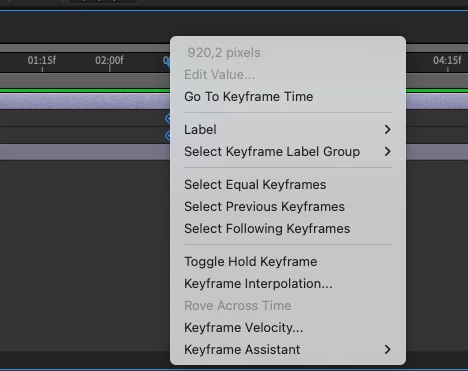
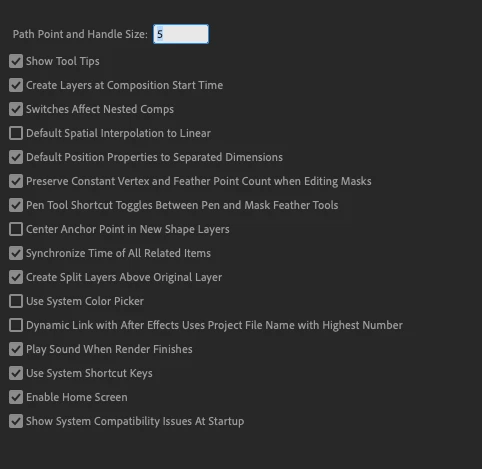
For some reason, when I create a new project and try to make a path in the timeline, the keyframes are not smooth, however, smoothing works perfectly fine if I open one of the Adobe Tutorial projects. I have tried to search for a solution. I don't have Special Interpolation to linear checked and I cannot use Rove Across Time.
I am not sure what else I can do, so I need an adivice! 
 AdChoices