
TheYates
Known Participant
June 18, 2021
Question

Keyframes at in points

  • June 18, 2021
  • 1 reply
  • 354 views

Hello…
I have a text layer I want to animate with just two keyframes. I have saved the animation as an effect/preset. I have split the text layer into a number of text layers and selected all the double clicked on the animation effect/preset from the EFFECTS & PRESET panel and all the keyframes are not on the In Point of the layers rather the Current Time Indicator.
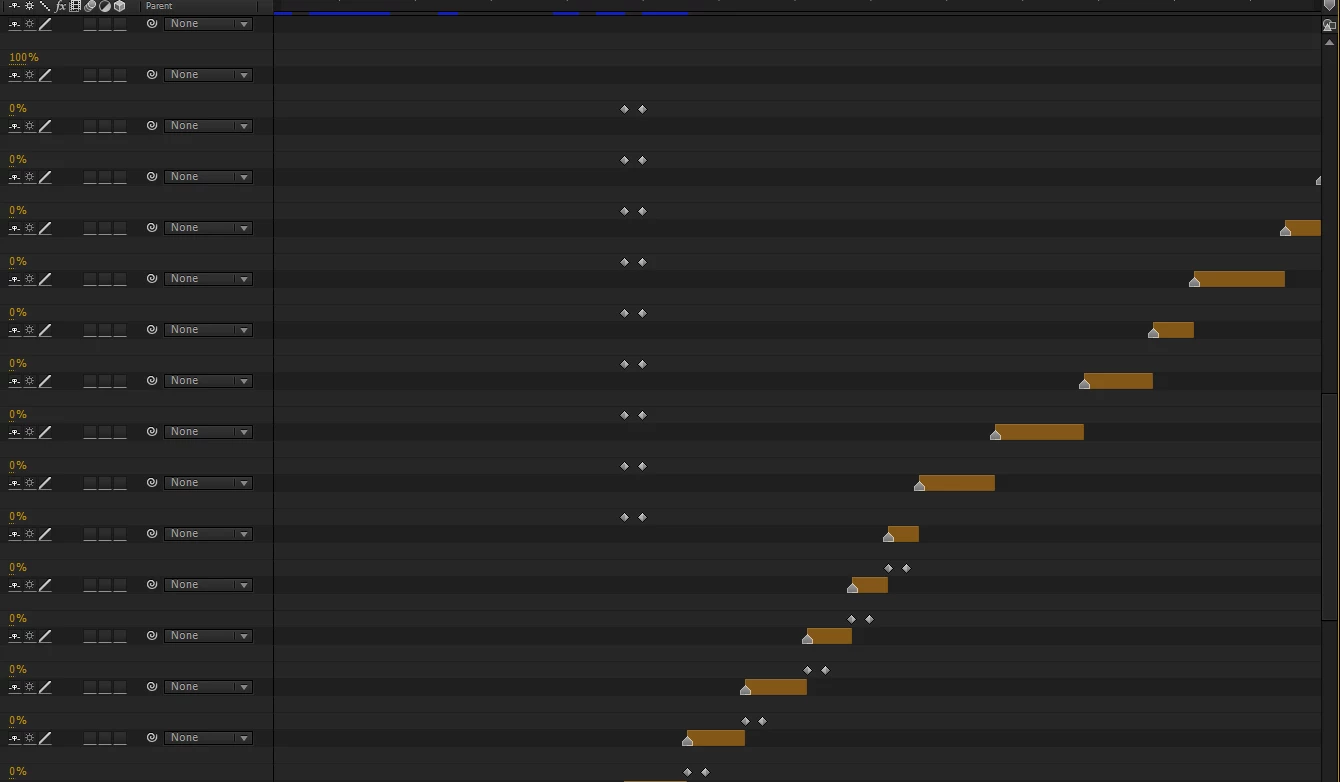
 

What do I do so that the keyframes of the effect/preset apply right under the the layer (in point)?
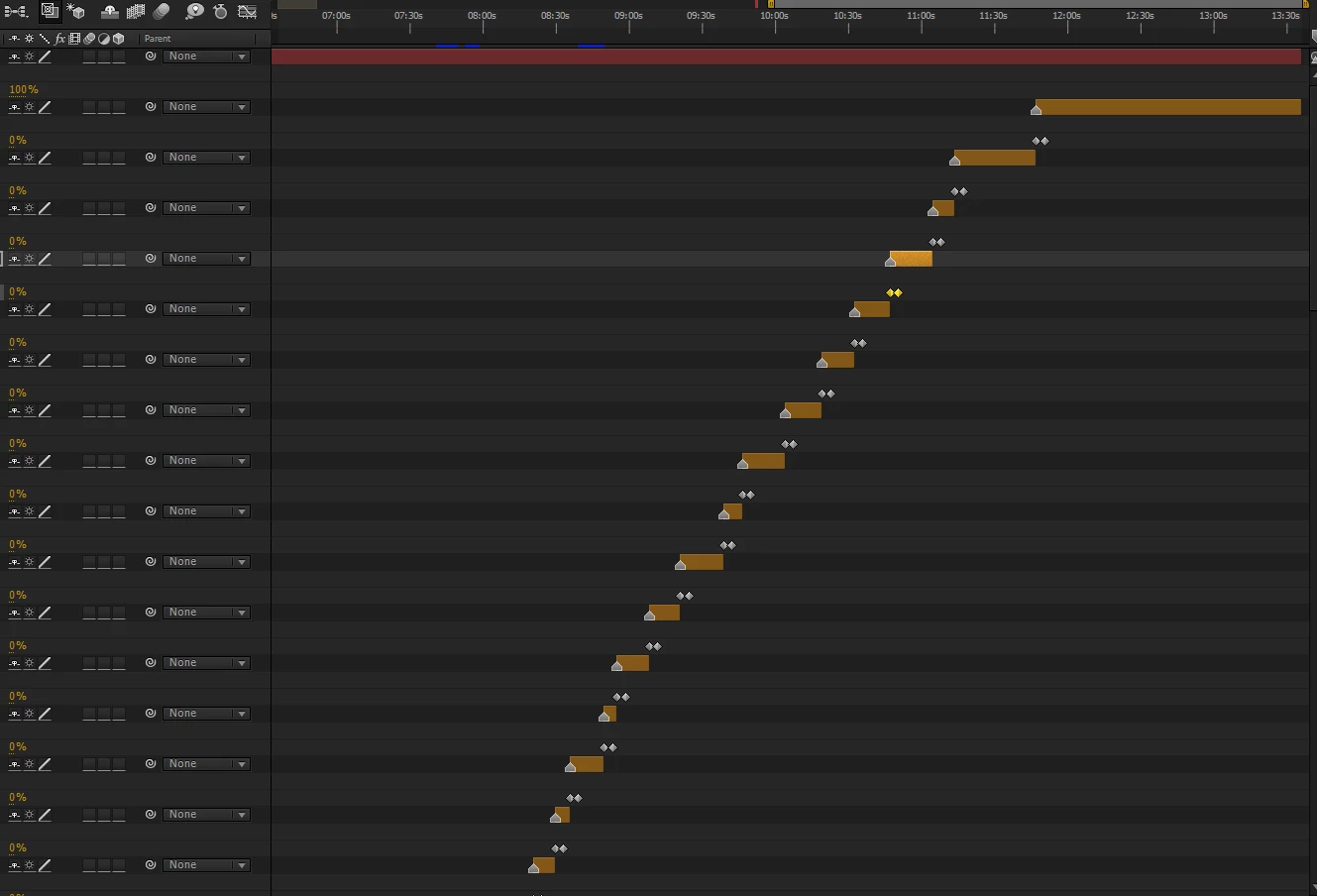
Thanks,
Henri

This topic has been closed for replies.

1 reply

Community Expert
June 18, 2021

I would select all the layers by clicking on the bottom layer then shift-click the top one, press "[" to align all the layers to the current time indicator, apply the preset, then right-click and choose Keyframe assistant > sequence layers and press ok.

TheYates
TheYatesAuthor
Known Participant
June 18, 2021

Thanks for your idea...but will they layer get to their original position after "sequence layer" because they are actually more or less synced?

Community Expert
June 18, 2021

Sequence layers will sequence the layers perfectly one after another