
Participant
August 17, 2022
Question

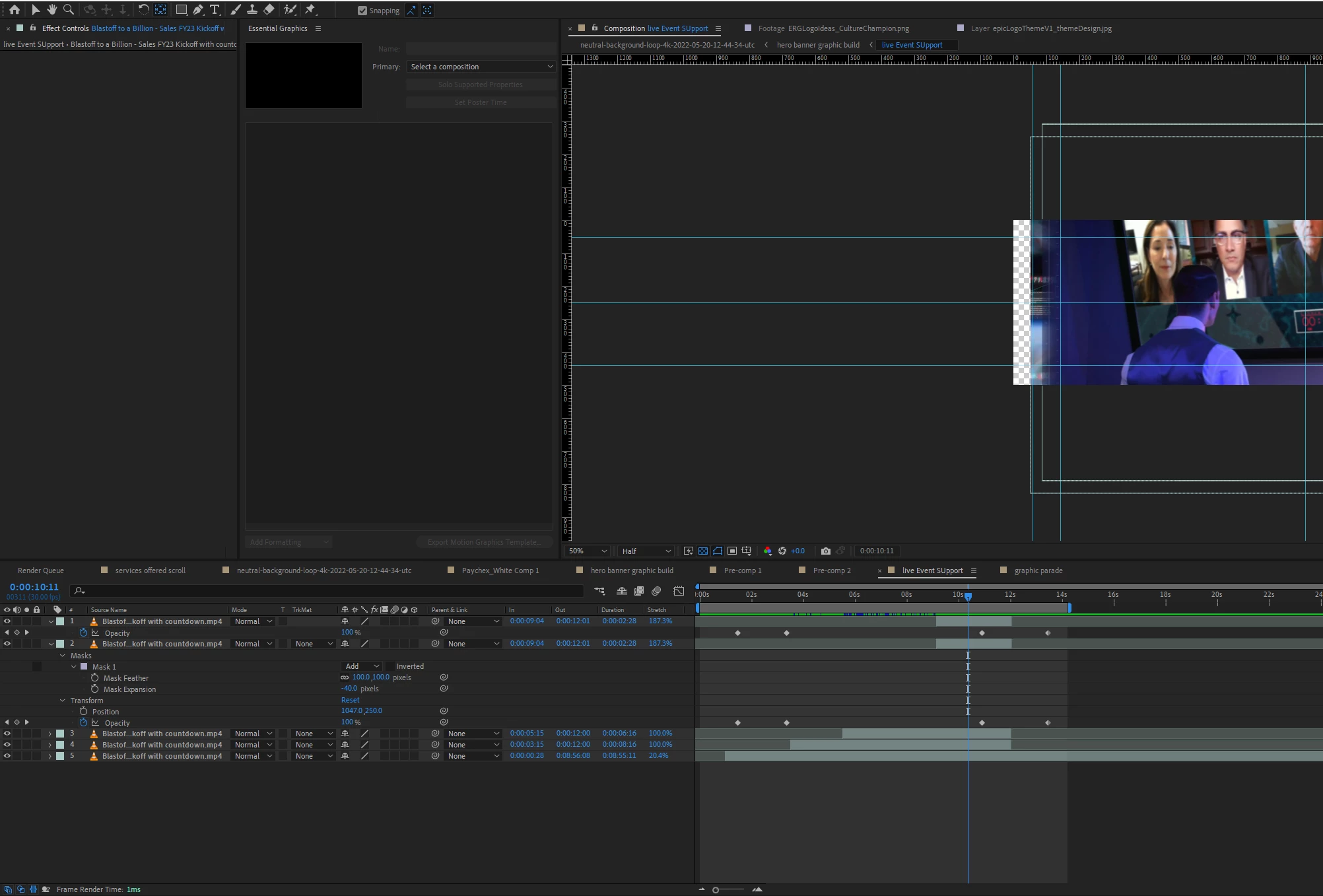
Keyframes locked after using Pan Tool "Y" hotkey

  • August 17, 2022
  • 1 reply
  • 170 views

Simple issue with hopefully a simple solution.

I used the "Y" Hotkey to activate the Pan Tool and scrub through a video in my AE timeline.
Hit "V" Select tool Hotkey and the keyframes under the video i just Pan Tooled no longer accept edits to their position in time. if i double click i can change the value. and via F9 i can change their keyframe type.

but i cant move them around.

I would ask that adobe make keyframes operate in their absolute most basic form first. to much "help" seems to be built into these little buggers.
This topic has been closed for replies.

1 reply

Inspiring
August 30, 2022

This sounds like a bug because I'm able to do what you're describing. But just for clarification, here's what I did:


1) Bring a video into the timeline and trim it

2) Add some keyframes

3) Use the Slip tool (KB Shortcut "Y") to slip the video in time while retaining the in/out points

4) Switch to the Select tool

5) Select keys and move them


Is this correct? If so, I was able to move my keys with no issue. What version of AE are you on (the exact version not just the year)? If there's an update, give that a try. If you have the public beta installed, see if it works there. You can also try clearing your AE prefs to see if this helps. If you're not familiar how, here's a support article with instructions: https://helpx.adobe.com/after-effects/using/preferences.html