


Participant
April 18, 2025
Question

Layers are blurry after importing from Adobe Illustrator

  • April 18, 2025
  • 1 reply
  • 78 views

Layers are blurry and I have been struck for the whole day. Need help:
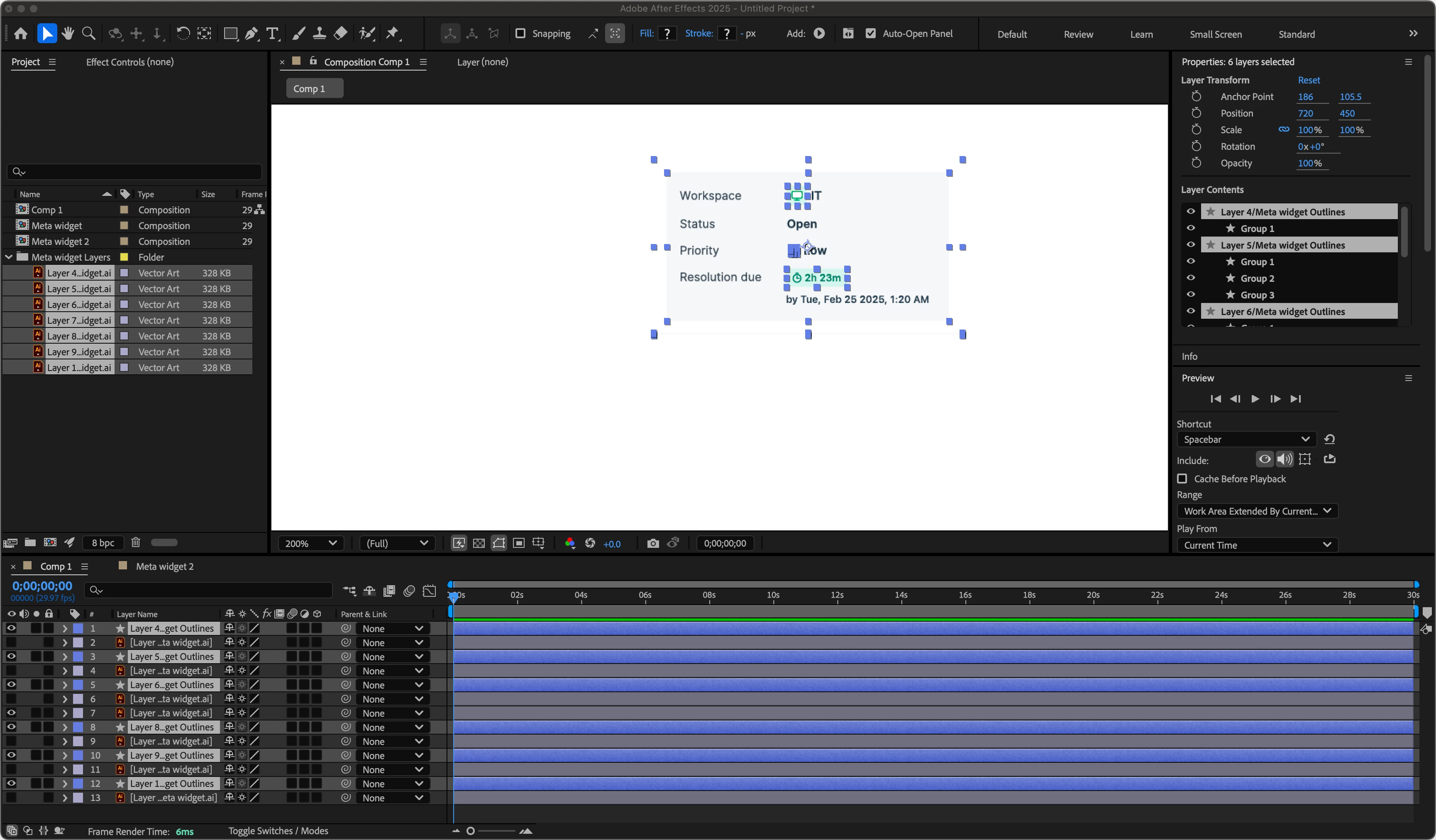


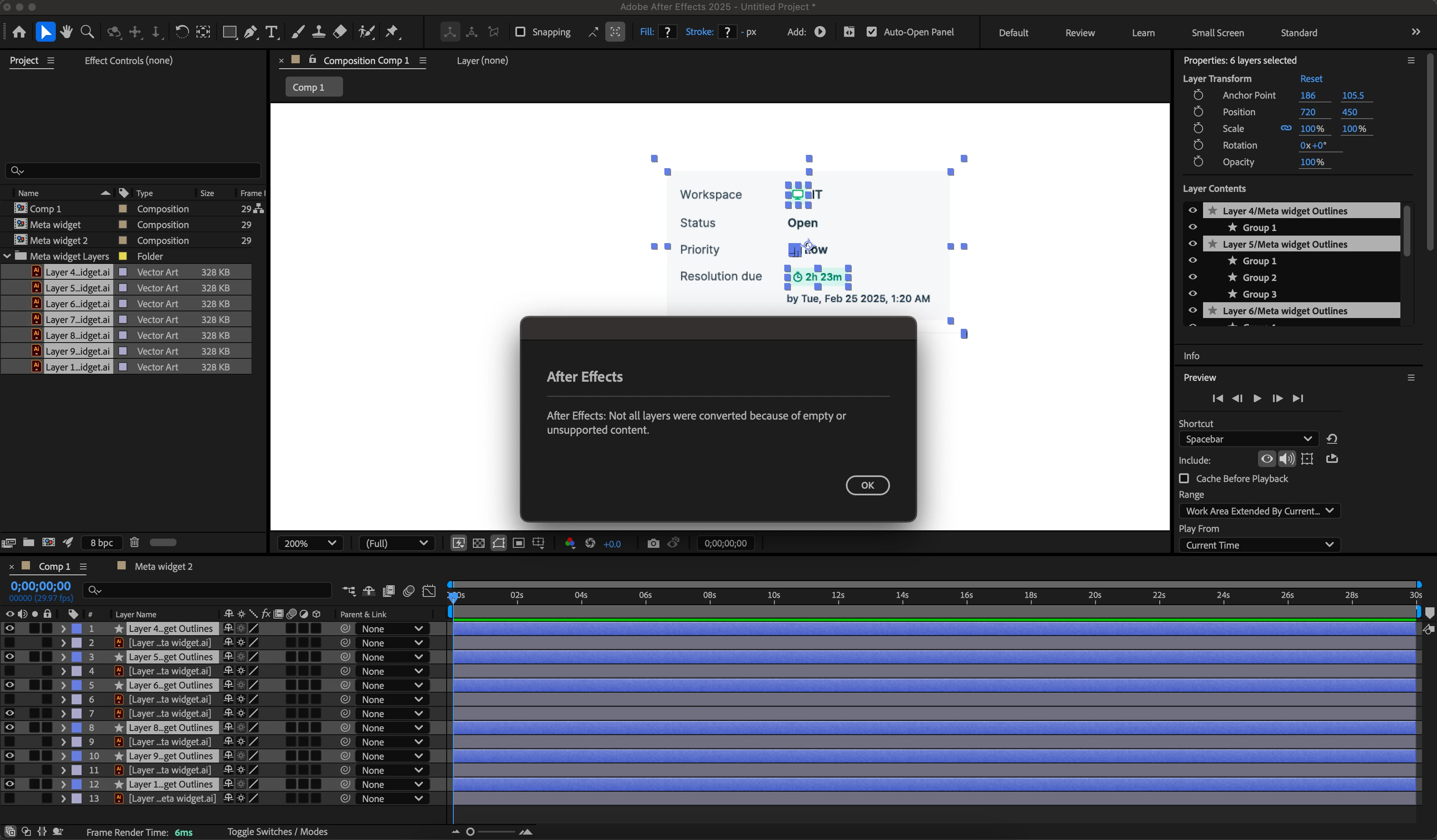
I have tried everything I could and it's not helping. Also when I try to create shapes from Illustrator layers, getting the following error:
 

1 reply

nishu_kush
Legend
April 18, 2025

Thanks for writing in, abu_haris.


Artwork looks pixelated because you're viewing it at 200% zoom. Go to 100% zoom level to preview the artwork at its original resolution. If the artwork is small, you can scale it up with the Continuous Rasterization enabled.

Hope it helps.


Thanks,
Nishu