
smnoelke
Participating Frequently
December 3, 2021
Question

Layers in the middle of the frame???

  • December 3, 2021
  • 2 replies
  • 156 views

Hey,

I'm trying to animate an Illustrator file and the layers are supposed to start at the edge of the frame, but they're all getting dropped in the middle. 
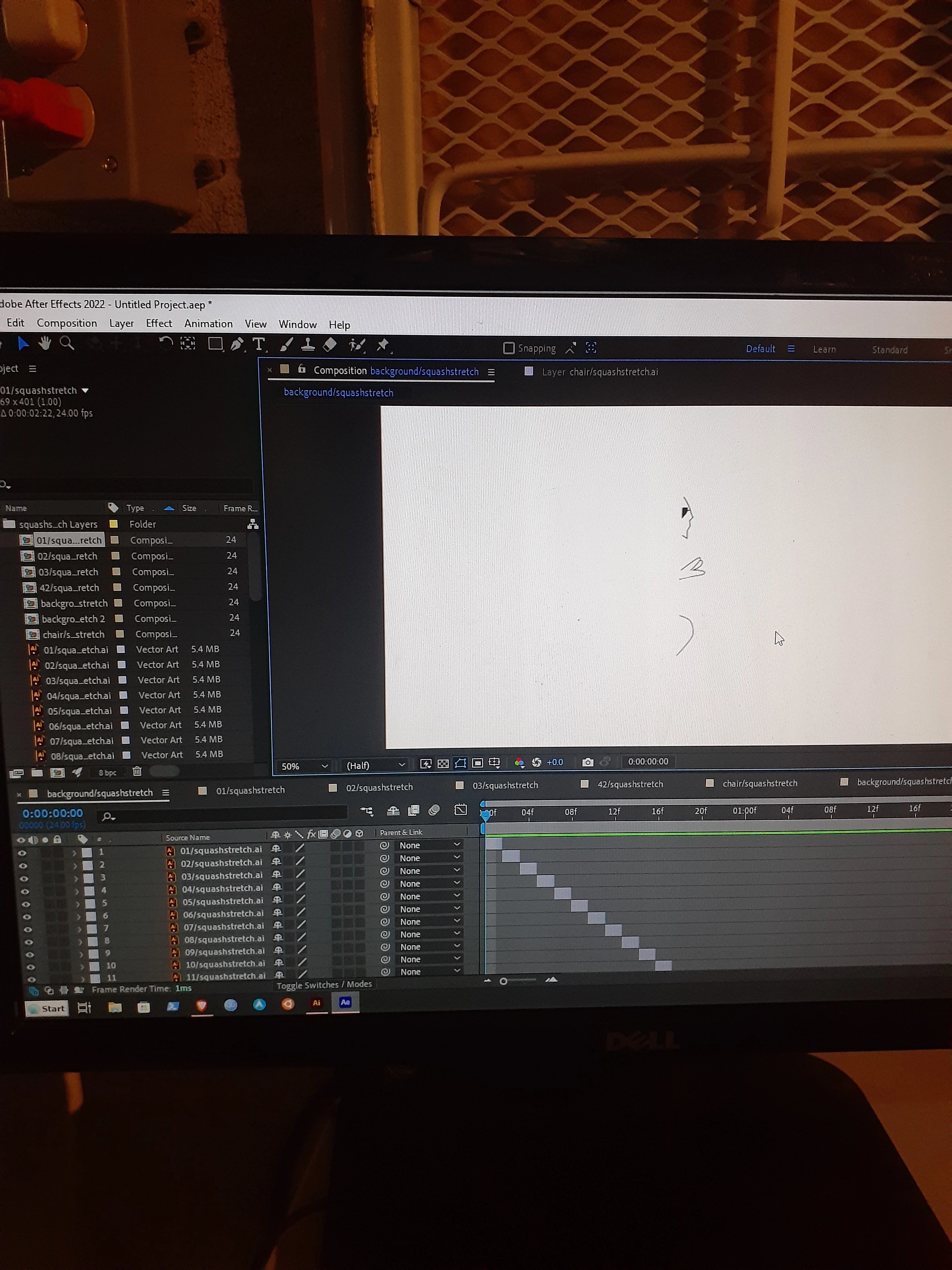
What's going on? (sorry about the picture loading in sideways, i took it in portrait mode and it's still doing that)


This topic has been closed for replies.

2 replies

Andrew Yoole
Inspiring
December 4, 2021

Agree with Mylenium, hard to decipher what's wrong here from your screenshot, you've not show us the boundaries of the layer.


Most likely is that your artwork falls out of the artboard space in Illustrator, and you've then imported to AE as a composition without choosing "Retain Layer Size".  Try reimporting the AI file to AE, but select 

Mylenium
Legend
December 4, 2021

At the very least you could have selected a layer so we can see what its boundariess and layer anchor point are. Likewise, we would need soem info on how it's set up in AI in terms of artborad origin or possibly other things and what your import options were. Not ruling out AE being wrong, but it's more likely that you did not set up your AI file correctly or imported it using the wrong settings like layer size vs. comp size. At the very least check that part. Anything else wilol require more information as stated.


Mylenium