Participant
May 25, 2022
Question

Layers not showing in preview composition panel

  • May 25, 2022
  • 1 reply
  • 89 views

Hello there

I am devasted and I don't know what else to do:

I'v checked the problem with two computer and one of them is for 3dsmax rendering! I imported png files, I draged them to layer panel and it was okay. But today I can't. I import png files, drag to layer panel but nothing shows on preview. 
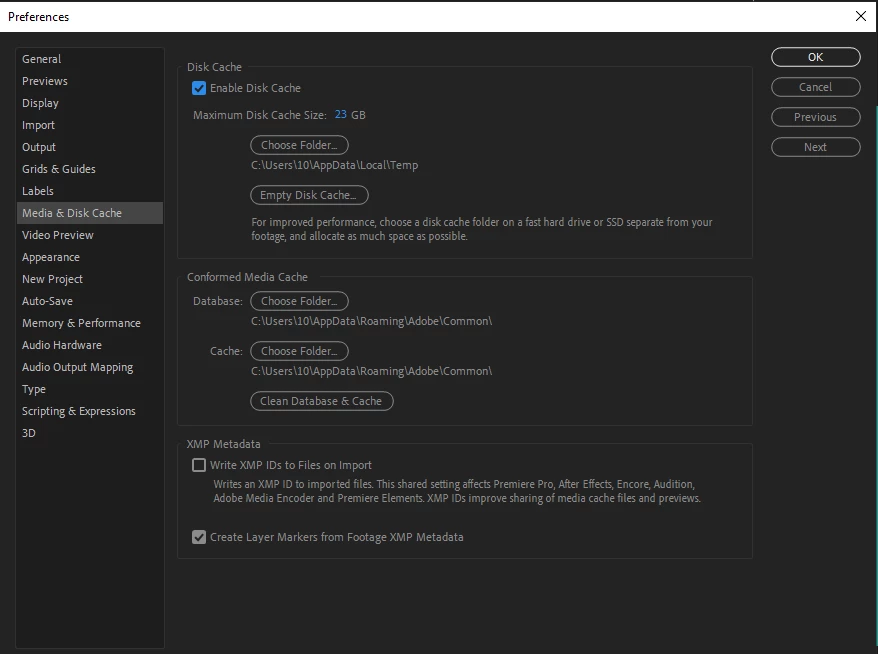
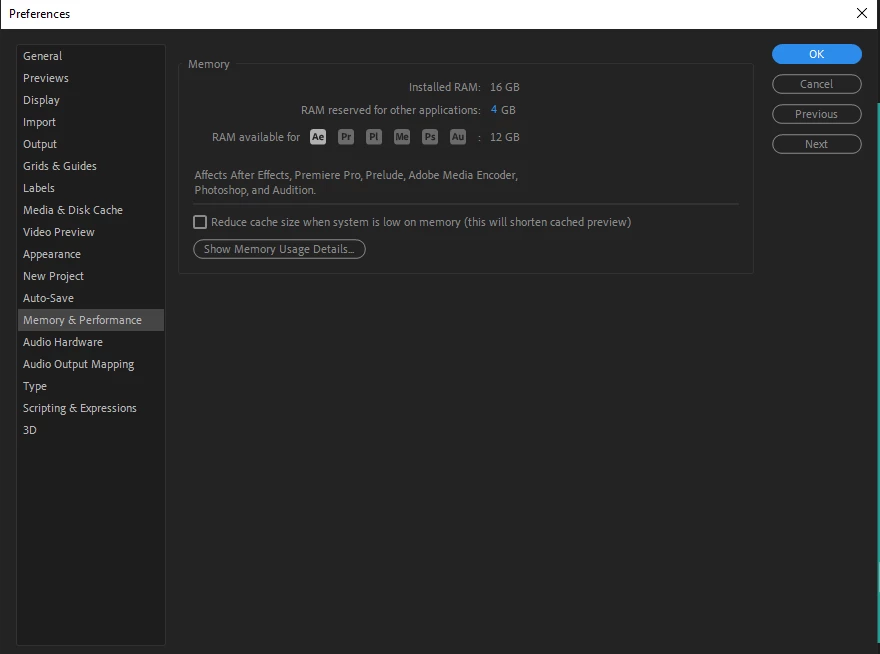
12GB ram (from 16) for after effect, no other program open, deleted all catches in all ways ( purge, temp folder (windows)) . Reastart computer, change the system, doing all process again and again anything! 
Please help me! I don't know what else do to .
(After effect 2020)


This topic has been closed for replies.

1 reply

nishu_kush
Community Manager
Community Manager
May 25, 2022

Hi Shabnam,


Sorry for your issue.

What are your system specifications (CPU, GPU, RAM, OS version)? What do you see on the Composition panel? Is it completely black? Are you able to use the buttons at the bottom of the Composition panel? Are they active? Also, does it happen in a new project with solid layers?

Here's what you can try -

  1. Reset the After Effects preferences: https://community.adobe.com/t5/after-effects-discussions/faq-how-to-reset-trash-preferences-in-after-effects/td-p/10634342 
  2. Update the GPU driver.

Let us know, we're here to help.


Thanks,

Nishu