Since I cannot edit my previous message i'll add details here.
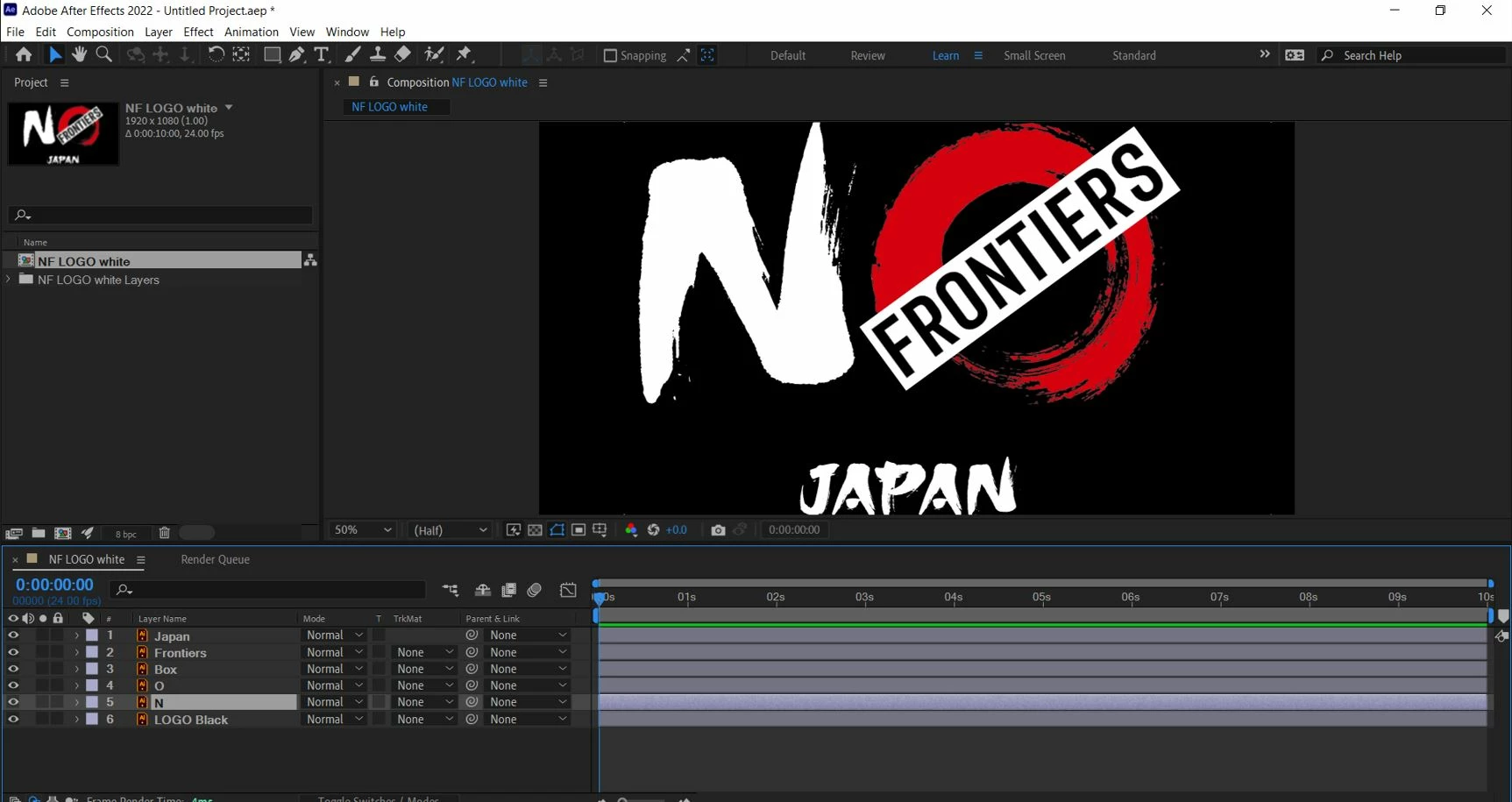
It seems as though I cannot create shapes from Font layers, as well as the imported PNG.
As far as I understand based on Adobe's Illustrator tutorials, "any illustrator layer can be converted into a shape layer". So even though my 4 layers are all .ai files, only 1 of them is considered a "true" illustrator layer. I'm pretty confused by this. Trying to find the work around is somebody runs into the same problem as me.
I don't know where the idea came from that you should convert vector layers (Illustrator files) to shape layers. Converting a vector layer to a shape layer is a bad idea unless you are going to do one of these things:
- Animate the vector path
- Use a shape layer animator like Trim Paths or Repeater
- Extrude the layer using the C4D rendering option for 3D. shape layers
- Create a 3D comp that you plan to export as a C4D file
- You want to use a path to a motion path (and that gets very complicated very quickly)
- You want to write an expression that refers to sourceRectAtTime() to find the center of the layer's contents
When you convert Vectors to Shapes, render time and preview time increase. Raster effects such as Drop Shadow and Gradients are not supported. Brush strokes are converted to closed and filled paths. Shape blends, masks, and most effects are not supported. You lose almost everything except simple color fills and lines with only a stroke applied. There is no advantage.
When preparing an Illustrator file for After Effects, you should follow these rules:
The Document Settings should be set to use Pixels or points instead of inches or cm. The Artboard size should be the same dimensions as the Comp size - 1920 X 1080 points or pixels for HD. Every element that you want to animate must be on a separate layer. Any path you wish to use as a motion path should be on a separate layer, and a Rectangle the same size as the comp frame size must be centered on the artboard and below the paths intended you intend to convert to a Shape layer to be used as motion paths. All Layers should be appropriately named. If you use 1-point strokes in your design, it is essential to turn on pixel preview and magnify the artboard to 400% or more to ensure the lines are lined up with the pixel grid. Having Snap to Pixel turned on is always a good idea.
I probably missed a few things. Almost every post I see on the forums that want help with Illustrator files would not have been written if the files were prepared correctly.


 AdChoices