S_ A
Inspiring
December 23, 2023
Answered

Layes not showing after copy pasteing in a new comp

Hi,


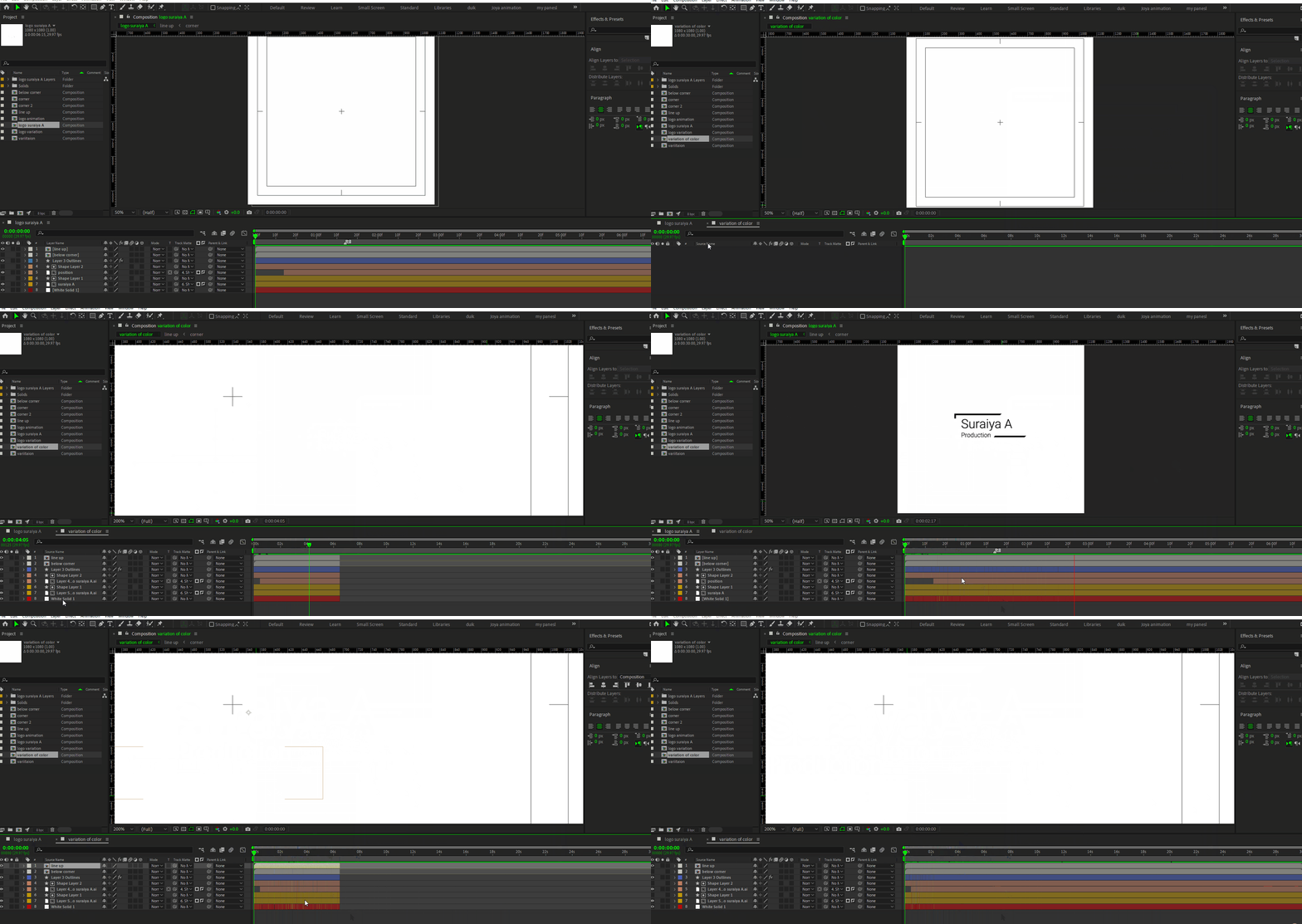
I am trying to animate a logo. Evrything was perfect.  I wanted to creat some variations of color so I copied  all of the layers from main com to another comp, but when I do that one of the layers becomes invisible, I  dnt understand why is this happening.


Please help me :'( 
 

This topic is closed to new replies. Start a new post to keep the conversation going.
Airweb_AECorrect answer
Legend
December 23, 2023

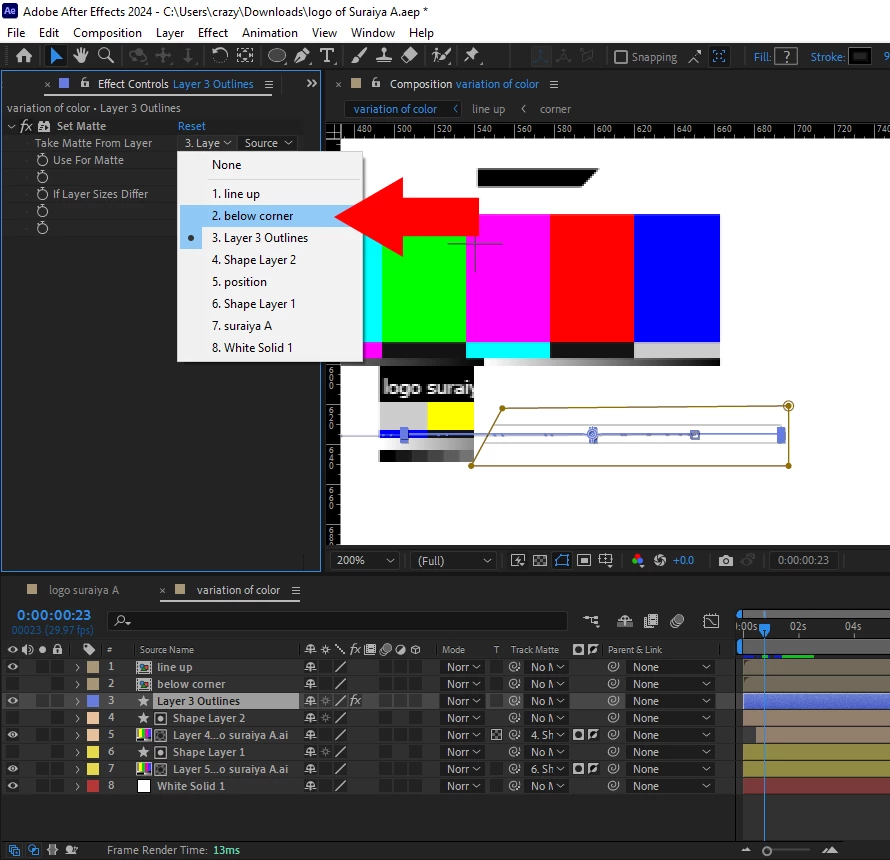
Look At Set Matte effect the take matte from layer has changed.


To duplicate a composition correctly, select your composition in your project panel and then duplicate it

3 replies

S_ A
S_ AAuthor
Inspiring
December 23, 2023

the AE file.


I am so sad I dnt udnerstand  what's wrong with new comp.

Translate
Airweb_AECorrect answer
Legend
December 23, 2023

Look At Set Matte effect the take matte from layer has changed.


To duplicate a composition correctly, select your composition in your project panel and then duplicate it

Translate
S_ A
S_ AAuthor
Inspiring
December 23, 2023

😮 😮  thank you so much!!!!


I was preparing  myself to cry. I was so upset.

Translate