


Question
Linking After Effects & Premiere Pro comps, saturation levels don't match
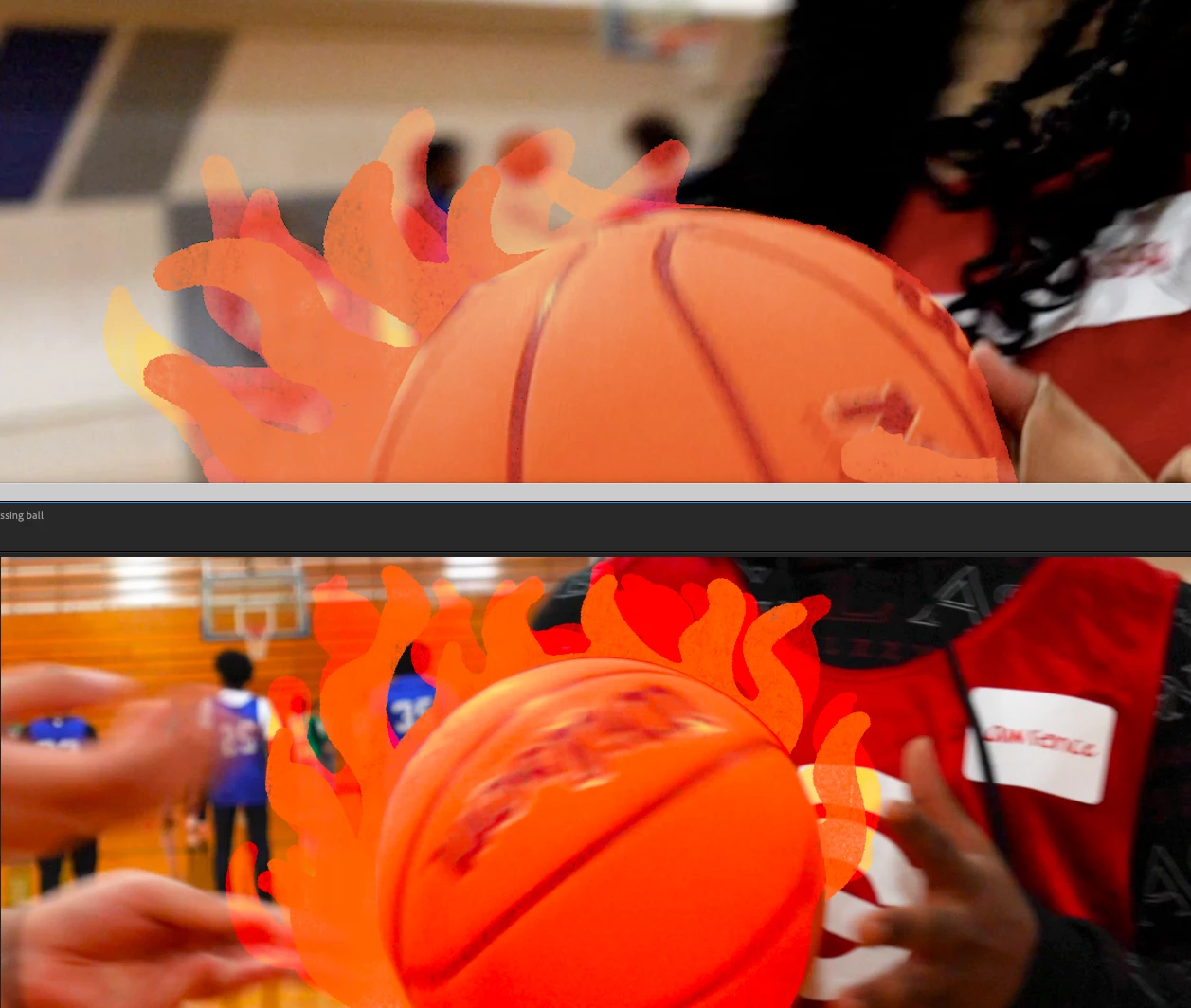
I am working on a video in Premiere and linking out comps to add effects in After Effects but everything looks more saturated when I'm working in After Effects. It exports from both Ae & Pr with the desaturated look but the preview is messing with my head. Any suggestions to make my preview monitor in Ae more accurate as I am editing? See screenshot with the difference. The top image is the "accurate" one (although I was starting to like the super saturated one as I was editing and was thrown off when it exported so different). Thanks!
 AdChoices