Question
Linking keyframe curves on several layers
How would you in the most efficient way possible approach having several layers that you want to be able to change the keyframe curve of?
One example
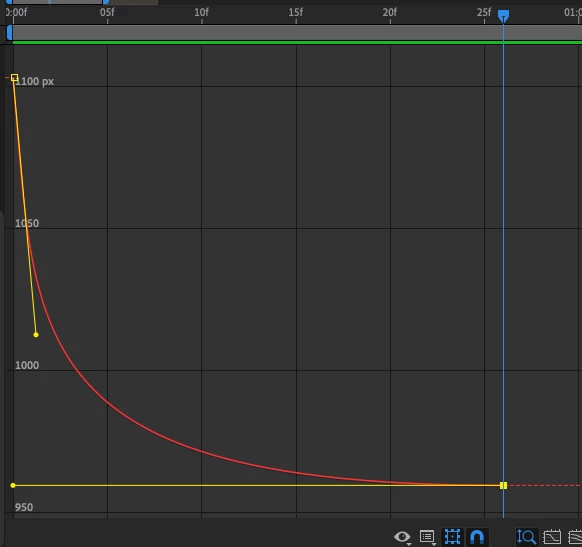
I have this curve which I am fine with at this point, but I might want to change it later:
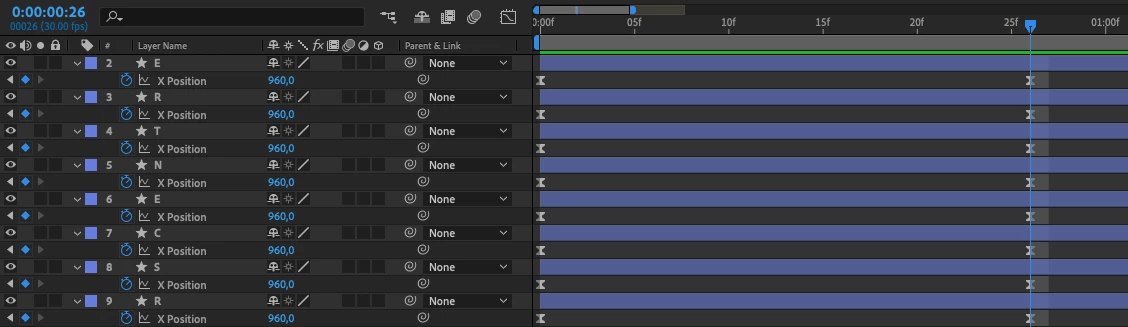
If the following was the setup, it would be easy. I would copy one which i did the change on, and paste on the others.
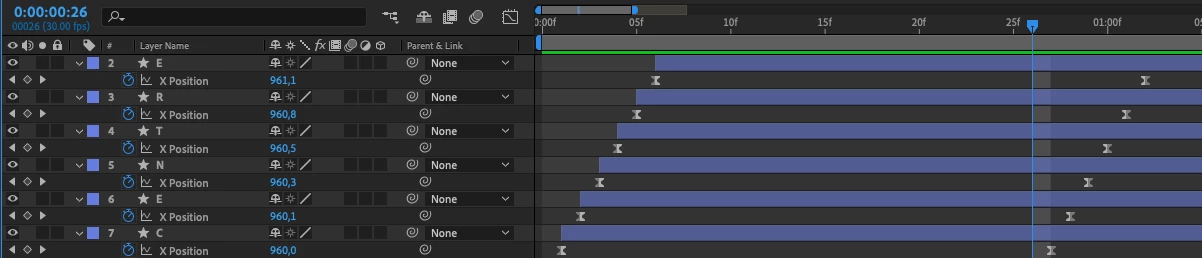
But let’s say I have a slightly more complex setup with the layers skewed a bit down the timeline. If I would have 30 layers, it will be far too big a job to copy and paste to each individual one, just to test if this was a better curve.
Is there an integrated and simple way to link these layers to a controlling layer, so that you can fine tune the curve over and over again?
 AdChoices