
Answered
Liquid background
Anybody know how I can recreate this type of liquid background/overlay?
https://www.youtube.com/watch?v=-S-MyvtAPHo&feature=youtu.be&ab_channel=m00n
Anybody know how I can recreate this type of liquid background/overlay?
https://www.youtube.com/watch?v=-S-MyvtAPHo&feature=youtu.be&ab_channel=m00n
Start with a solid and some masks or a shape layer:
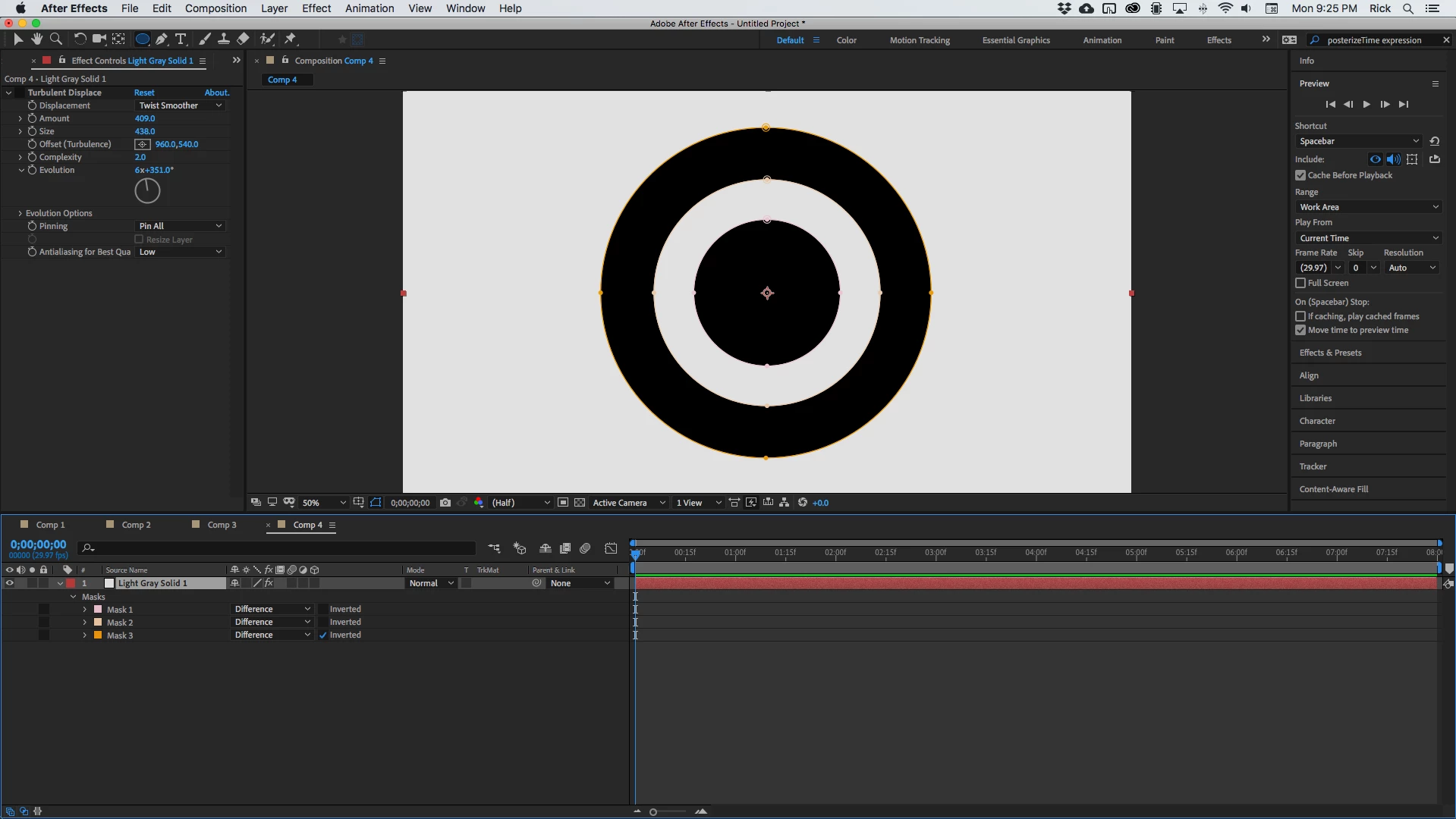
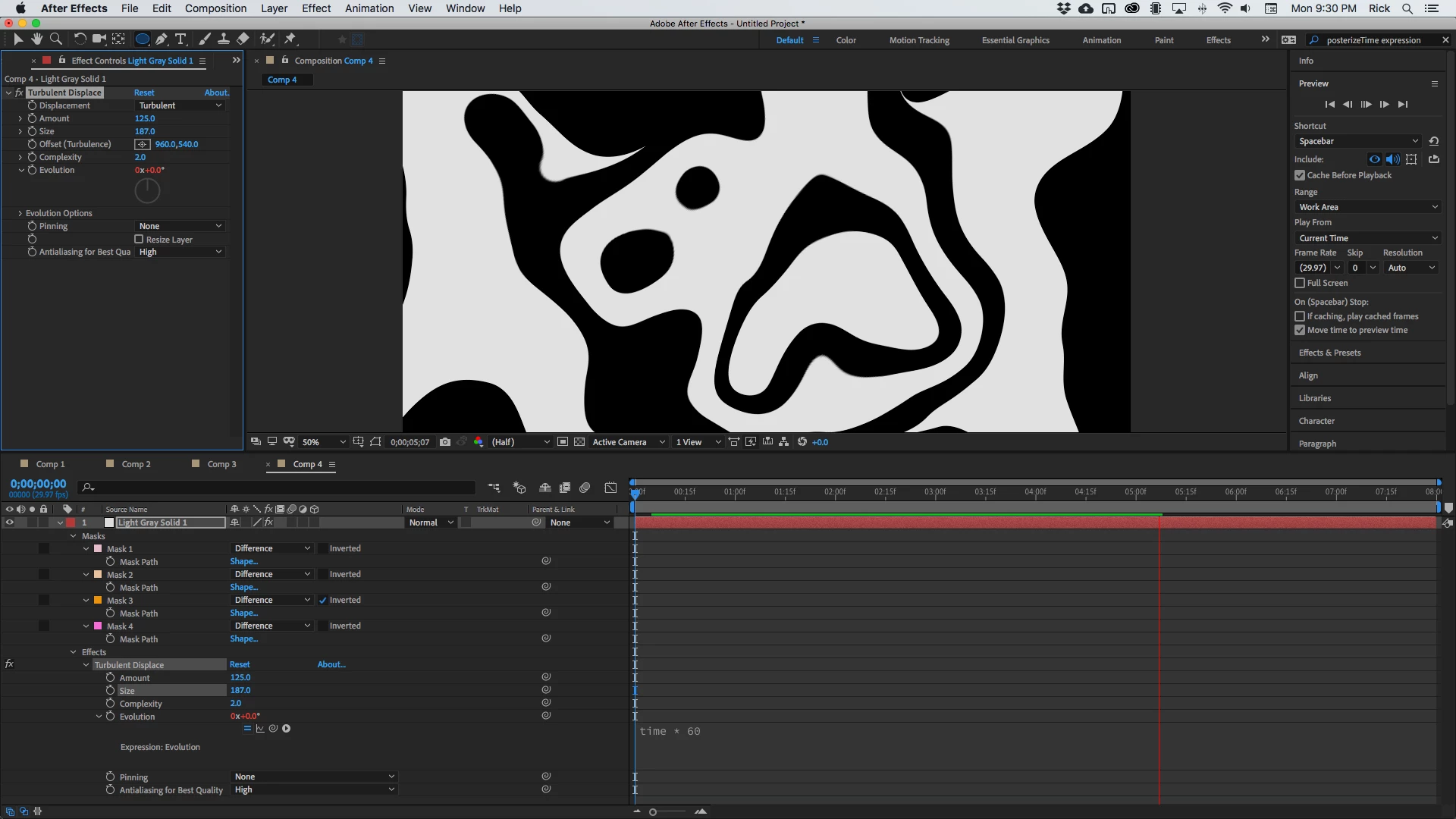
Add Turbulent Displace and play with the settings. A simple expression; time * 60, added to evolution will do it.
Already have an account? Login
Enter your E-mail address. We'll send you an e-mail with instructions to reset your password.
 AdChoices