
Inspiring
November 2, 2025
Answered

Loading bar animation bar by bar

  • November 2, 2025
  • 2 replies
  • 213 views

Hello community.


I'm seeing a heap of tutorials on YT, lots of instructors are using the trim path to make a loading bar animation, using the Dash to give it a more appealing visual. One thing I notice is, that the animating bar line, doesn't reveal one bar at a time, rather than each time the bar line animates, there's partially a bit of it revealed, then half of it, then the whole bar, until it goes to its next bar line. 


I'm also posting my tedious task, Ive also seek advice from Chat GTP. Make as many bars I need, put them on separate layers, then animate the opacity of the bar 0-100, the keyframes very closely to each other. then spread out the layers on the timeline to achieve one bar reveal at a time, yes it does work, but imagine If I have 100 of them.... So What would be a more swift method, an expression maybe?

Thank you.
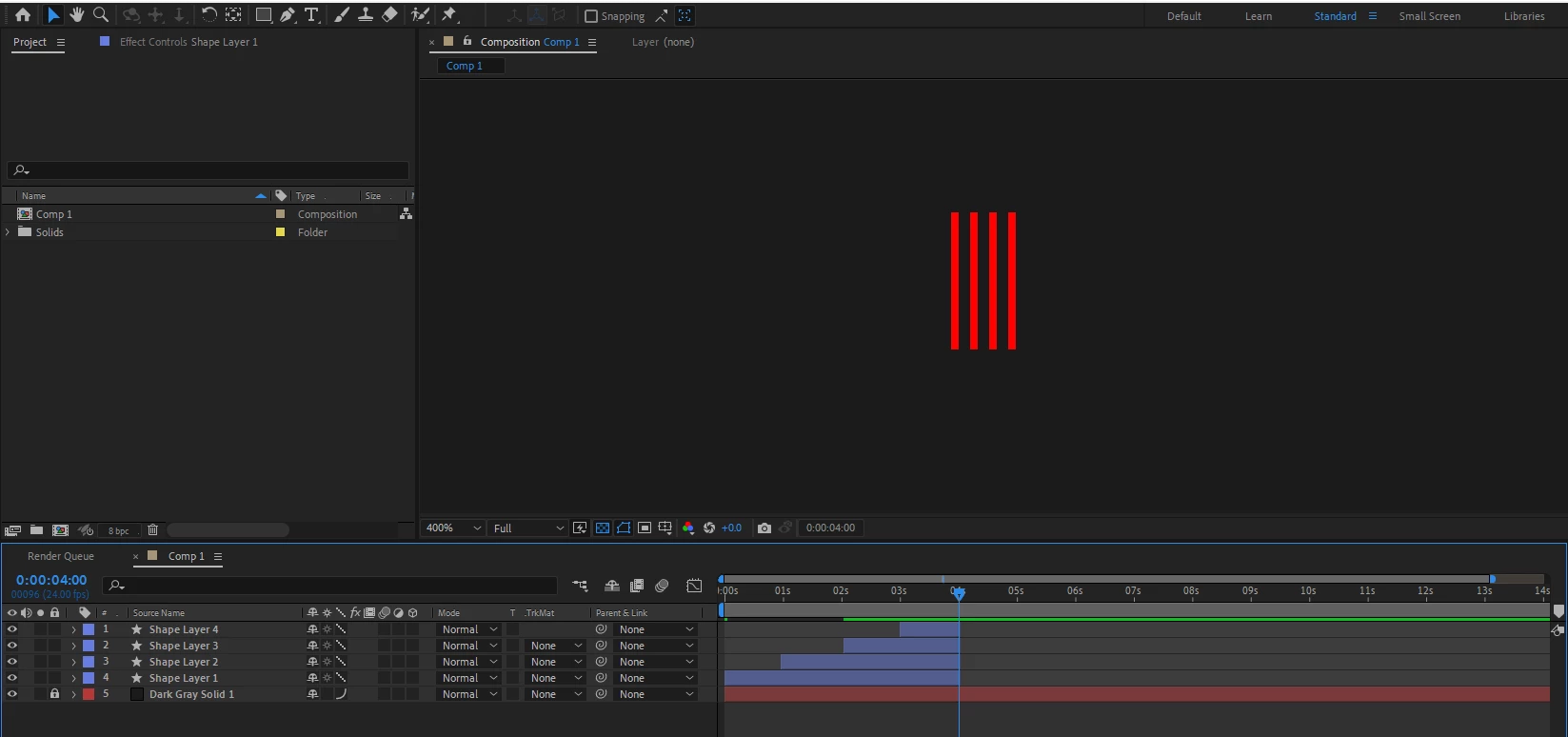


below is some example of what tutorials are showing, which seems incorrect.
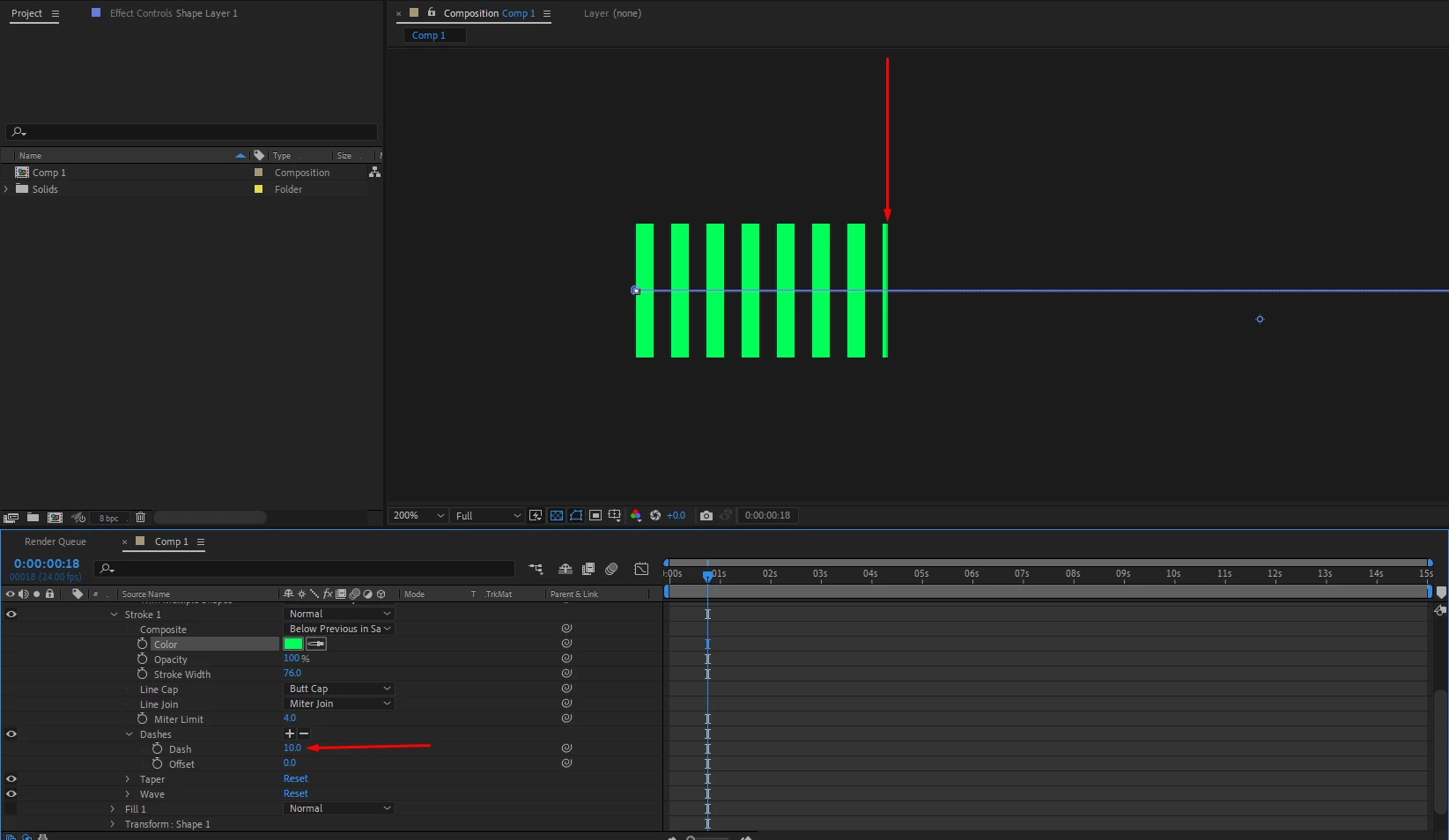


Correct answer ShiveringCactus

I hadn't thought of Roland's method (which works obviously) but to another way is to use an expression on the repeater property:

Math.floor(value)

That takes whatever the value of the property is and rounds it down to the nearest whole integer. 

2 replies

ShiveringCactus
Community Expert
Community Expert
November 3, 2025

Another alternative might be to make a single line and use the Repeater to create the bar.  Then you can animate the repeater number to increase.  So each line would snap into existence.

Inspiring
November 5, 2025

Hi ShlverignCactus.


Your method is also helpful, but when the bar animates one at a time, the opacity is not 100%, it gradualy fades in from 0-100%. I tried to get chat GPT to write an expression, but to no avail. Is there a way to make each bar animate 100% opacity? Thank you.

https://ibb.co/tMmfJg78

Roland Kahlenberg
Legend
November 5, 2025

Use a Text Animator. A capital L or I on a sans serif should do the trick. Then use transform.scale - scale up yScale. Apply Text Animator with the Scale Operator. 

HTH


Very Advanced After Effects Training | Adaptive & Responsive Toolkits | Intelligent Design Assets (IDAs) | MoGraph Design System DEV
Inspiring
November 3, 2025

As long as your path consists of two points with linear interpolation and you don't mess with the trim offset or the stroke offset, this expression on the trim start or end property should work (you will need to adjust the names of the properties to match what is in your shape layer contents):

var pathPoints = content("Shape 1").content("Path 1").path.points(time);
var pathLength = length(pathPoints[0], pathPoints[1]);
var dashLength = content("Shape 1").content("Stroke 1").dash.dash*2;
var numDashes = pathLength/dashLength;
Math.round(value/100*numDashes)/numDashes*100;

 If you want to do this on curving paths that is a whole other ball of wax.

Inspiring
November 5, 2025

Hi Arron.
Thanks for your detailed explanation. I believe I got it, I had to do some minor adjustment, not sure if It was meant to be like this though. when I applied the expression, the bars did appear one at a time, but it did have a little pixel appearing of the next bar line, so I did a minor adjustment of the offset, and it cleared it from appearing.

Now one important factor if it's possible for accuracy. When the bar lines animate one by one, they are not pixel perfect sitting inside the grid. I notice in the dash settings, the minimum is 2, is there a way to get the bar lines sitting within the grid?

Thank you again.

This one hear had a little pixel appearing as the Line bars were animating

https://ibb.co/Cpyj9TgX

This is using 1 pixel grid example:

https://ibb.co/MDr4SCTr