


Looking for solutions to border contamination when rendering shape layers
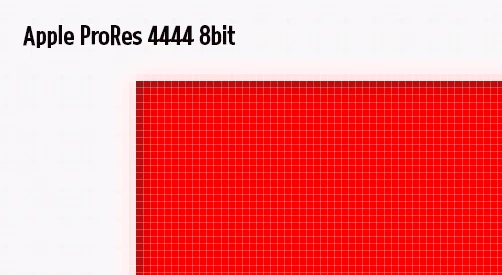
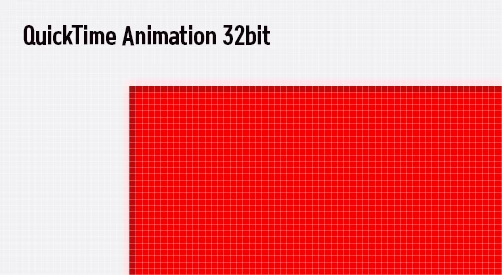
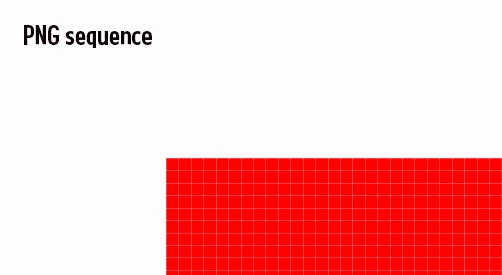
As mentioned in the title, I discovered an issue where the borders between the object and the background become contaminated after rendering a video.
To investigate, I conducted several tests:
First image: Apple ProRes 4444 8bit
Second image: QuickTime Animation 32bit
Third image: PNG sequence
For the test, I placed a solid background at 1920x1080 resolution
and positioned a 960x540 red-colored shape layer exactly at the center.
This was done to achieve a perfect 1px:1px match.
(The rendered videos were captured as BMP screenshots and then magnified for observation.)
While working on an outsourced project, this issue was found around a logo,
and the client raised a complaint.
I attempted to resolve the issue, but while the PNG sequence had no problems,
the final delivery must be a video file with audio, as it is an advertisement.
This puts me in a difficult situation.
 AdChoices