Hi, @jim_6040:
After Effects doesn't have reflection removal, but Adobe Camera Raw does (Photoshop User Guide > Adobe Camera Raw > Remove reflections).
You could export an image sequence from After Effects and then use the Reflection Removal tool in the Camera Raw dialog box on each image in Photoshop. Assuming that provides the results you are looking for, you could encode the reflection removed image sequence back to a video file.
If you use Filter > Convert for Smart Filters, you'll be able to go back and adjust the Camera Raw Filter at any time, but you'll have to save the file as a layered PSD.
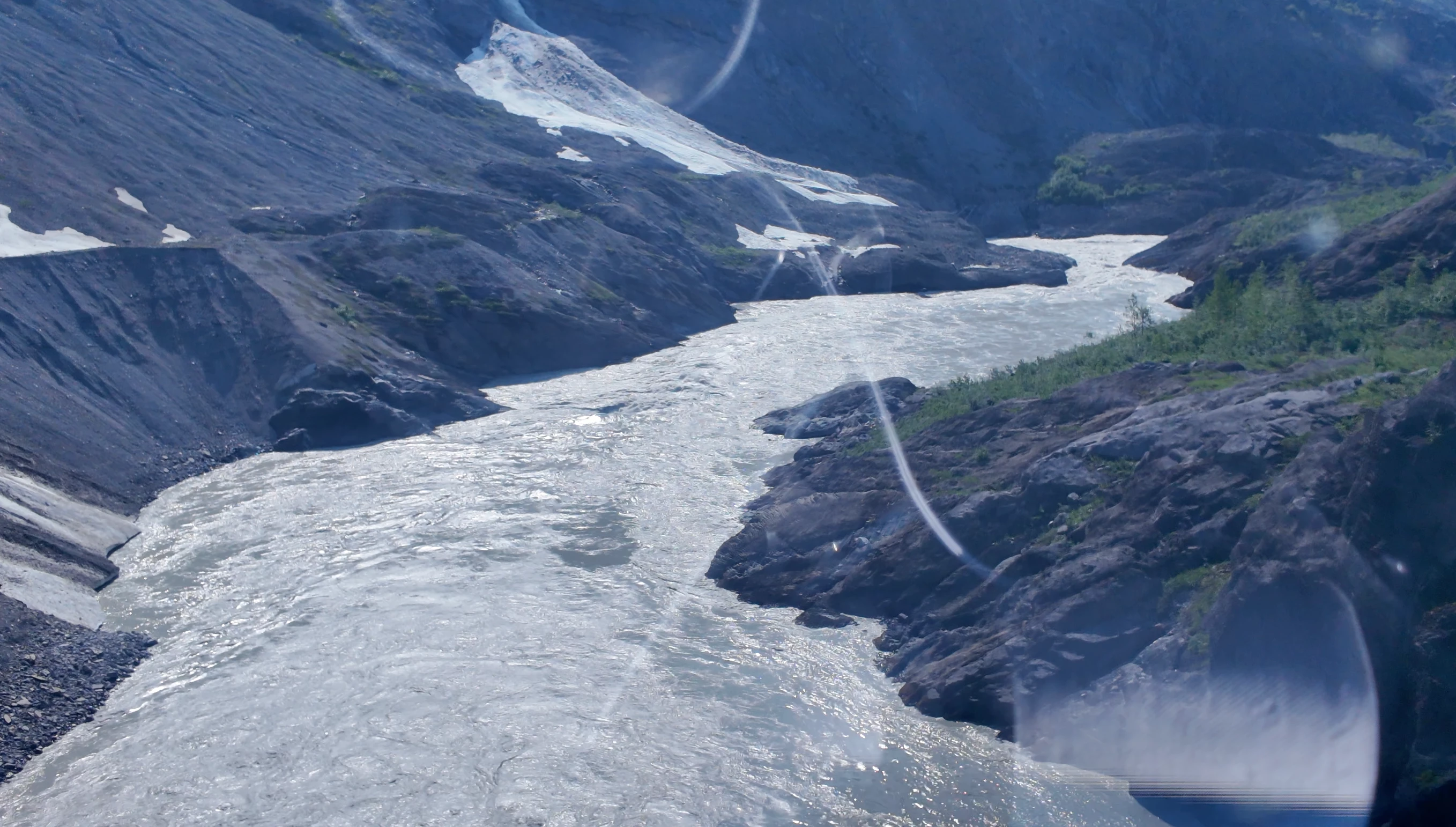
Here are the results I got with the sample image that you posted.
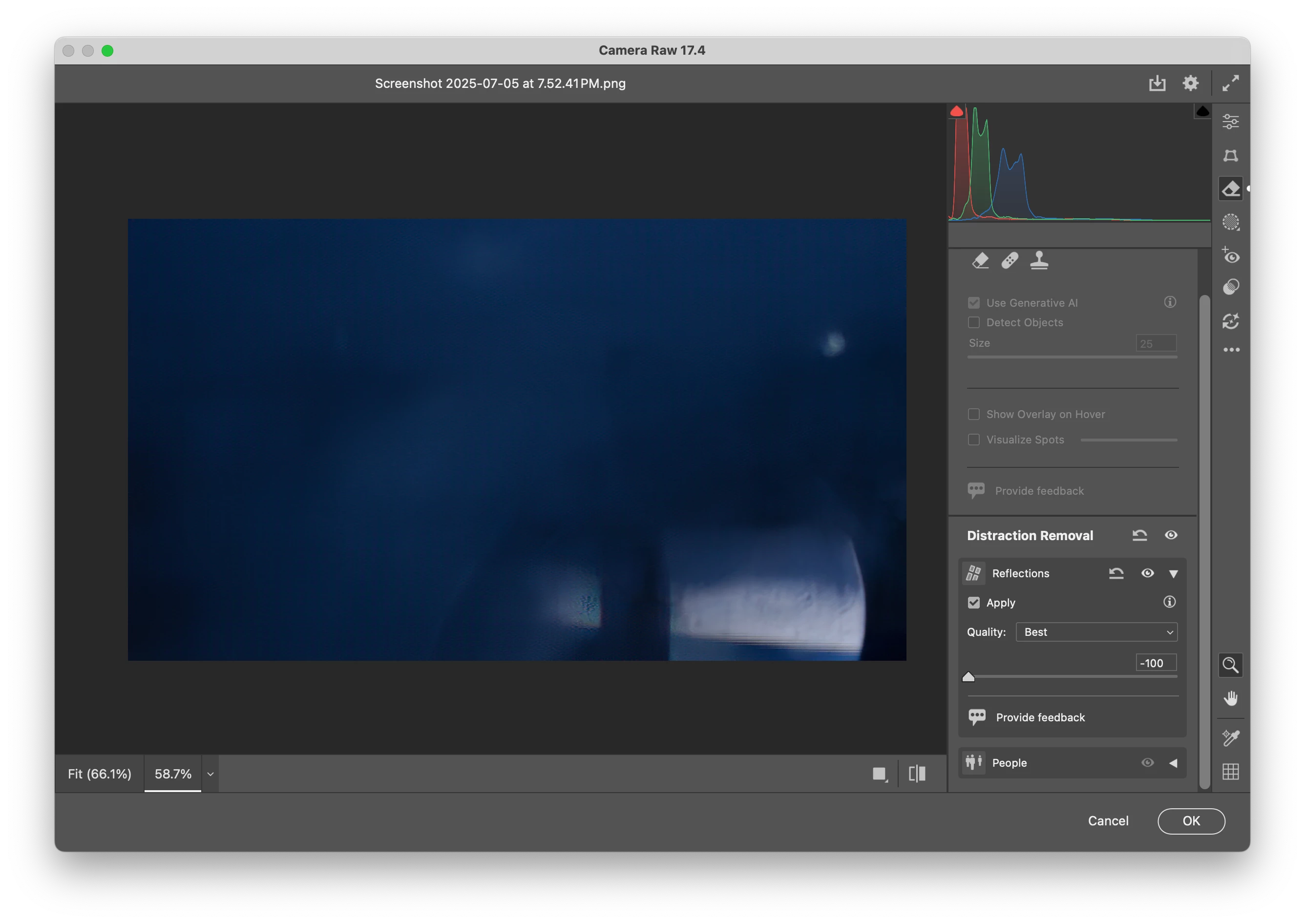
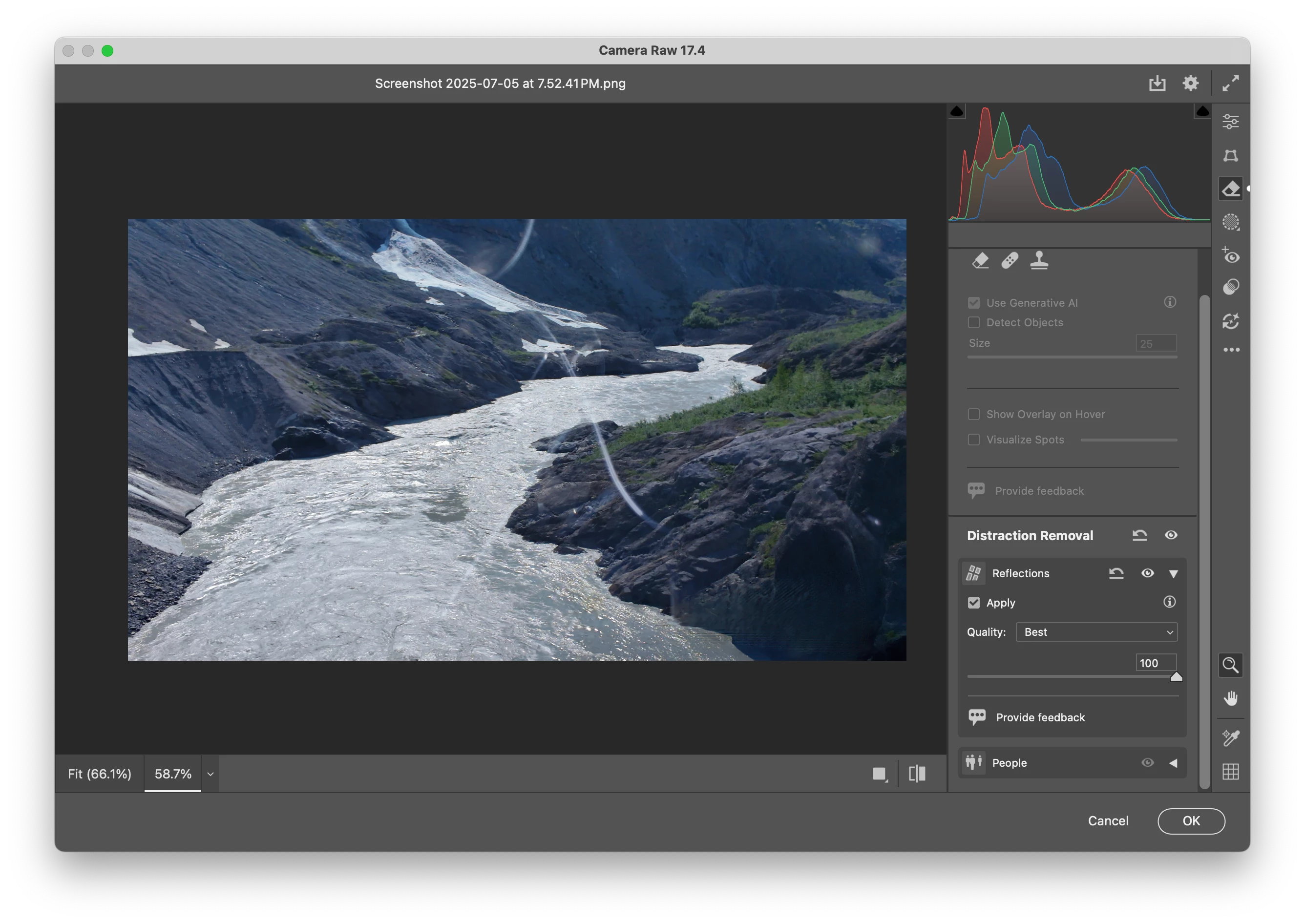
It's possible to open a video file as a Video Layer and apply Camera Raw to that, but I'm not sure how well that is going to work. Also, exporting video from Photoshop is somewhat limited and clunky at best.
- Warren



 AdChoices