ninose11
Inspiring
July 24, 2021
Question

loopout expression not looping correctly

  • July 24, 2021
  • 2 replies
  • 1614 views

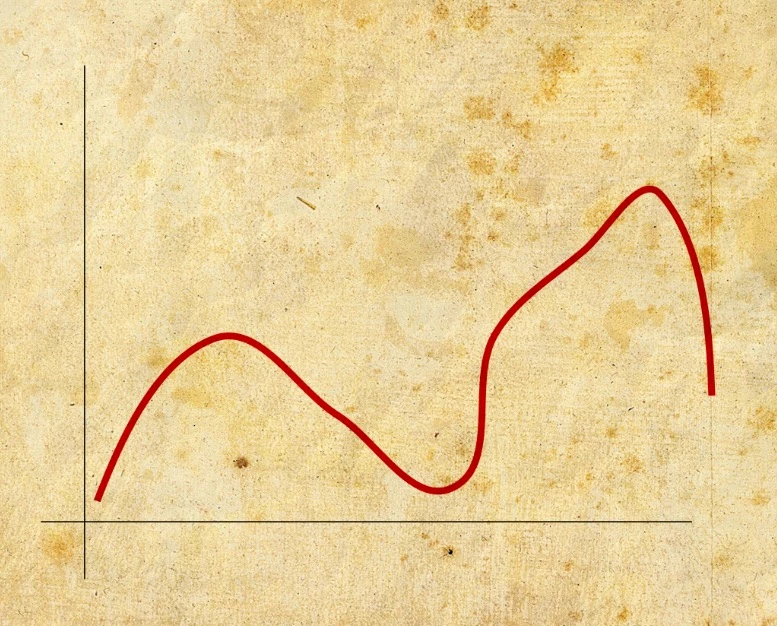
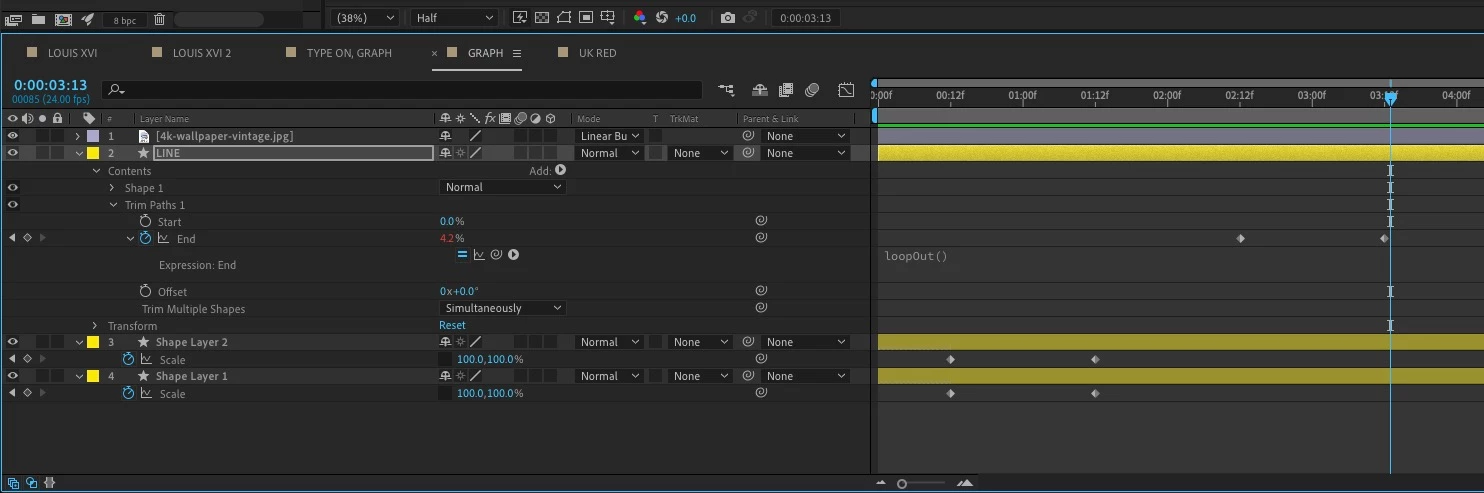
I applied a Trim Path to a red line on a graph. I'd like to loop that animation. But when I do, the loopout function doesn't repeat like it should. The loop repeats the trim path at 4.2% into the animation when it should return to 0%. What could I be doing wrong? Thanks very much in advance for any help. 
 

This topic has been closed for replies.

2 replies

Community Expert
July 24, 2021

If you want a loop to be seamless, and the option is set to loop, then the first and last keyframes must be identical. If your two keyframes are Zero and 100, then move forward 1 more frame and set a keyframe for zero. That will make a perfect loop.


loopOut("pingpong") will reveal the line from the start to the end and back again if you keyframe the end value from 0 to 100.


The other options, continue and offset have no effect on trim paths if the start and end values are 0 and 100 because there is no place to go.


ninose11
ninose11Author
Inspiring
July 24, 2021

Thank you both very much Mylenium and Rick for your help. Actually, the pingpong effect was not what I wanted, but that could come in handy some day, thank you Mylenium. Rick, thanks for the tip about moving the zero keyframe forward a few frames, that did it! 😀

Mylenium
Legend
July 24, 2021

loopOut() accepts "mode" parameters such as "cycle", "offset" and "pingpong". If you offer no parameters, the default is "cycle", which yields the behavior you see. It seems you want it to be "pingpong". I suggest you read the relevant section of the online help on these details.


https://helpx.adobe.com/after-effects/user-guide.html/after-effects/using/expression-language-reference.ug.html


Mylenium