
Mac Studio does not work with Adobe After effects, Constant GPU memory failures when exporting.
WARNING
I recently purchased an expensive new Mac Studio M4 for my work as a motion graphics artist.
specs
PROCESSOR AND GRAPHICS 065-CGWJ M4 MAX
WITH 16C CPU, 40C GPU
MEMORY 065-CGWP 64GB UNIFIED MEMORY
I needed a reliable, powerful main machine for my work having previoulsy been using a 2017 Imac which has been great for the past 7 years, but started to slow down noticably in the past year or so.
I have been using the new Mac Studio machine over these past 2 weeks for some important element 3d/4k work which I began on my old machine. Unfortunately I have been plagued with constant freezes, crashes and GPU memory failures when attempting to render even png sequences from After effects desite paying extra for 40 cores of GPU . . . .(see attached images)
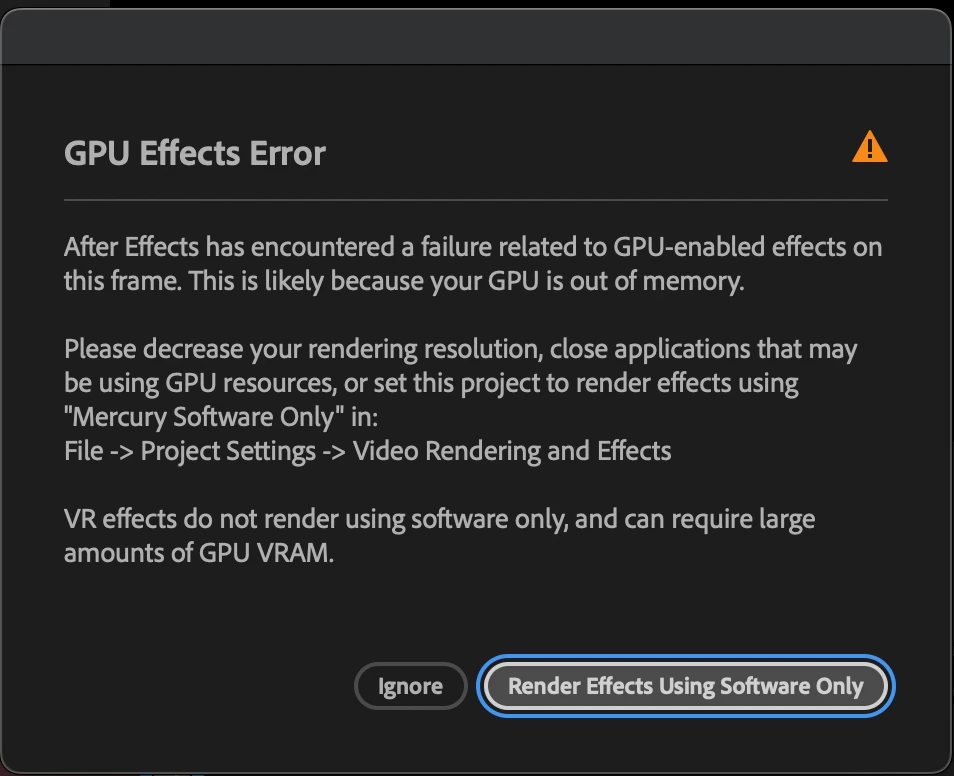
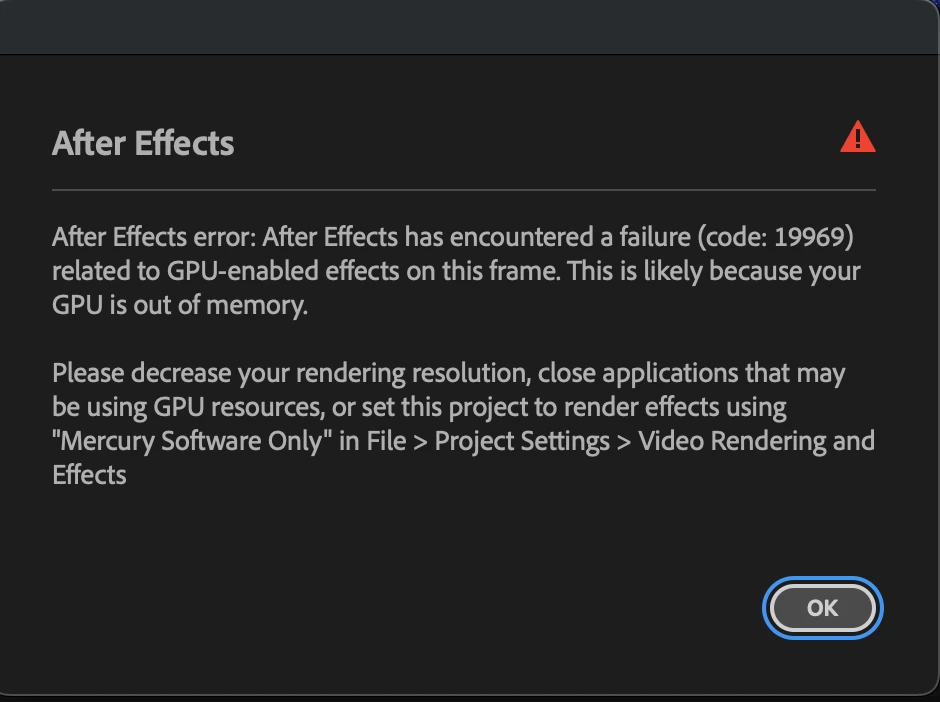
I have never seen these errors appearing on any project on the much older and less spec 2017 imac in all the years of intense After effects work i put it through, And, moreover did not expect to see errors like this appearing after spending thousands on a new work machine with the above specs. . . . . . . .
This has led me to having to transfer the project to my much smaller and way less powerful pc laptop, I have had mixed success rendering from, although it often takes many hours to complete.
I must admit I feel buyers remorse from this as my work mainly is in After Effects, and hence needed a reliable beast machine to handle some demanding workloads under tight deadlines.
Since I have been using After Effects with this new machine however, there has been nothing but problems and I despratley need a a remedy for these constant issues.
Are these GPU failures due to an optimsation/incompatability between Adobe and Mac Studio ?
Is it an After Effects issue ?
Any help , fixes, workarounds , explanations or advice would be kindly appreciated to resolve this.
RK.


 AdChoices