


Magic Bullet Looks Black Screen
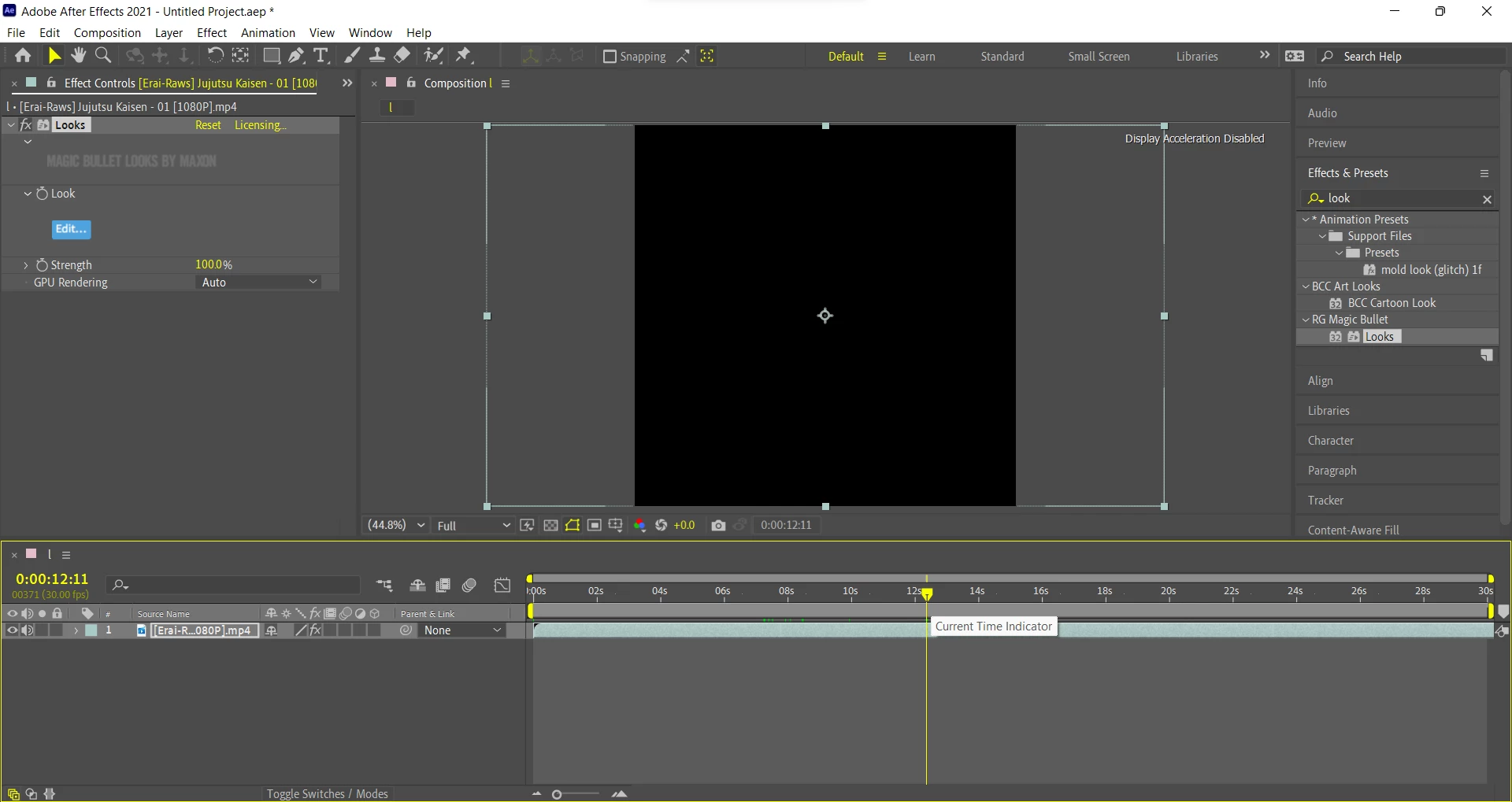
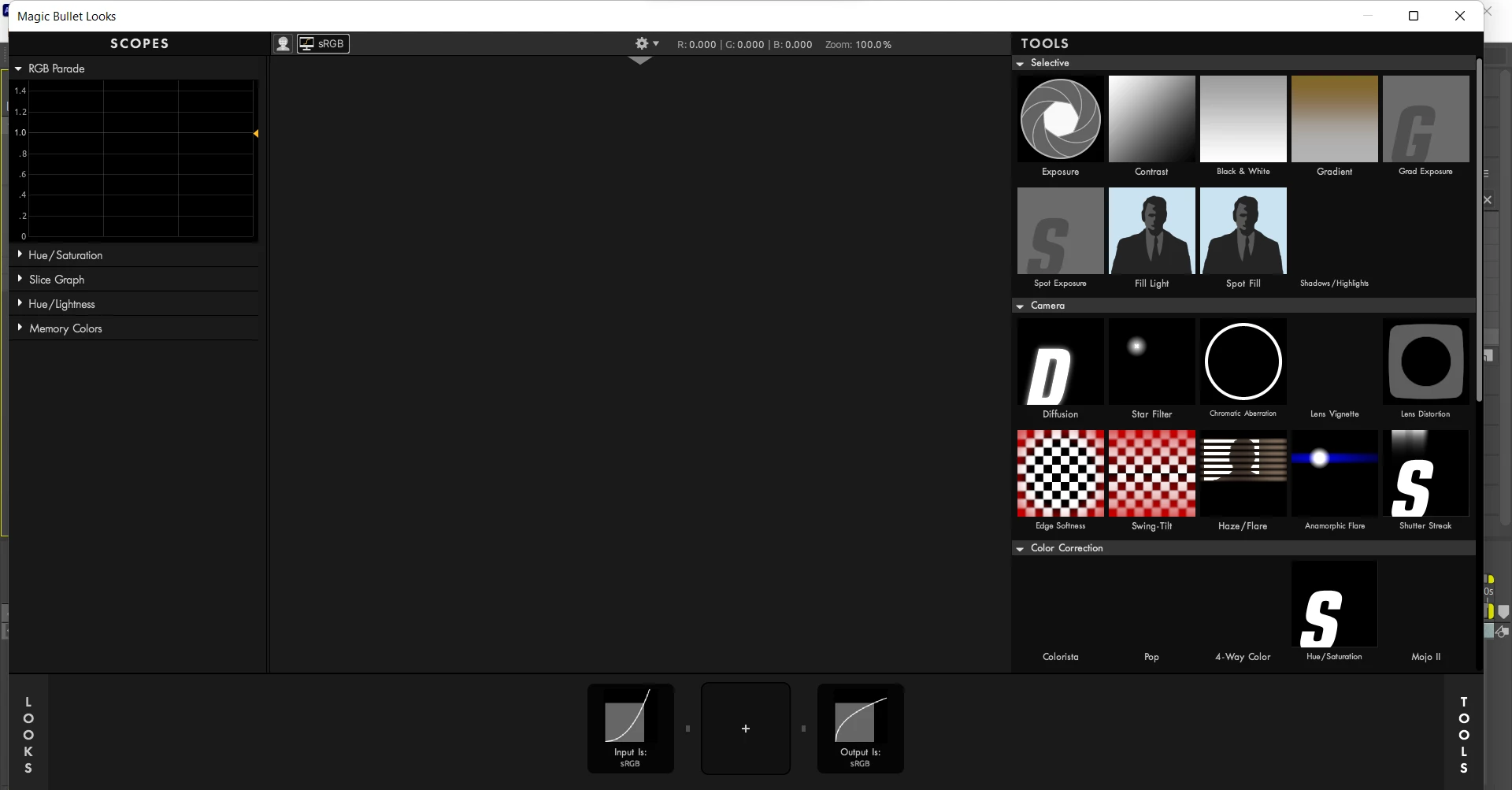
My Magic Bullet Looks used to work fine, I re-installed after effects after having a misunderstanding over a clip which was HEVC and I thought it was mp4. After I realised there was no problems with the HEVC and converted my HEVC clip to MP4, my new re-installed After Effects shows a Black Screen whenever I apply Magic Bullet Looks. I don't have a graphics card and cannot switch from "Mercury Software Graphics", I am running an I5-1035G1, 8GB ram and my computer is 64 bit on windows 11. I have even tried switching between "8bpc", "16bpc" and "32bpc". My After Effects before re-installation didn't say this but this one does, in the top right corner "Display Acceleration Disabled". I am running After Effects CC 2021 by the way, if anybody could provide any help I'd be extremely grateful.
 AdChoices