Participating Frequently
September 27, 2019
Question

Make a dot follow a centered text with expressions

  • September 27, 2019
  • 2 replies
  • 532 views

Hello!

Right now I have 2 expressions, which make a dot follow my text. It works when the text is left-justified and right-justified. But I can't figure out how to make it work, when the text is centered.


This is the expressions I use:


LEFT-JUSTIFY:
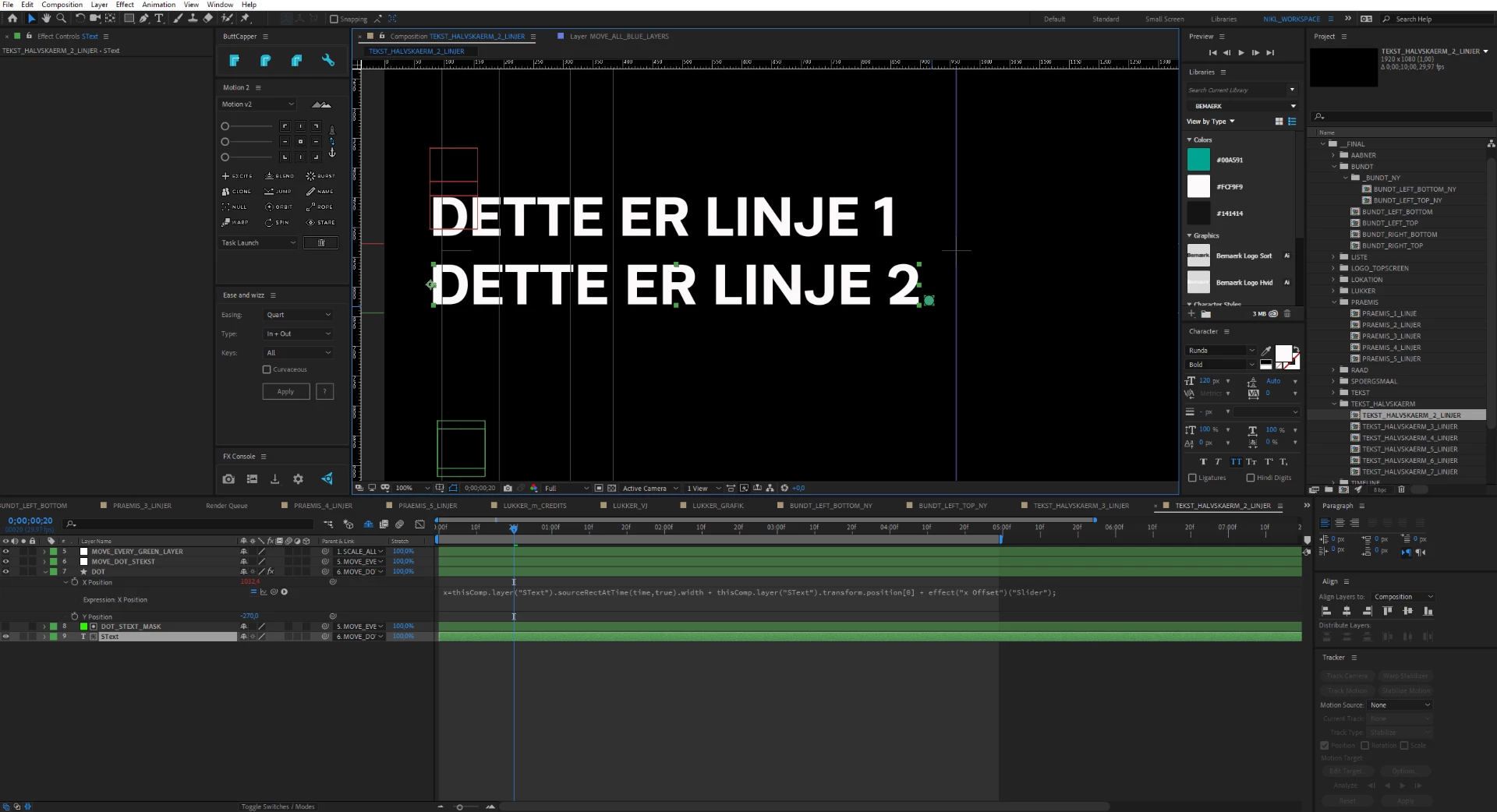
x=thisComp.layer("SText").sourceRectAtTime(time,true).width + thisComp.layer("SText").transform.position[0] + effect("x Offset")("Slider");


RIGHT-JUSTIFY:
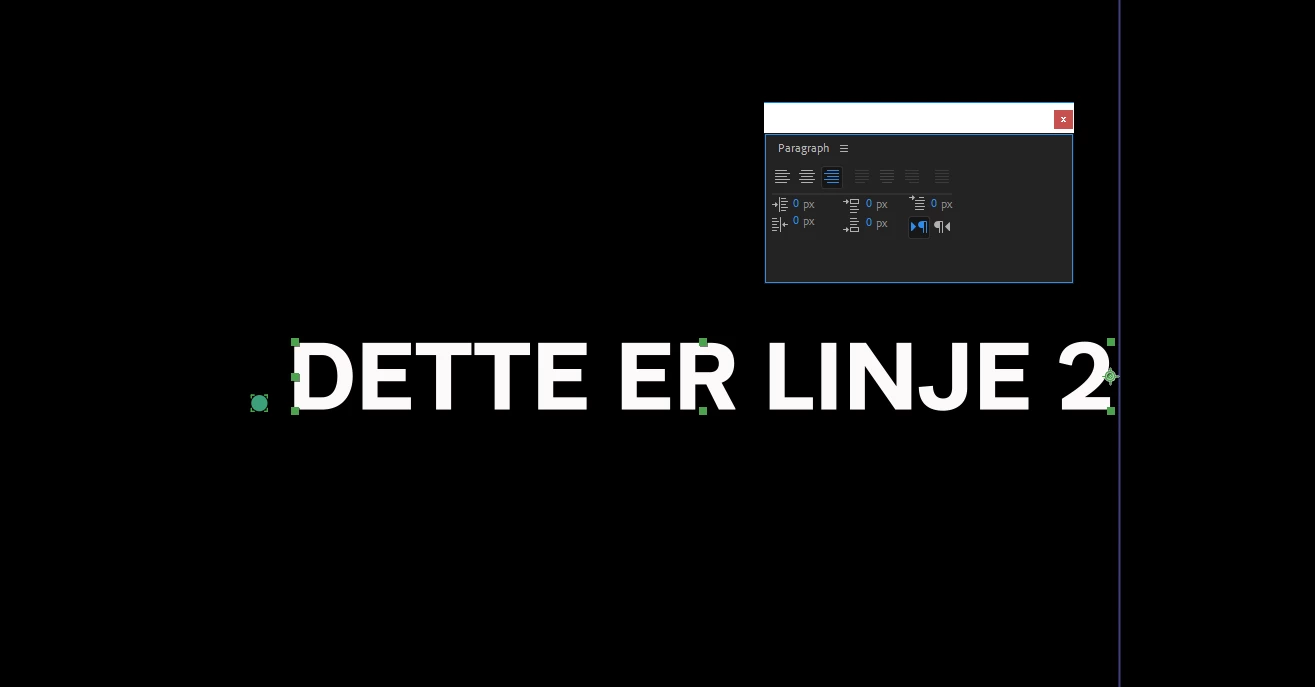

thisComp.layer("SText").transform.position[0] - thisComp.layer("SText").sourceRectAtTime(time,true).width - effect("x Offset")("Slider");


What do I need to change to make it follow the text, when centered?
Just like in the picture here:

 

Thank you and have a great day.

    This topic has been closed for replies.

    2 replies

    Community Expert
    September 27, 2019

    What exactly are you trying to do? I don't see any advantage to the workflow. Dan's solution will keep the shape layer lined up with the right edge of the text + the offset, but it does not maintain the bottom right position because you have separated the dimensions. It will also not work with multiple lines of text, and it will not work at all if you animate anything but the text layer position. 


    If you accurately describe what you are trying to accomplish we can probably come up with a better solution that solves the problem of keeping the shape layer dot at the bottom right corner of a line of text.

    nikltv2Author
    Participating Frequently
    October 2, 2019

    Hi Rick. Thank you for your response.
    You're right. It doesn't work with multiple lines! I've actually already created another thread, since this problem was a bit bigger than I thought. I've tried to explain it as good as possible. Here you can also find the AE-file.
    https://community.adobe.com/t5/After-Effects/Expressions-for-creating-1-5-lines-of-text-in-1-mogrt-template/m-p/10643829#M93281

    Would love if you could help me solve this. This is what I'm trying to accomplish.
    Please answer in a message to me, since I can't see the replies on that post. Don't know why.

    Dan Ebberts
    Community Expert
    Community Expert
    September 27, 2019

    This should work:

    L = thisComp.layer("SText");
    r = L.sourceRectAtTime(time,true);
    L.transform.position[0] + r.left + r.width + effect("x Offset")("Slider");


    Dan

    nikltv2Author
    Participating Frequently
    September 27, 2019

    Thank you so much, Dan!

    Works perfect! 😄