Participant
May 29, 2020
Question

Make a top layer only apply to the non-transparent parts of png?

  • May 29, 2020
  • 2 replies
  • 267 views

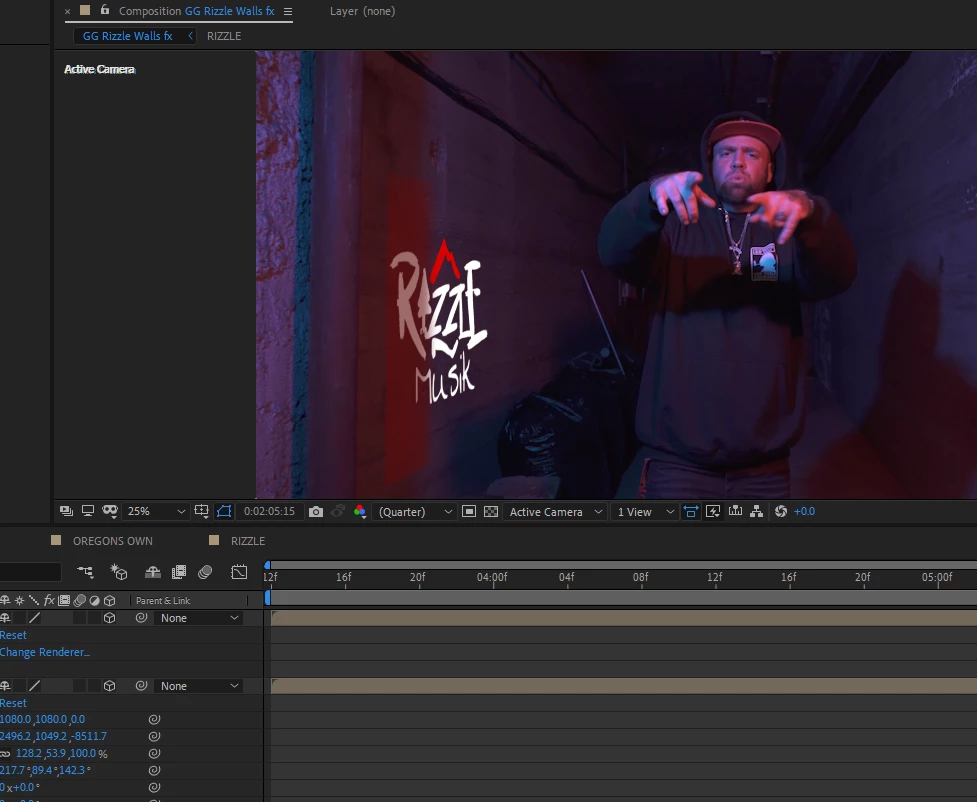
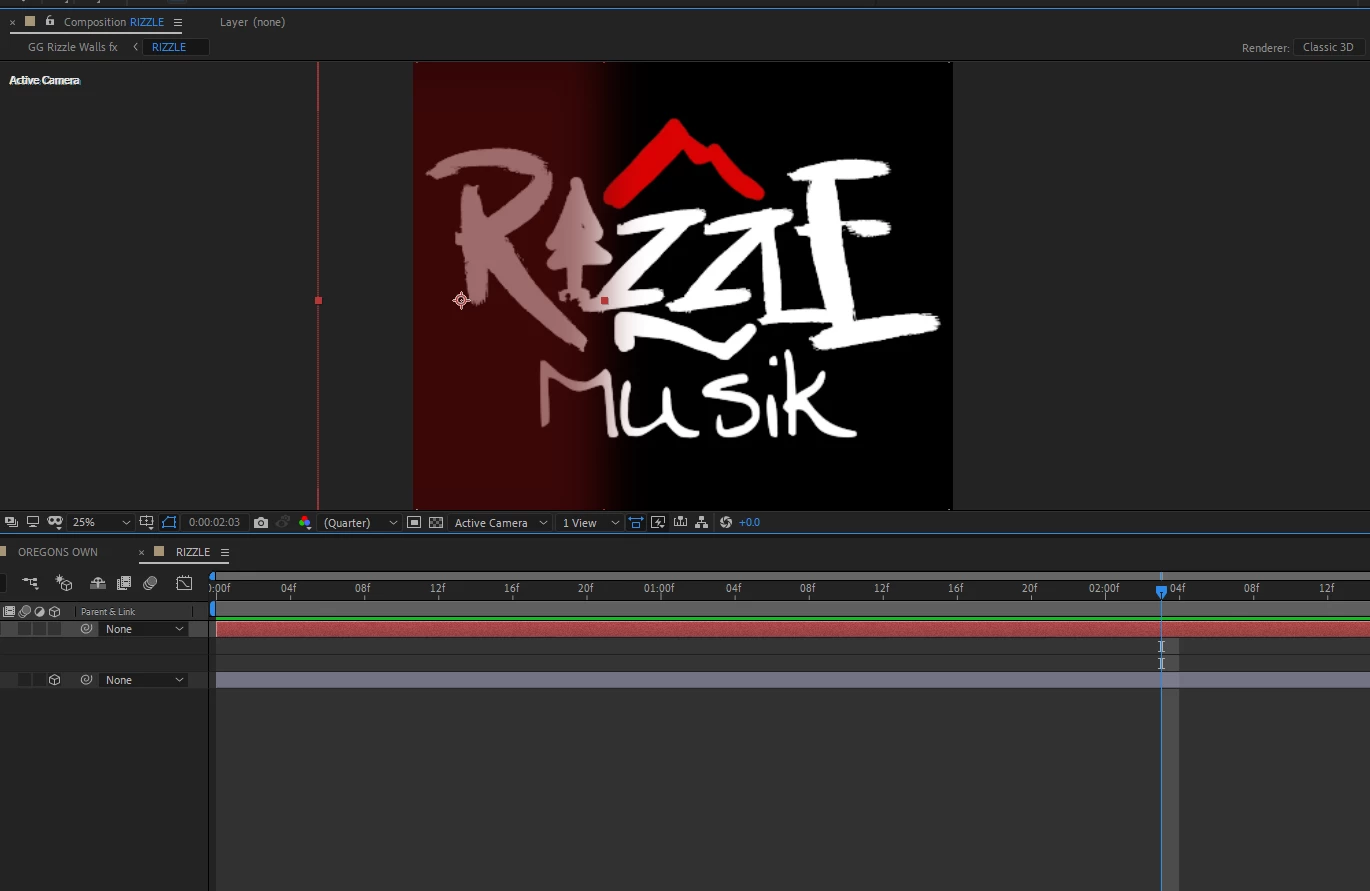
I used camera tracking to track these logos to the wall, and I want to give it some more realism with lighting and make a colored shadow from the pole on the left effect the png there aswell. I have a pre-composition with the logo and I cant figure out how to make the shadow effect only happen on the png. I'm trying to just simply use a dark red blurred solid layer for the shadow. I feel like this is so simple for how long I've been using after effects but it's slipping my mind. lol
  

This topic has been closed for replies.

2 replies

Community Expert
May 29, 2020

You can apply lights and use blend modes. Shadows will not effect 2D layers and you can turn off their effect on 3D layers by selecting the layer and pressing AA. Please spend some time with the User Guide. There are some basic tutorials that explain the workflow. 


Also, an uncropped screenshot that shows the modified properties of the layers that are giving you problems would help us understand any problems that may be in your workflow.

MrNiceTyAuthor
Participant
May 29, 2020

Figured it out! put the shadow layer in between 2 duplicates of the logo and set the shadow track matte to the alpha (Logo).

Maybe this will help someone else.