
making an animated trend graphic
hi all,
i am trying to make an animated (crypto chart) trend with candles like you see on the crypto exchanges.
I made the candles (bars) using element 3D and want to animate these ( so bigger and smaller) just arround the Y-axis in after effects.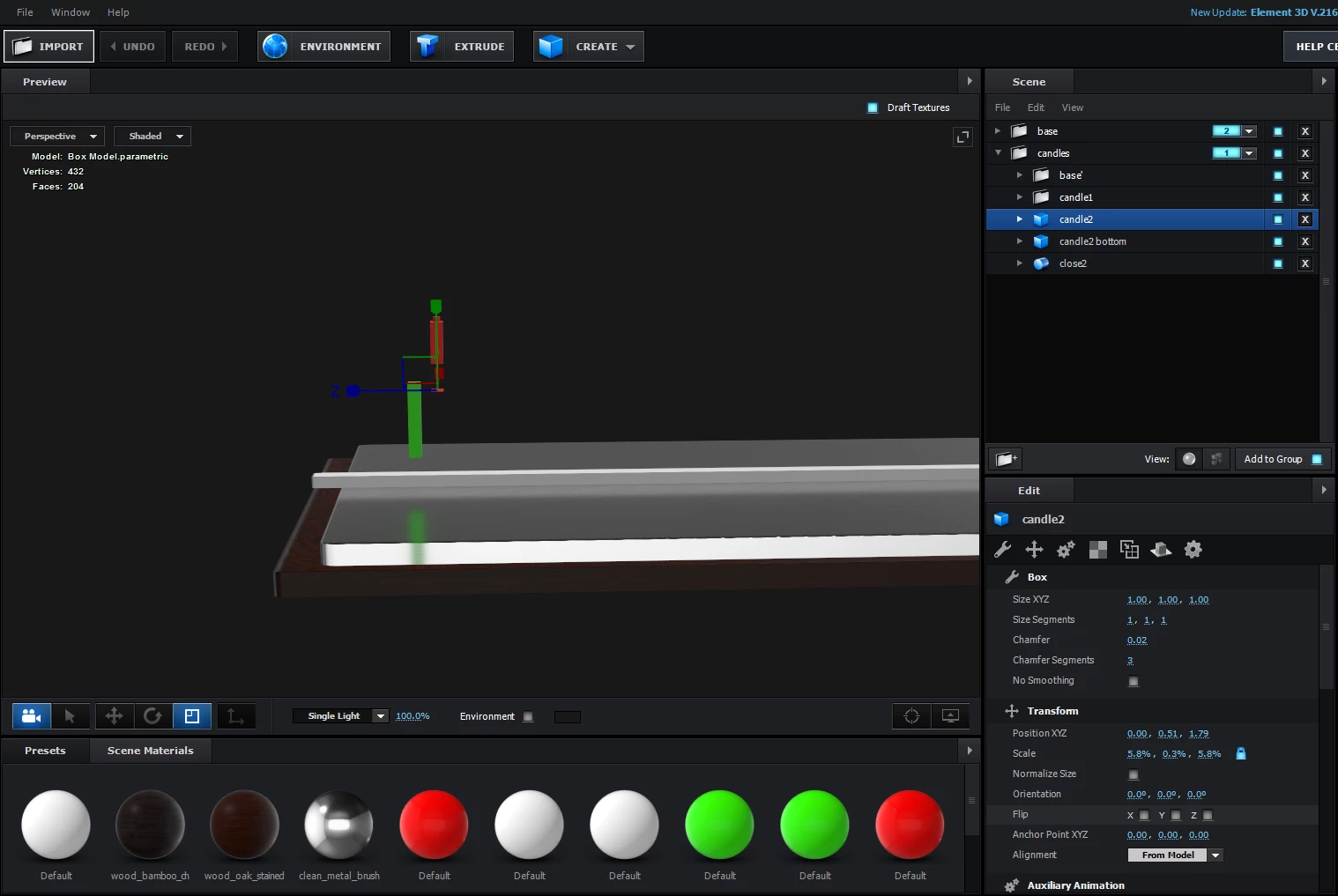
i noticed there is no option in after effects to scale "channels" in a group just in the Y-axis.
So what im doing now is divide a candle in 2 parts (channels in a group) and alter the position in the Y-axis in AE to make them move up and down.
This is not getting me the effect i want and takes up a whole lot of Groups and channels if i want to fill the whole base plate.
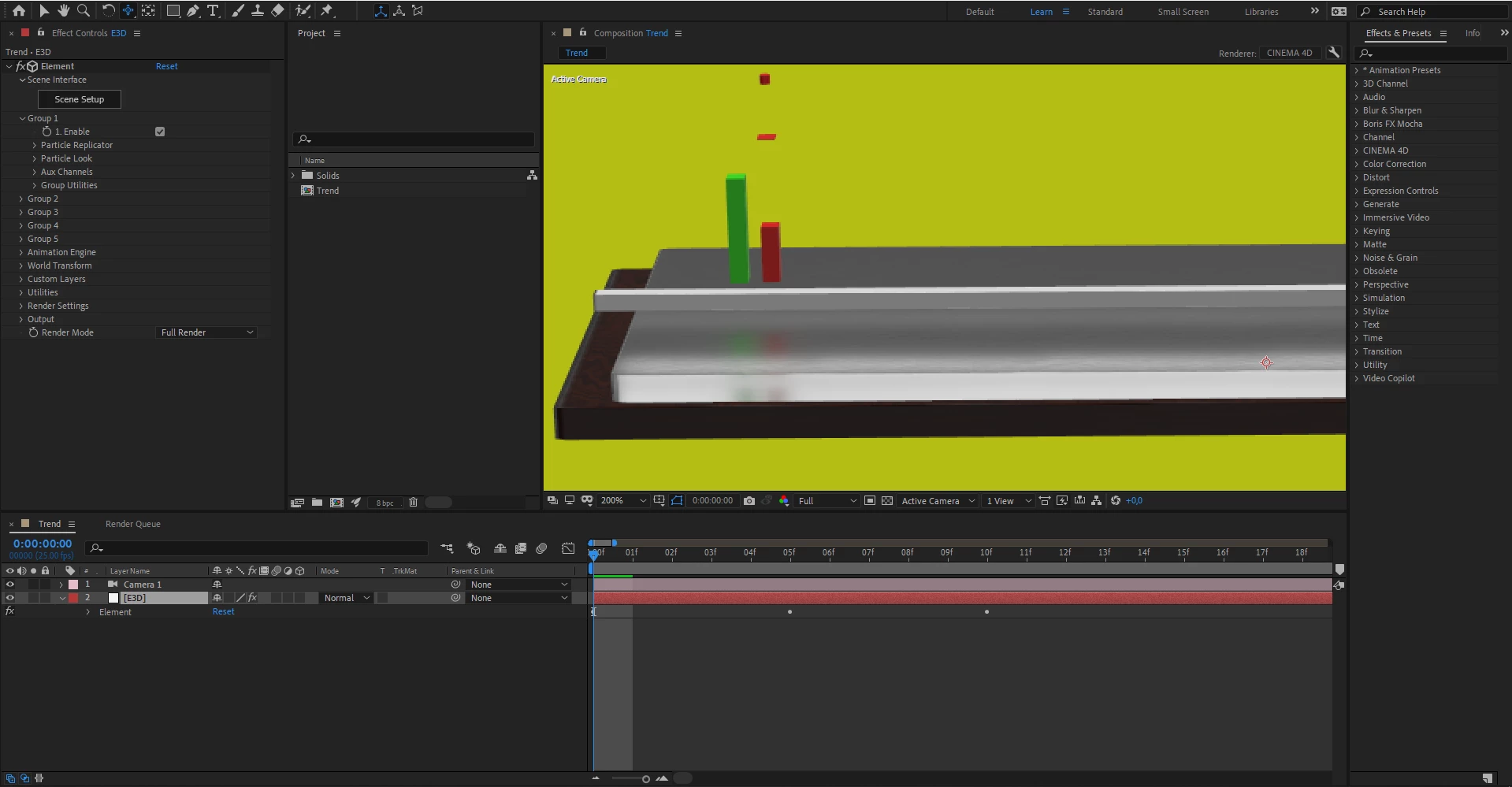
Is there an easier way to achieve this, keeping the reflections on the (metal) base plate and animate the candles (bars) seperatly by just moving the scale (Y-axis only) of one bar.
Thanks in advance.
Regards Richard
system : Ryzen 5 / Gforce RTX 2060 Super 8 GB RAM / 16GB RAM


 AdChoices