
Participant
December 5, 2019
Answered

Mask Border creates Annoying White Lines

  • December 5, 2019
  • 4 replies
  • 11858 views

Whenever I create a mask in After Effects, it generates a thin white line where my mask border occured in preview. It also shows up in the renders. This is at full size render. How do I remove this line? 
This topic has been closed for replies.
Correct answer Rômulo33390114rb1a

It worked for me! Thank you!

4 replies

Participant
December 6, 2019

Solved it! 

The issue is that including the mask in the same layer as the difference matte was causing too many clashing calculations. The solution is to duplicate the layer that needs masking, apply difference matte to one and all other masks to the other. 
Layer it so that the difference matte is above the masks and using the Track Matte on the masking layer, apply it as an Alpha Matte. 

dibfibo
Participant
May 10, 2021

Hi @tishurak56302587 ,
can you share your setting(screenshots) of your Composition Panel?
I have same issue with a vector mask.

Thank you!

Kyle Hamrick
Community Expert
Community Expert
December 5, 2019

Try adding the effect "Simple Choker," set to 1 pixel. Should clean this right up.

Rômulo33390114rb1aCorrect answer
Participant
May 9, 2024

It worked for me! Thank you!

Mylenium
Legend
December 5, 2019

Without anyy information about the actual source files nobody can tell you much, but from personal experience - and you're not going to like the answer - your files are not prepared correctly. The black likely isn't actually black but rather a very dark grey and thus not 100% transparent. Happens all the time when you're not careful in photoshop. So the answer to your problem probably is to go back to PS and correct the issue rather than anything wrong with AE.


Mylenium

Participant
December 6, 2019

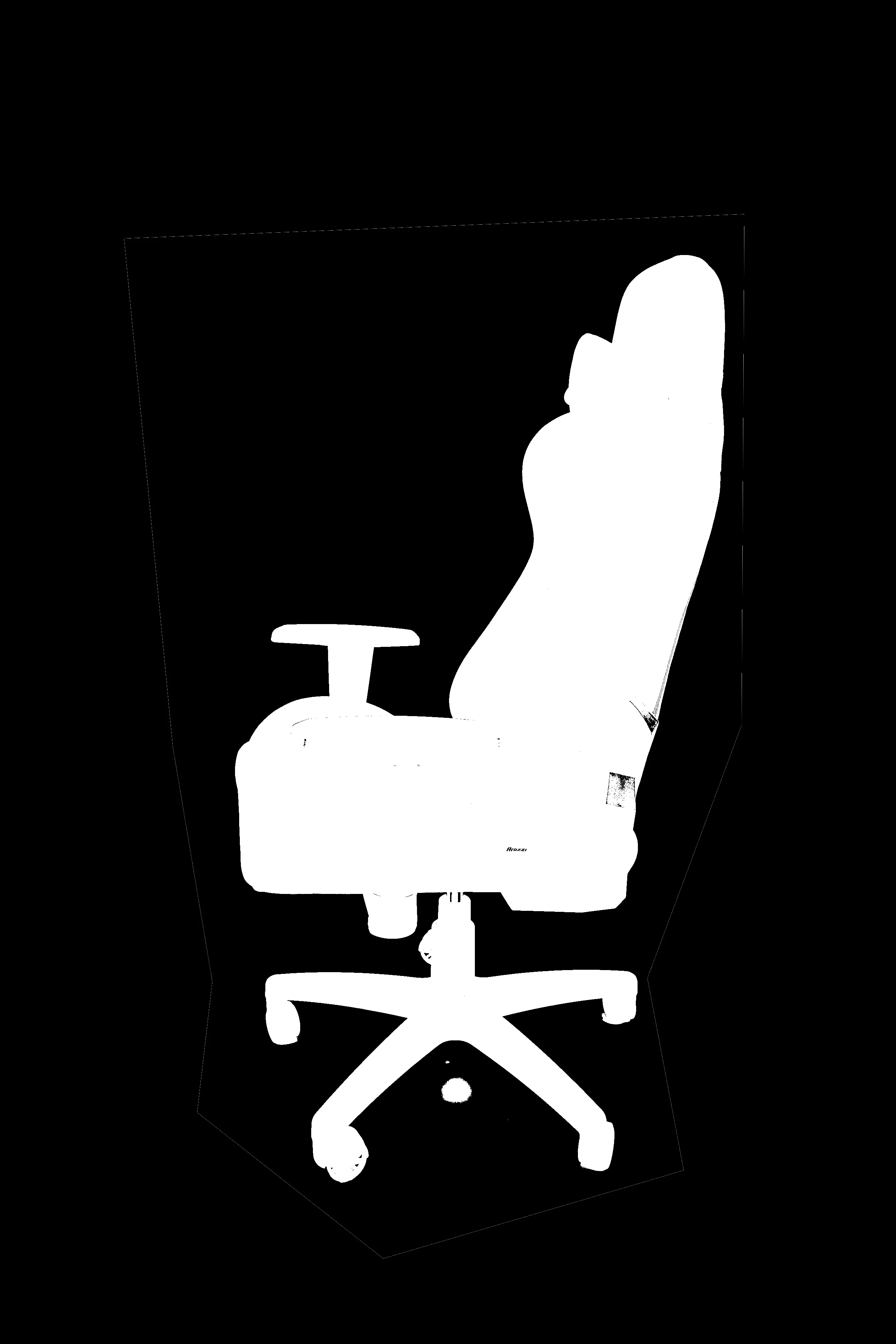
The source files are JPEGs which are just compressed from the RAW images. This attached image is a mask generated from a difference matte. Those white lines comes from further refining the mask generated by the difference matte. This is all created from 2 layers. The one screen capped below. And a clean plate. 

It's an aliasing error caused by premultiplication and I genuinely have no clue how to get rid of it as I'm trying to render out the mask image sequence. So these mask border lines are showing up in my image sequence renders. 

 
Participant
December 5, 2019

Seeing as I have a large sequence of images. Painting the problem is not a solution. If I recall correctly, it has something to do with premultiply mattes?