

S_ A
Inspiring
December 8, 2022
Answered

Masking not working

  • December 8, 2022
  • 1 reply
  • 904 views

Hello,


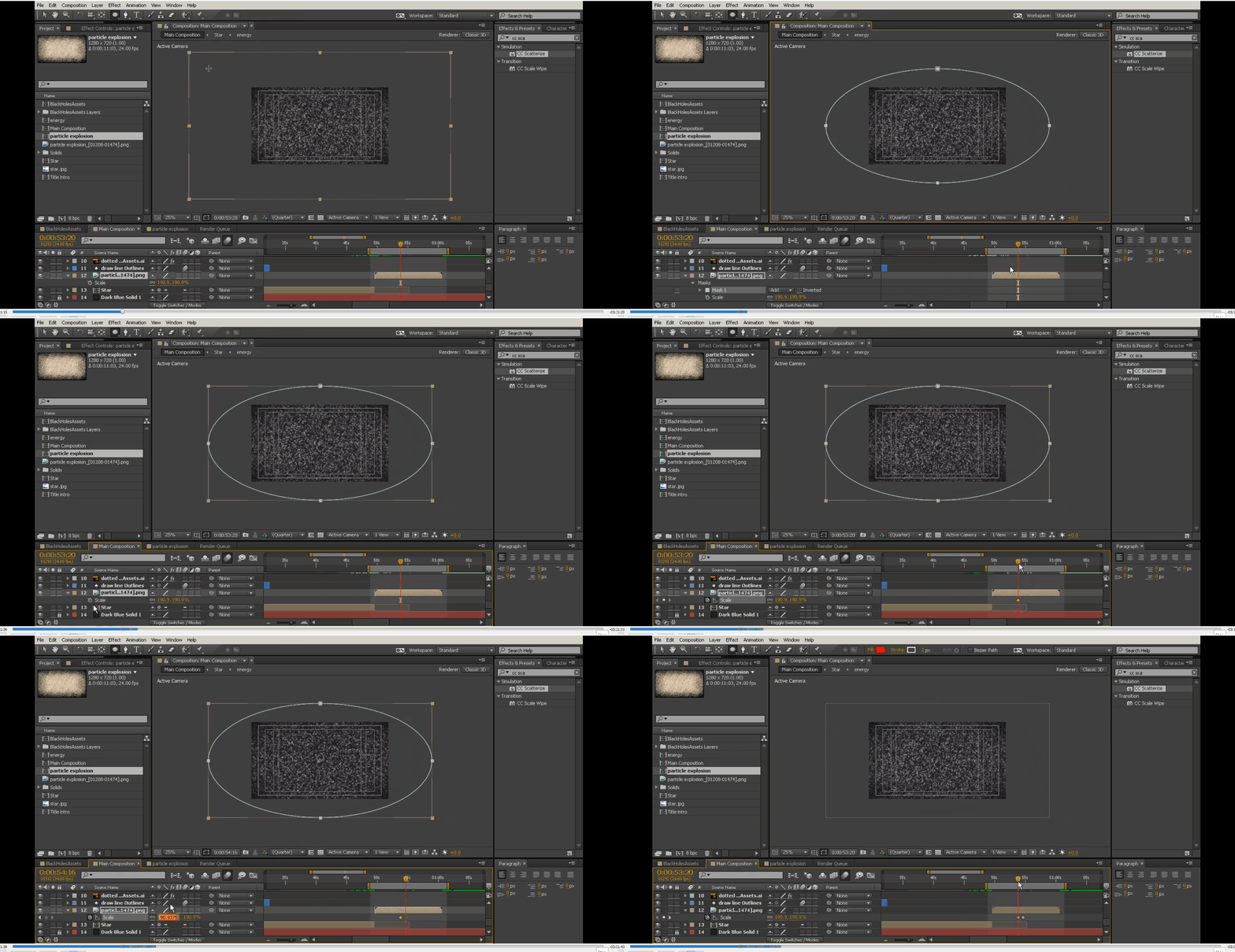
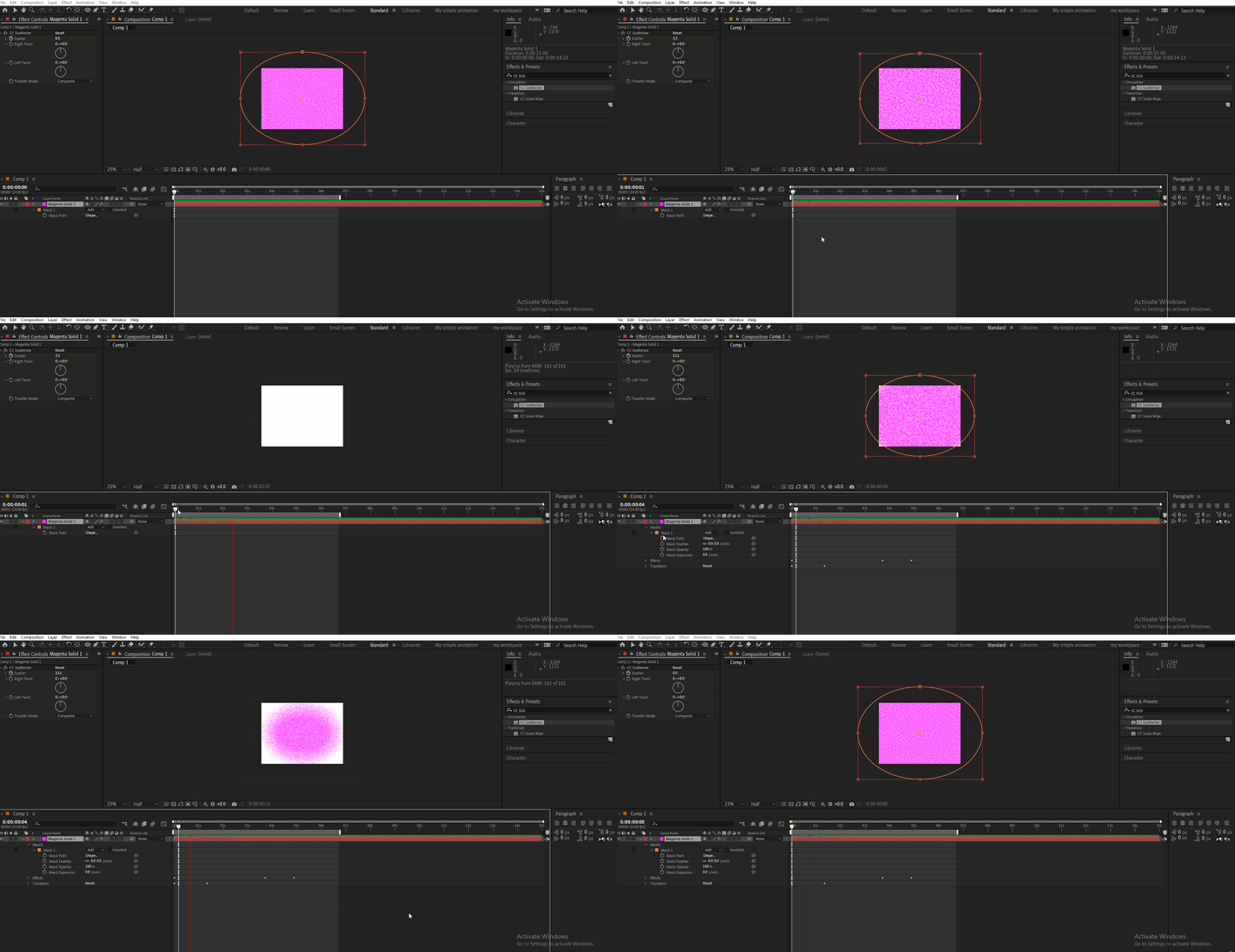
I was following one tutorial. there the tutor applied CC scatterize on a solid. and scale it up. later she masks it with an eclipse. her mask works very nicely. The edge of the mask was crisp. I am trying to achive the same thing but mine does not work! I am following her verbatim. please help. :'(


This topic has been closed for replies.
Correct answer ShiveringCactus

Looking at the new images, that very much looks like the layer is into a precomp with the scattersize effect then the mask applied in the main comp.  There is a mask in the precomp too, but that's the original issue you were having.

1 reply

ShiveringCactus
Community Expert
Community Expert
December 8, 2022

I know you said you tried to upload the tutorial, but can you provide a link to it instead?  As far as I know CC Scatterize applies after a mask, which is why the edges aren't sharp.  There's lots of options from Set Matte, precomps or parented track mattes that could give you a sharp edge, but I don't know what method the tutorial creator has used, so can't advise.

S_ A
S_ AAuthor
Inspiring
December 8, 2022

Hello, I can Upload my tutor's part at last. Can you please take a look now? Thank you.

ShiveringCactus
Community Expert
ShiveringCactusCommunity ExpertCorrect answer
Community Expert
December 8, 2022

Looking at the new images, that very much looks like the layer is into a precomp with the scattersize effect then the mask applied in the main comp.  There is a mask in the precomp too, but that's the original issue you were having.