Rick, I opened the file in Ai and it included 2 artboards:
- #1 artboard was sized 1920x1080 with PAR 1.33 (see attached screenshot)
- #2 artboard was sized 14400 x 14400 with PAR 1.0 (see attached screenshot)
When I went back to AE and imported the file the PAR was 1.0 at 1920 x 1080 (see attached screenshot).
Rather odd, not sure why the 2 artboards would have different PARs.
I recall from a lynda.com video the instructor mentions that film & video templates created 2 artboards, but shouldn't they be at the same PAR?

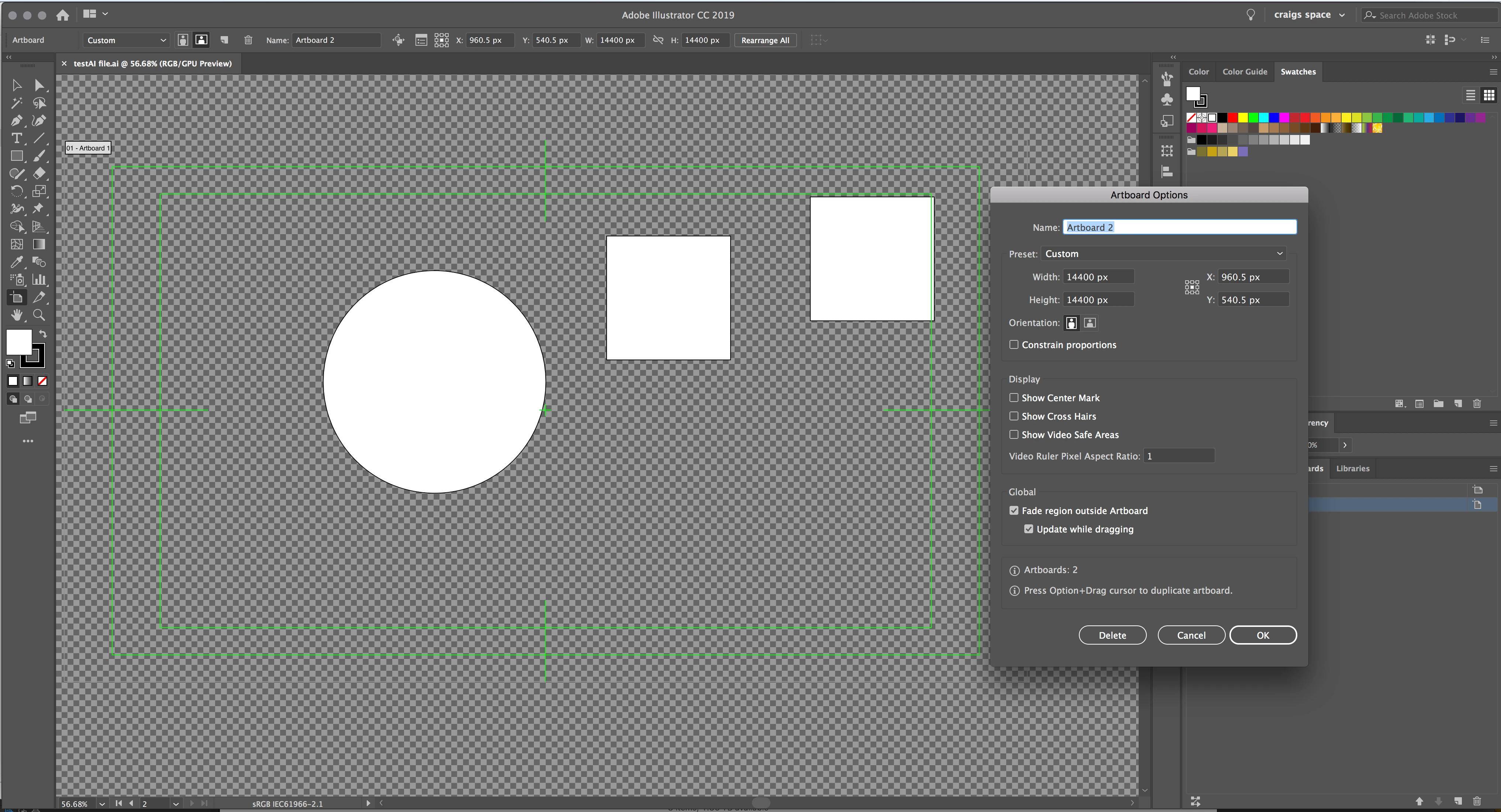
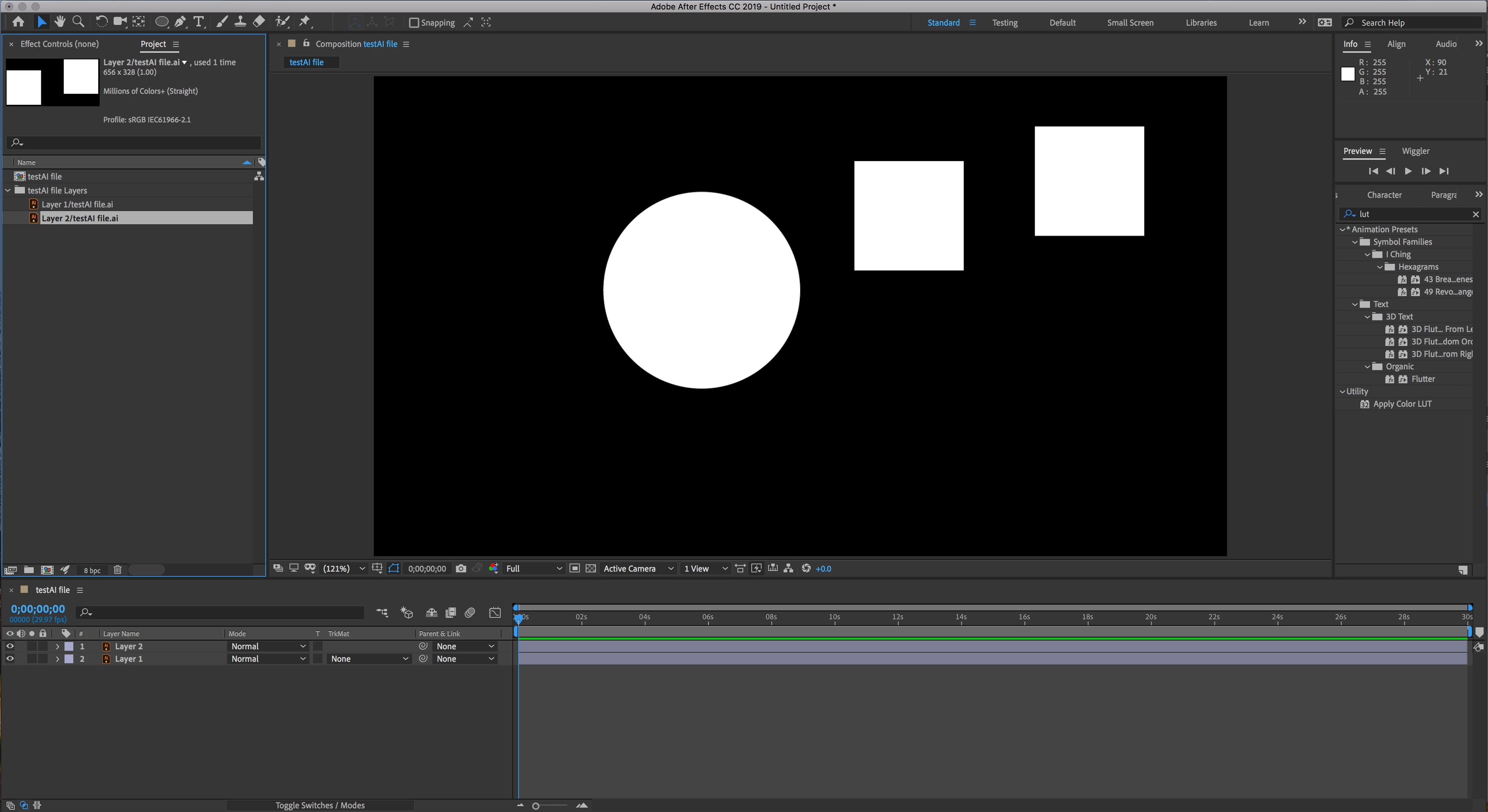
I didn't notice the second artboard. You should never have more than one Artboard in a file prepared for video. The first artboard is indeed set to a 1:33 PAR and that is wrong. The template is not made correctly and should probably be deleted. The video rulers are wrong. You can change the PAR to 1 and make the rulers read correctly but changing the PAR in the Artboard does not change the appearance of the circles or squares. Basically, the ruler in the HD template is useless, but the PAR in the artboard seems to have no effect on the artwork or the way AE sees interprets the comp.
I don't use the templates because every time I do I have to turn off the Video Rulers and Transparency grid and I usually don't want their guides. I have my own templates and I make my own guides.
I just filed a bug. This should have been caught in the first round of QC on Illustrator.
 AdChoices