S_ A
Inspiring
December 31, 2022
Answered

Matte is not working on stroke

  • December 31, 2022
  • 2 replies
  • 355 views

Hello,

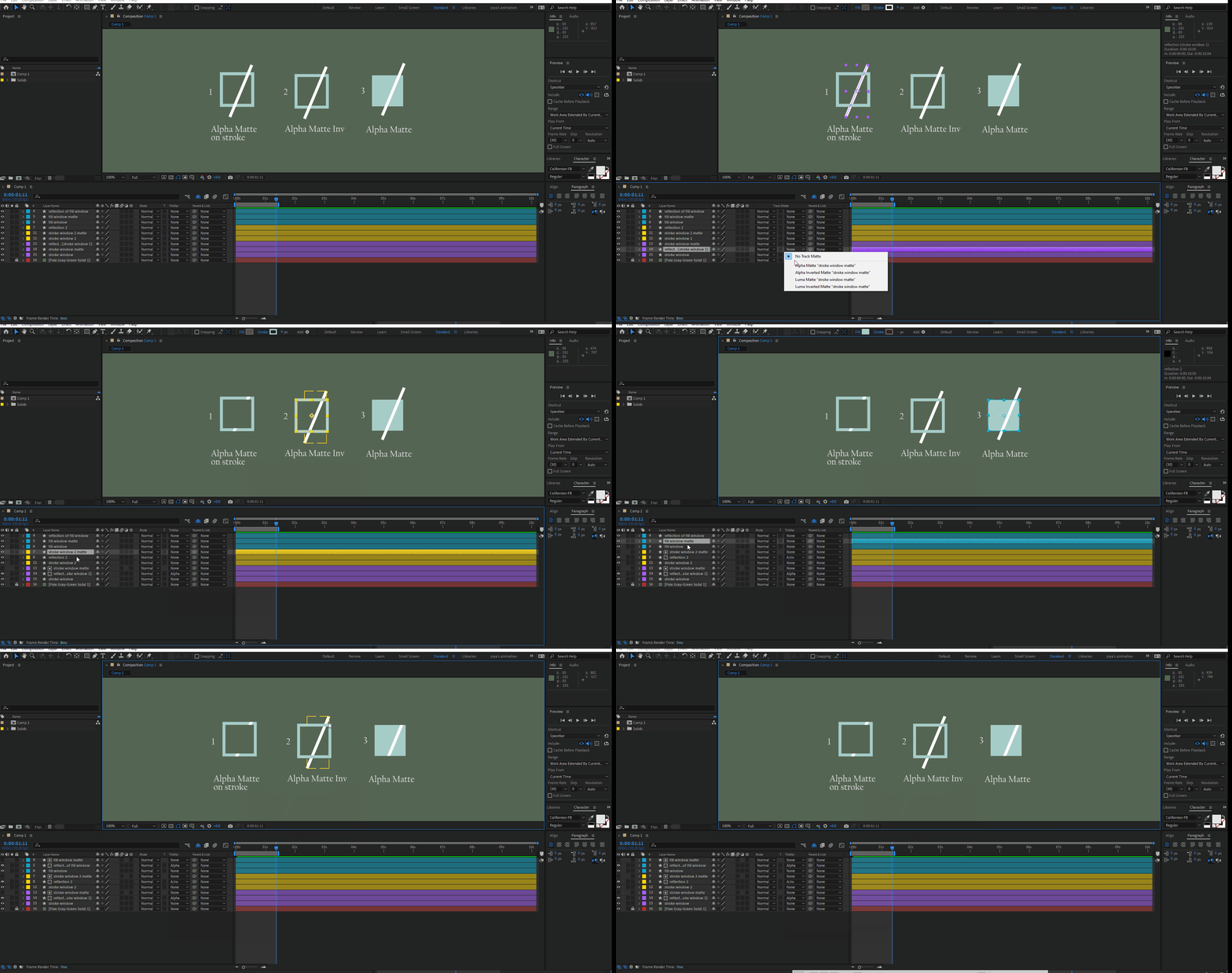
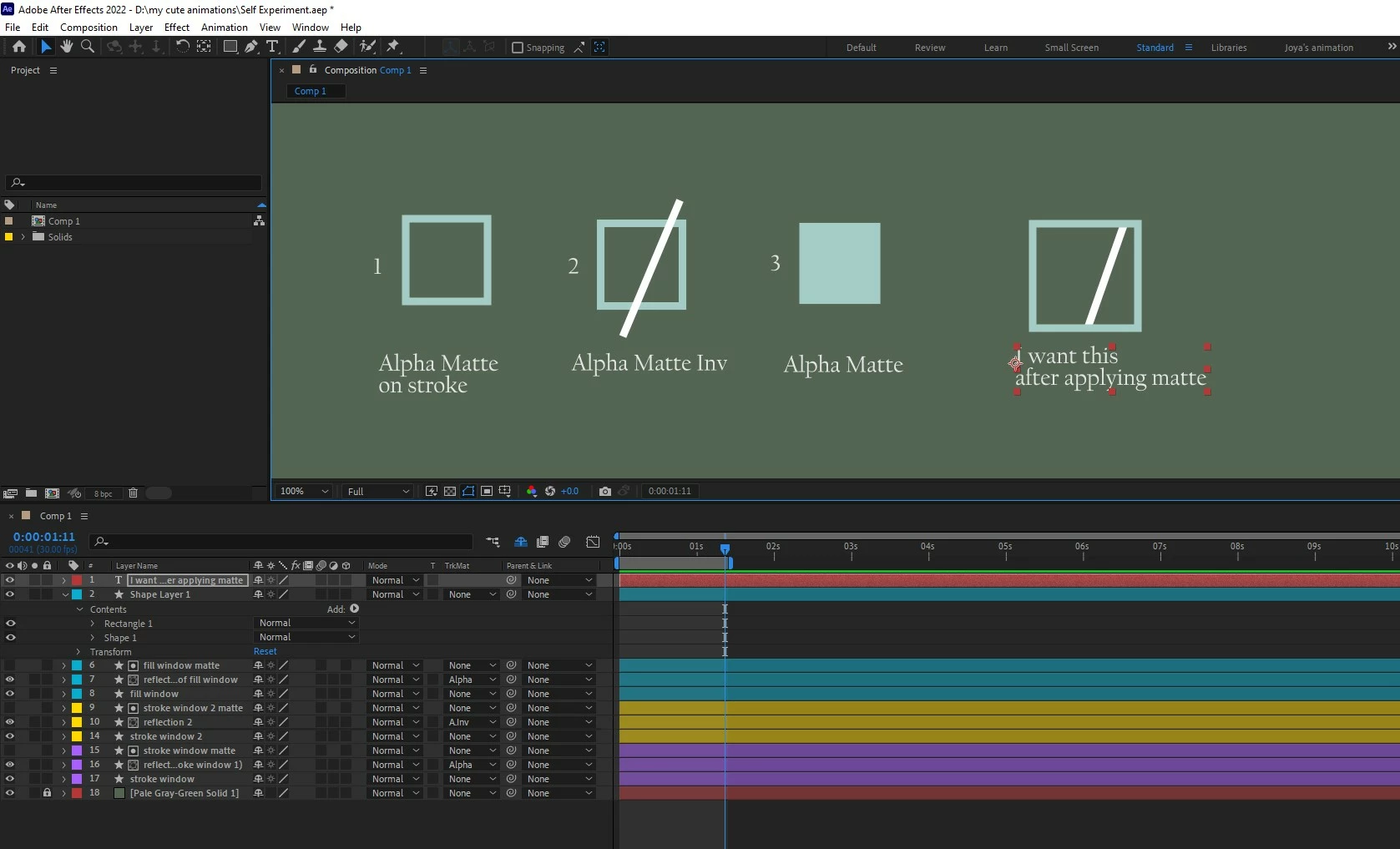
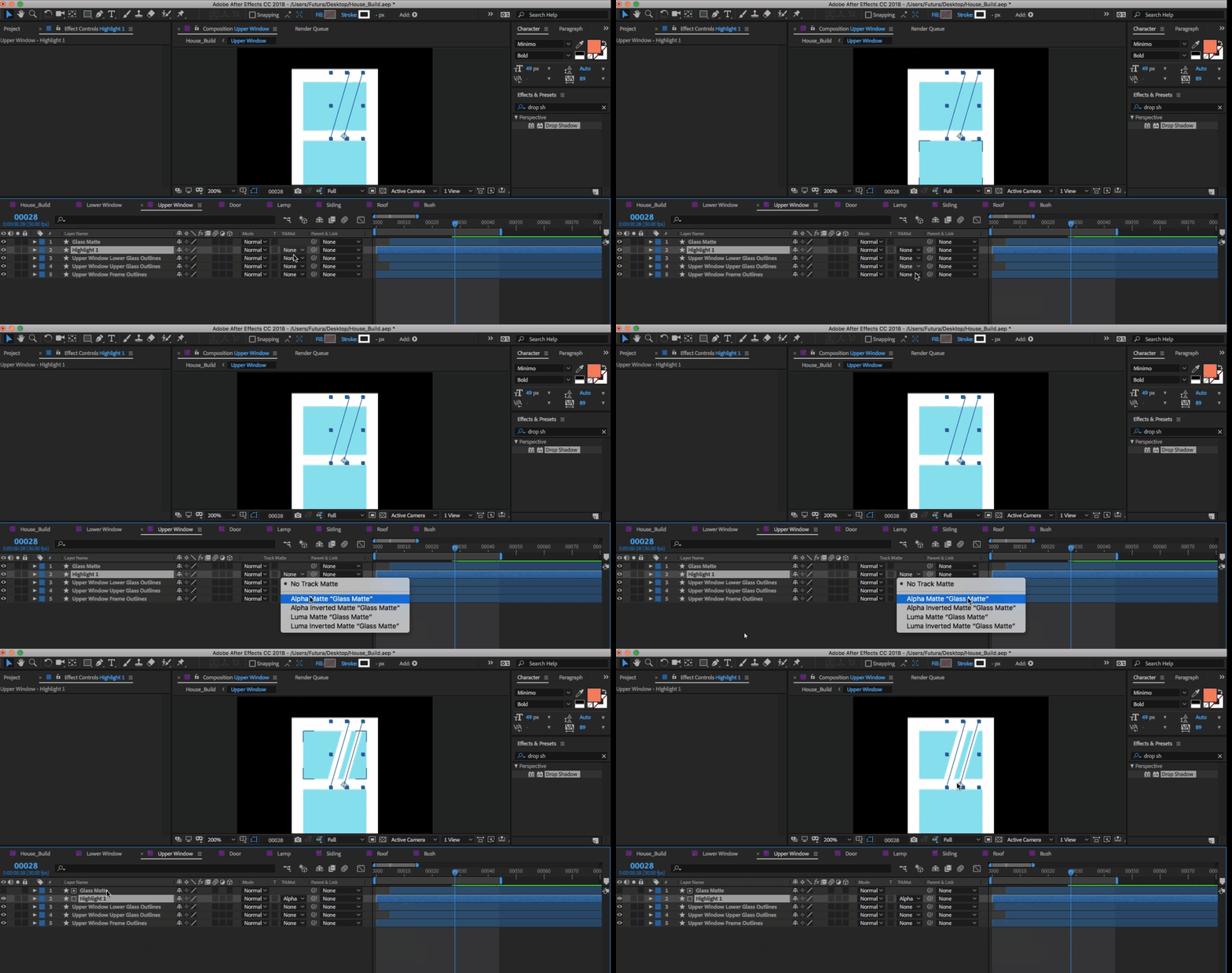
I was following one tutorial where the tutor was animating glares on a glass window. His animation was on a rectangle with fill, no stroke. I paused and was thinking if I can do the same inside a stroke with no fill. but no way I can achieve what I was imagining. I want the same thing with no fill, but inside a stroke.


Please show me where am wrong. 😞 
 

This topic is closed to new replies. Start a new post to keep the conversation going.
Correct answer Mylenium

You have a misunderstanding. Of course you have to use a filled rectangle for the matte. A "frame" by itself doesn't cut anything because mattes have no logic to determine what's inside or not. You simply need three layers: The frame at the bottom, the glare stroke and the rectangle as the matte for the glare.


Mylenium 

2 replies

Mylenium
MyleniumCorrect answer
Legend
December 31, 2022

You have a misunderstanding. Of course you have to use a filled rectangle for the matte. A "frame" by itself doesn't cut anything because mattes have no logic to determine what's inside or not. You simply need three layers: The frame at the bottom, the glare stroke and the rectangle as the matte for the glare.


Mylenium 

S_ A
S_ AAuthor
Inspiring
December 31, 2022

😮 So true. How can I not get that? Thank you so much.