
JulianTennyson
Participant
October 17, 2018
Answered

Media encoder issue - "Media encoder cannot create folder"

  • October 17, 2018
  • 4 replies
  • 12832 views

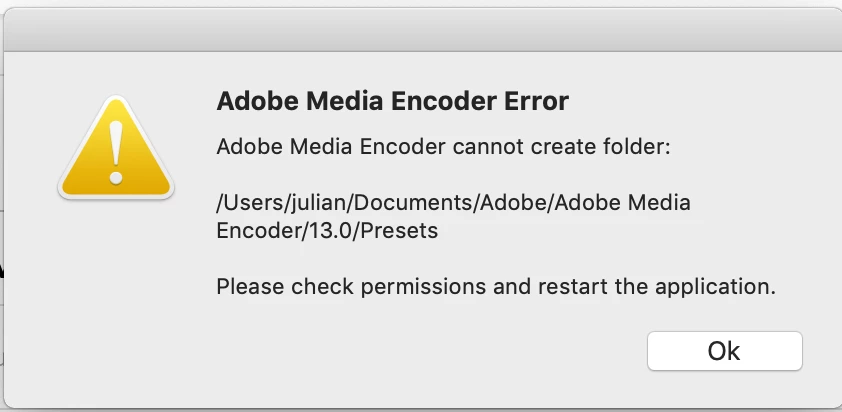
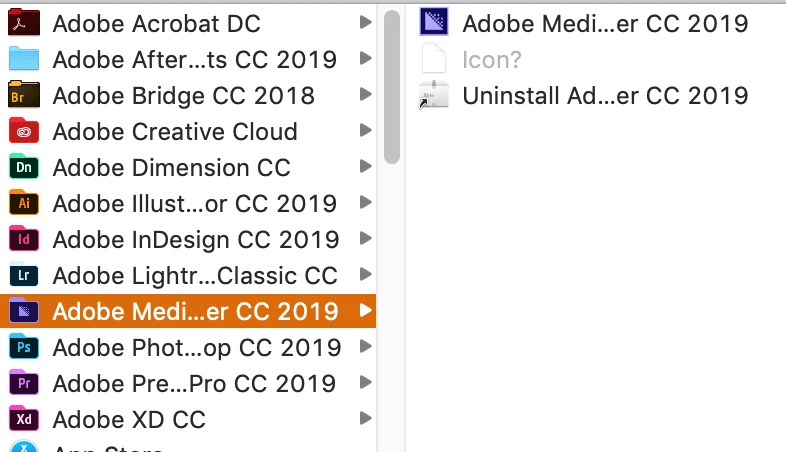
Apologies if this has been solved before but I couldn't find an answer in a cursory search of the forums. Basically since I downloaded Media Encoder CC 2019 it has not been able to launch. It says that it cannot create the presets folder and does not open. I checked the permissions on that folder and it is read and write for all the users so I'm not sure what the issue is. The 13.0 folder does not exist so that might be part of the issue? I've tried uninstalling and reinstalling both media encoder and after effects and both at the same time and nothing has solved the issue. By the way, the after effects folder looks like that because it is currently reinstalling. Thanks for your help!
Correct answer defaultdeq8emz98v4v

I went to the path, created the folder myself, had to type my username and password to do so, and that fixed it for me.

4 replies

Participant
April 4, 2021

I have the same message on a mac, noway to open Media Encoder ! how can i do ? please 


Participant
June 6, 2023

You have to manually create a folder called "Presets" here:
User/yourname/Documents/Adobe/Adobe Media Encoder/number/Presets


Media Encoder attempted to create this folder but an added layer of security, possibly a password, was needed and prevented the automation. Once I made the folder myself the issue was resolved. Hope this helps. 


nishu_kush
Community Manager
Community Manager
February 24, 2021

Hi JulianTennyson & defaultdeq8emz98v4v,


Thanks for taking the time to update the thread. It'll be helpful for other users.


Thanks,

Nishu

defaultdeq8emz98v4vCorrect answer
Participant
February 24, 2021

I went to the path, created the folder myself, had to type my username and password to do so, and that fixed it for me.

JulianTennyson
Participant
October 17, 2018

I figured it out. It was because my documents folder was on the icloud drive and was in the cloud, so AME could not access it. Thanks apple!