
Method for overlaying screen recording of presentation over video in After Effects or Premiere Pro
I'm trying to create a training video with the following components:
- a video of myself recorded separately
- a screen recording (video) of a presentation done in Google Slides (with animations)
I would like to
- Overlay the presentation with transparent background on top of my video so that my presentation graphics looks like on screen except that the background is removed and replaced by the video
Problem
I have not found a combination of background color on the screen recording (I can set it to whatever I like) and blend mode, that lets me keep the fidelity of the graphics.
I guess color keying could to the trick but it would be great if there is a less "intense" method.
Thankful for any advice!
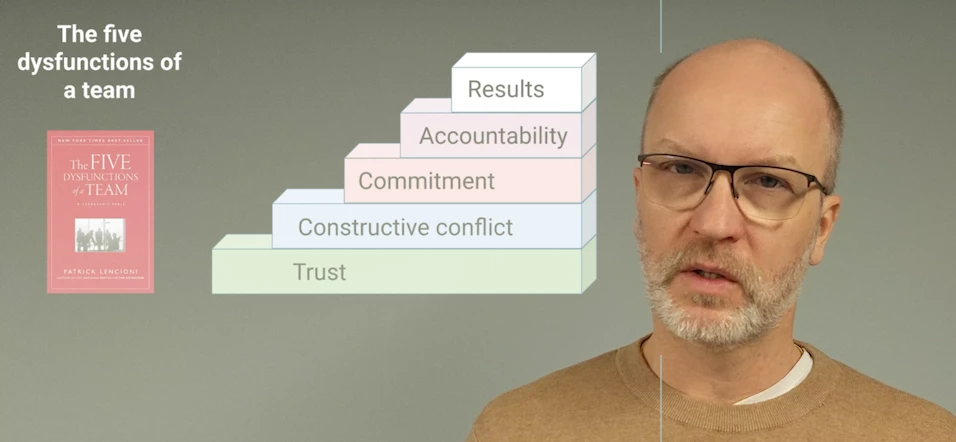
This is using black background and blend mode "screen" but, of course, the fidelity is lost...
 AdChoices