

Answered
Missing Video Effects Motion Control in Effect Control Panel
I'm convinced I should see a "Video" Effects or "Motion" Control option in my "Effect Controls" Panel, but I see nothing. The clip is selected. I've tried multiple clips including solids, and a new/fresh project.
Nothing shows the default "motion" "opacity" or "time remapping" options that I'd expect to see. What am I doing wrong here?
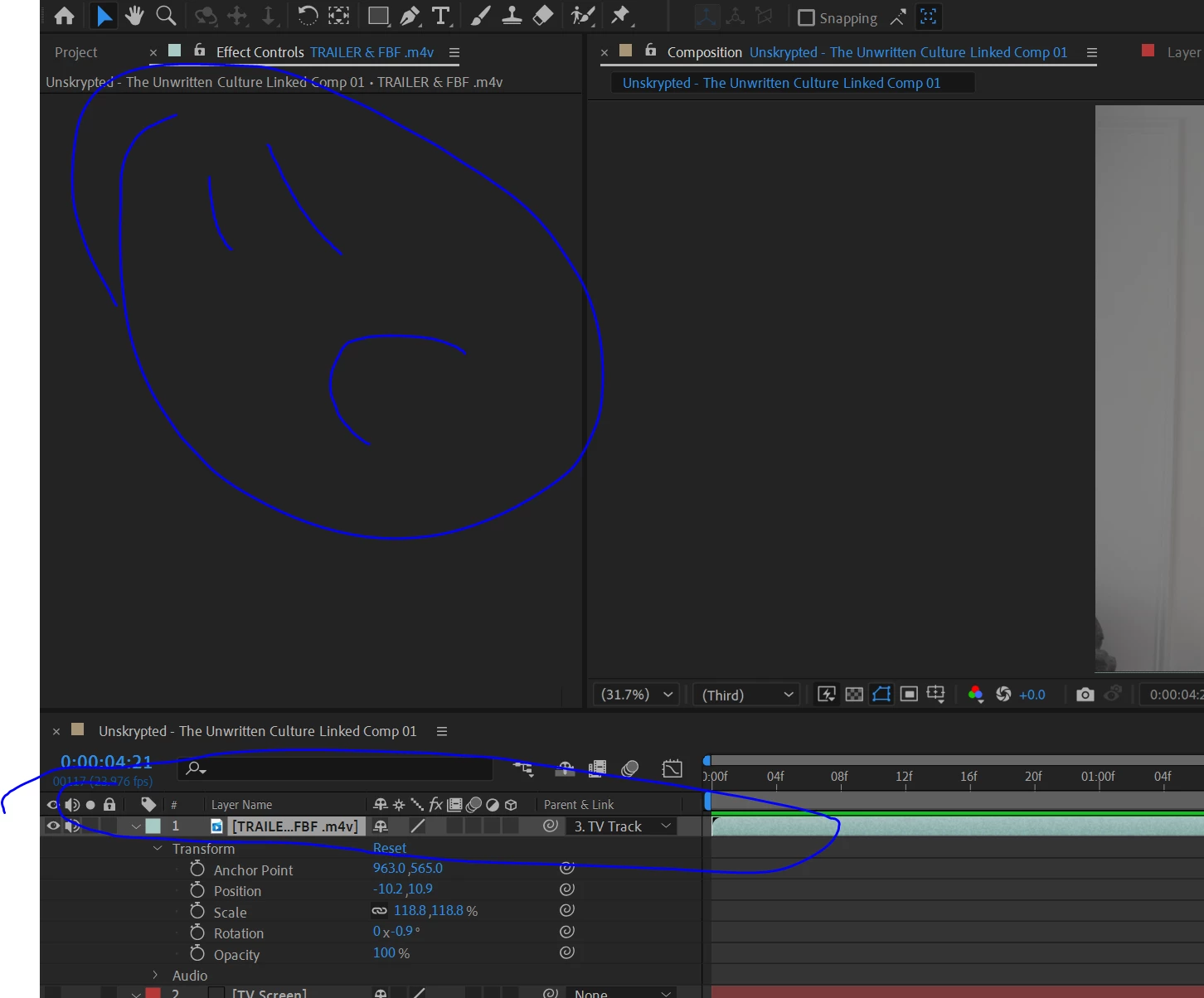
Nothing found on Google, need sleep, need answers, client needs product. Please help 🙂
Version: 23.1.0 (Build 83)
Windows 10
 AdChoices