
Question
Mocha AE - Is there a way to attach your track to multiple images/videos?
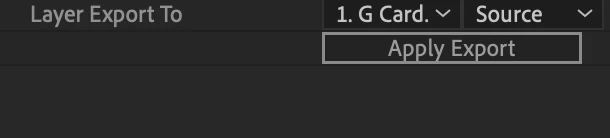
Once you've finished your track in Mocha, you can attach an image/video to it by clicking on the appropriate file in the "Layer Export To" and then Apply Export. I was wondering if there's a way to attach multiple files to that track? For example, I have a screen I want to replace. I track the appropriate plane in Mocha and then attach the image to it. It works great, but I want to include a dark solid underneeth it so I can lower the attached image's opacity. I understand I can duplicate the file with mocha and layer export to the solid this time, but I was wondering if there was another way. Thanks
 AdChoices