


Participant
January 17, 2024
Question

Mocha Ae solid layer displacement after applying export

  • January 17, 2024
  • 1 reply
  • 287 views

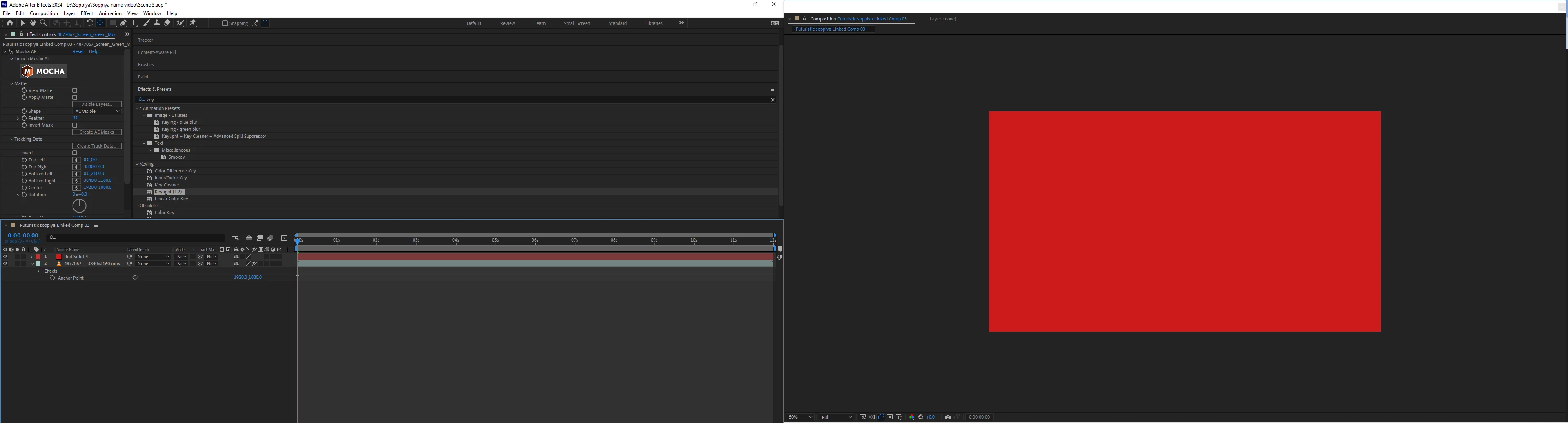
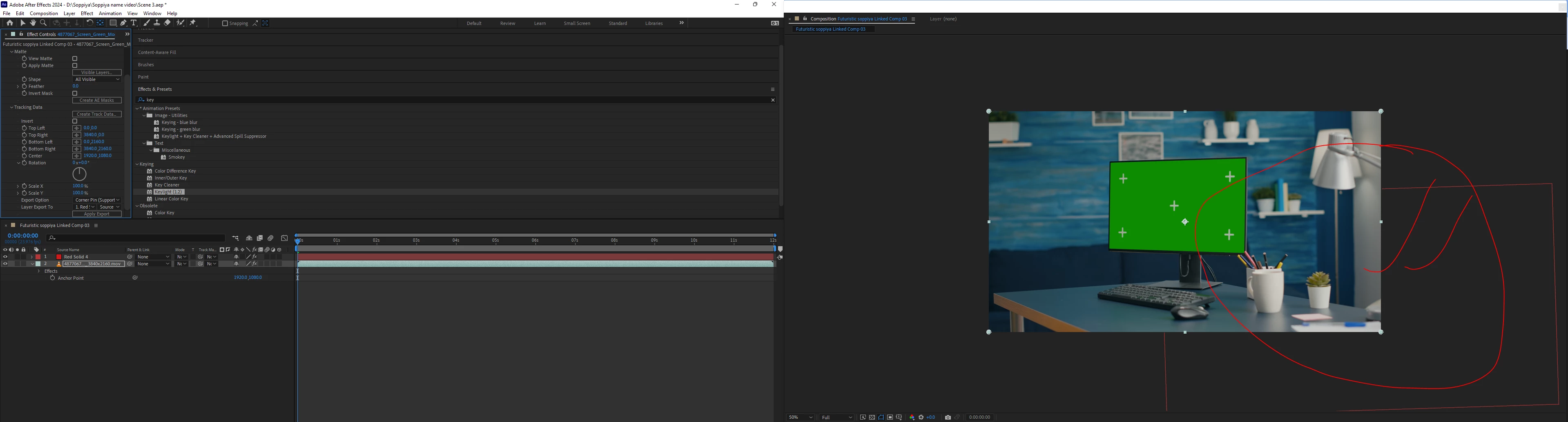
My solid layer mysteriously disappears from the canvas after I click "Apply Export" in Mocha AE. The first picture shows my composition with the layer visible, and the second picture displays it missing after export. Can anyone help me figure out why this is happening and what I can do to fix it?


This topic has been closed for replies.

1 reply

Community Expert
January 17, 2024

I am assuming that you use Mocha AE to track Translation, Scale, Rotation, Shear, and Perspective. I also assume that you lined up the Surface with the TV that has the green screen with trackers. Then, you selected that tracking layer in Mocha AE and applied the track to the Red solid using Corner Pin. That workflow should have worked. Sometimes, there are problems when With Support Motion Blur is turned on, but your project should have been fairly straightforward.


If you are new to Mocha, you might want to check out the training on their website: Boris FX Training


If it did not work, and there are no Corner Pin keyframes applied to the