Question
Mocha wont show clip from After Effects
Hello,
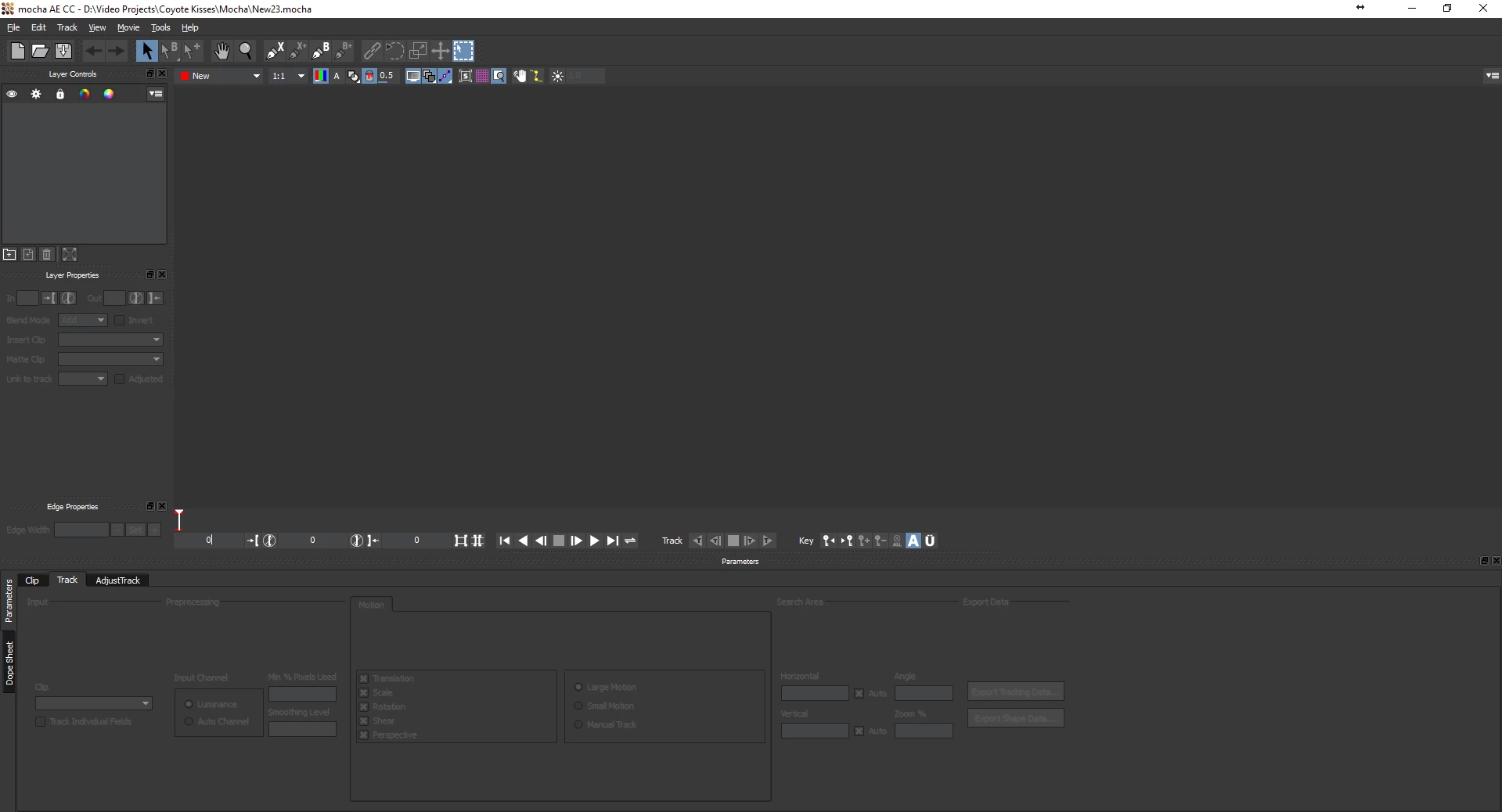
I'm attempting to work on a clip that I have placed inside of an after effects composition in mocha. In AE I select the clip, go to the animation tab and select "Track in Moach AE". Mocha opens and prompts me to create a new project. I name the project and select my settings but once I hit ok the dialogue box goes away but my clip does not appear. I've tried .mp4, quicktime and .mxf files thinking it was file format issue but all had the same problem. So i'm lost...
Specs
After Effects CC 14.2.0.198
Mocha CC 4.0.3 build 13094
Windows 10 Pro Version 1607
OS Build 14393.1198
What my screen looks like after I hit "ok" for creating a new project:
 AdChoices