
Participant
April 19, 2022
Answered

Mogart of a slider animation

  • April 19, 2022
  • 1 reply
  • 576 views

Hi, I'm trying to export as a mogart a simple slider animation.

I can export the slider itself no problem, but I cannot figure out how to export the" whole animation. 

It's a graphic that starts with zero and then goes all the way up the whatever percentage is selected. When I create the mogart, the slider works perfectly but it doesn't start at zero, it's directly set on the value that's chosen on the slider. 
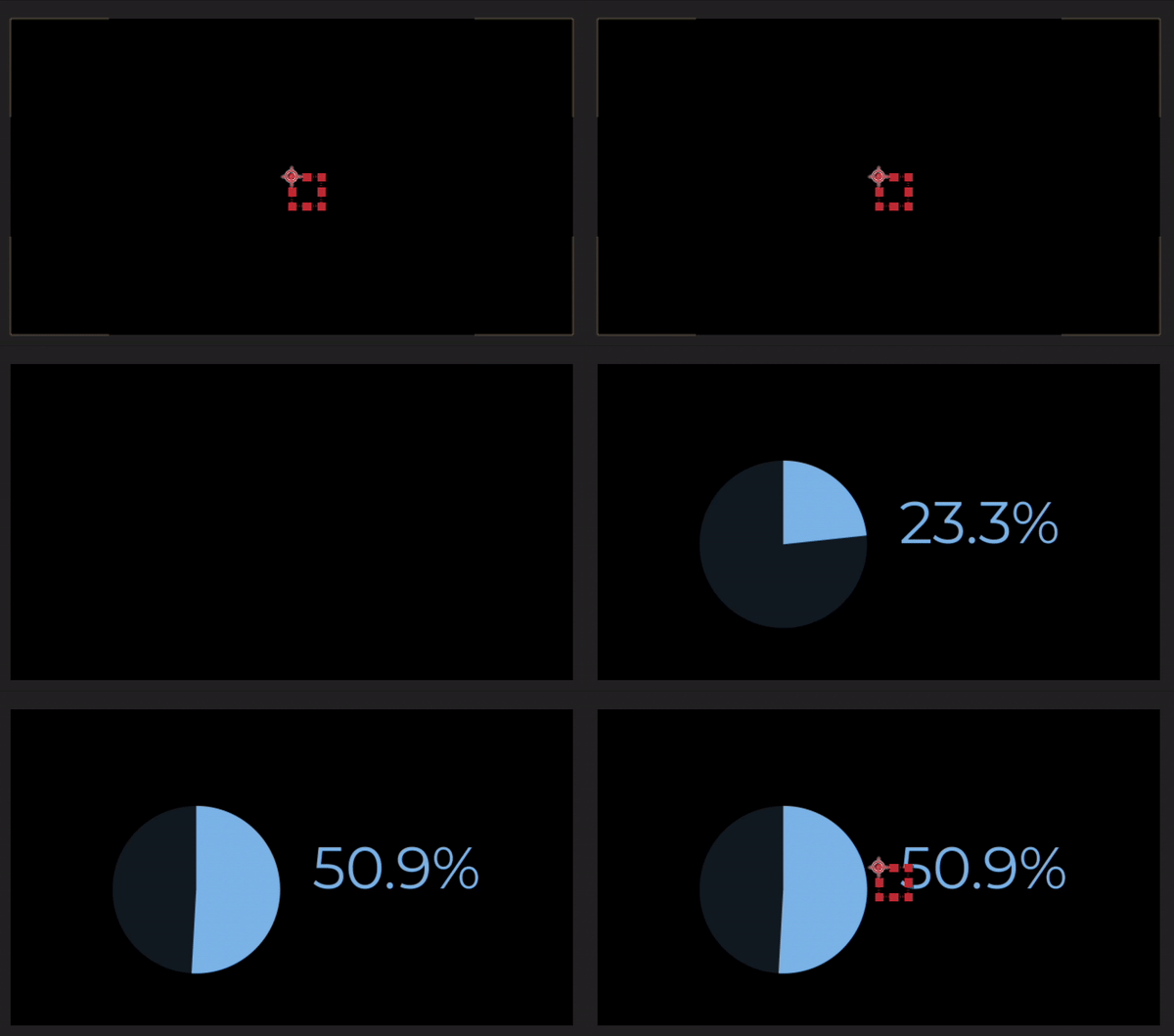
How can I keep this smooth "from zero to any%" animation on my mogart?

Apologies in advance if it was already asked and answered, thanks for your help!

This topic has been closed for replies.
Correct answer Rick Gerard

You need to add an interpolation method expression to the slider value that uses Time to advance the value. Something like this will take three seconds to count from zero to any number set by the slider and ease into the last value.

t = time - thisLayer.inPoint;
tMin = 0; // start at layer in point
tMax = 3; // end at 3-seconds
value1 = 0; // starting value
value2 = effect("Slider Control")("Slider"); // ending value
count = easeIn(t, tMin, tMax, value1, value2);

You might also want to choose a monospaced font and att toFixed(2) to the text counter to set the number of decimal points and keep the numbers from jumping around as the counter counts up.


1 reply

Rick GerardCommunity ExpertCorrect answer
Community Expert
April 19, 2022

You need to add an interpolation method expression to the slider value that uses Time to advance the value. Something like this will take three seconds to count from zero to any number set by the slider and ease into the last value.

t = time - thisLayer.inPoint;
tMin = 0; // start at layer in point
tMax = 3; // end at 3-seconds
value1 = 0; // starting value
value2 = effect("Slider Control")("Slider"); // ending value
count = easeIn(t, tMin, tMax, value1, value2);

You might also want to choose a monospaced font and att toFixed(2) to the text counter to set the number of decimal points and keep the numbers from jumping around as the counter counts up.


Mathias Moehl
Community Expert
Community Expert
April 19, 2022

Rick is right. If you don't like the timing of easeIn(...) , you can also try easeOut(...) or linear(...) instead in the last line.

And of course make sure to replace

effect("Slider Control")("Slider")

by a link to your slider. You can create this with the pick-whip, for example.

Mathias Möhl - Developer of tools like BeatEdit and Automation Blocks for Premiere Pro and After Effects
Participant
April 20, 2022

Thanks a lot to both of you for your help!

I'm trying to implement your solution which I find pretty strzightforward, but it returns me a simple error message that I can't solve : 


I don't get what's missing?