Participant
August 19, 2023
Question

Mogrt files to premiere pro, issues with captions + shapes
  • August 19, 2023
  • 2 replies
  • 246 views

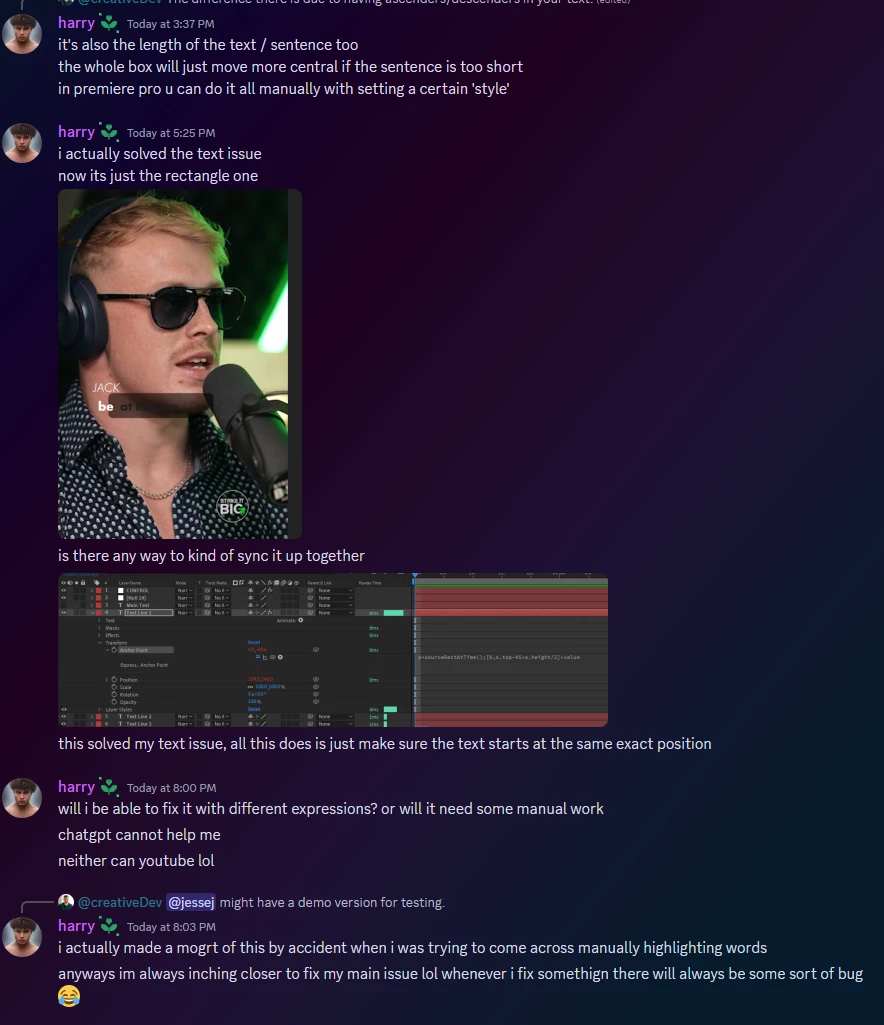
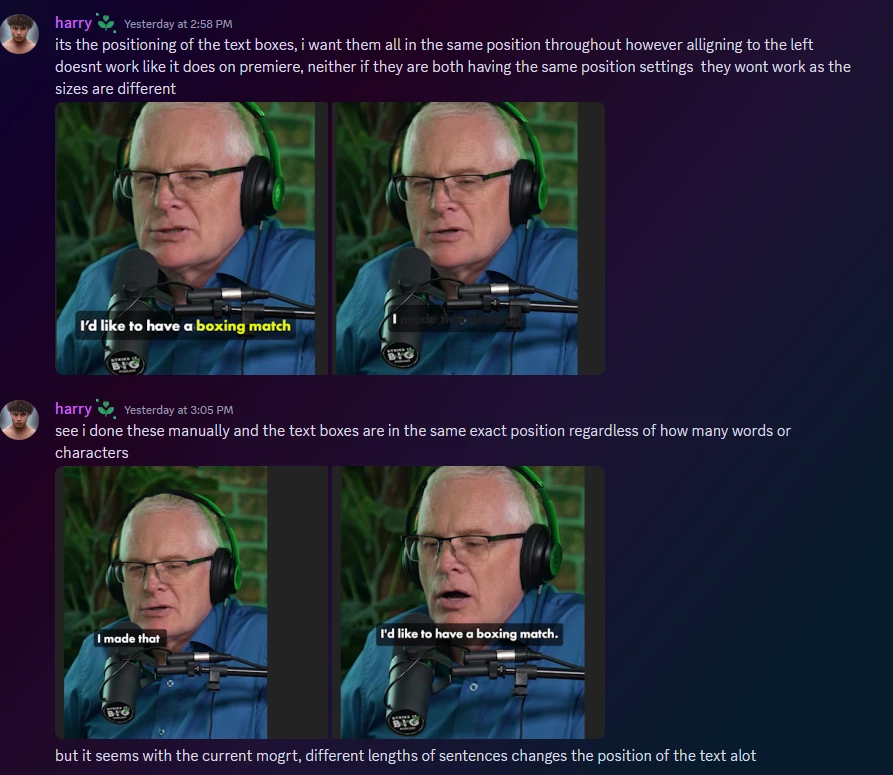
So basically i am having an issue with the shape layer that sits behind the text on the screen, the current mogrt i have automatically does my captions for me which is a word by word animation, however it had some things i wanted to customize about it which was the positioning of the text and also the positioning of the shape that sits right behind it, it seems like as soon as the words change over to a new sentence with the captions the shape just goes out of shape automatically


This topic has been closed for replies.

2 replies

mart-martinlofqvist
Known Participant
September 24, 2023

What you need to do is to control the anchor point of Shape layer rectangle. 

From start the Rectangle is being sized from its own center point but this can be changed with a little expression trick... 

Open up the shape layer and locate the Rectangle and find its own Position attribute, it's located right underneath the Size attribute (do not confuse it with the shape layer groups Position attribute). Alt+click to reveal the Expression editor and link this to Size attribute just above using the pick whip and end the line with "/2". This will position the rectangle to half of the size and thus moving its anchor point to the left. For the other side just place a "-" at the beginning of the line. 


Hope I understood your question!

Participating Frequently
September 24, 2023

could you tell me how you put the mogrt on the srt file ?