
Mogrt won't affect expression layers from After Effects project.
I am working on a "workaround" for a time-consuming process using Mogrts. In my daily routine, I currently have graphics that range in resolution that use a video asset as its border. In premiere, I have to place my top graphic (TG) on top of the background layer (BG). Then I scale the BG to border the TG as seen in this picture.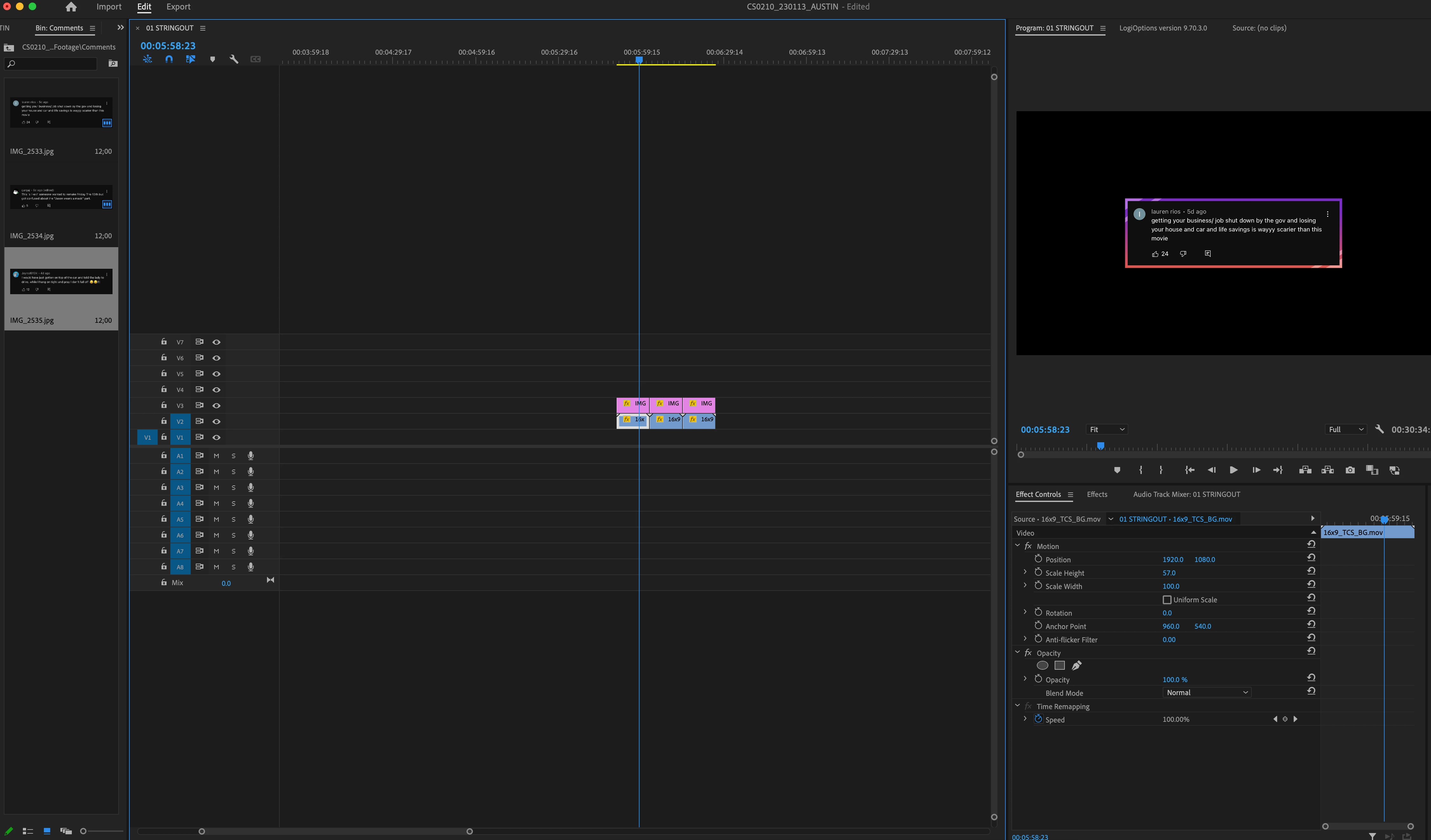
I have finally...painstakingly made an expression placed on the scale of the BG layer. It automatically changes the BG resolution to border a TG in After Effects. I can replace the TG using the "Replace Footage" option in the project tab of After Effects and it accomplishes the effect perfectly.
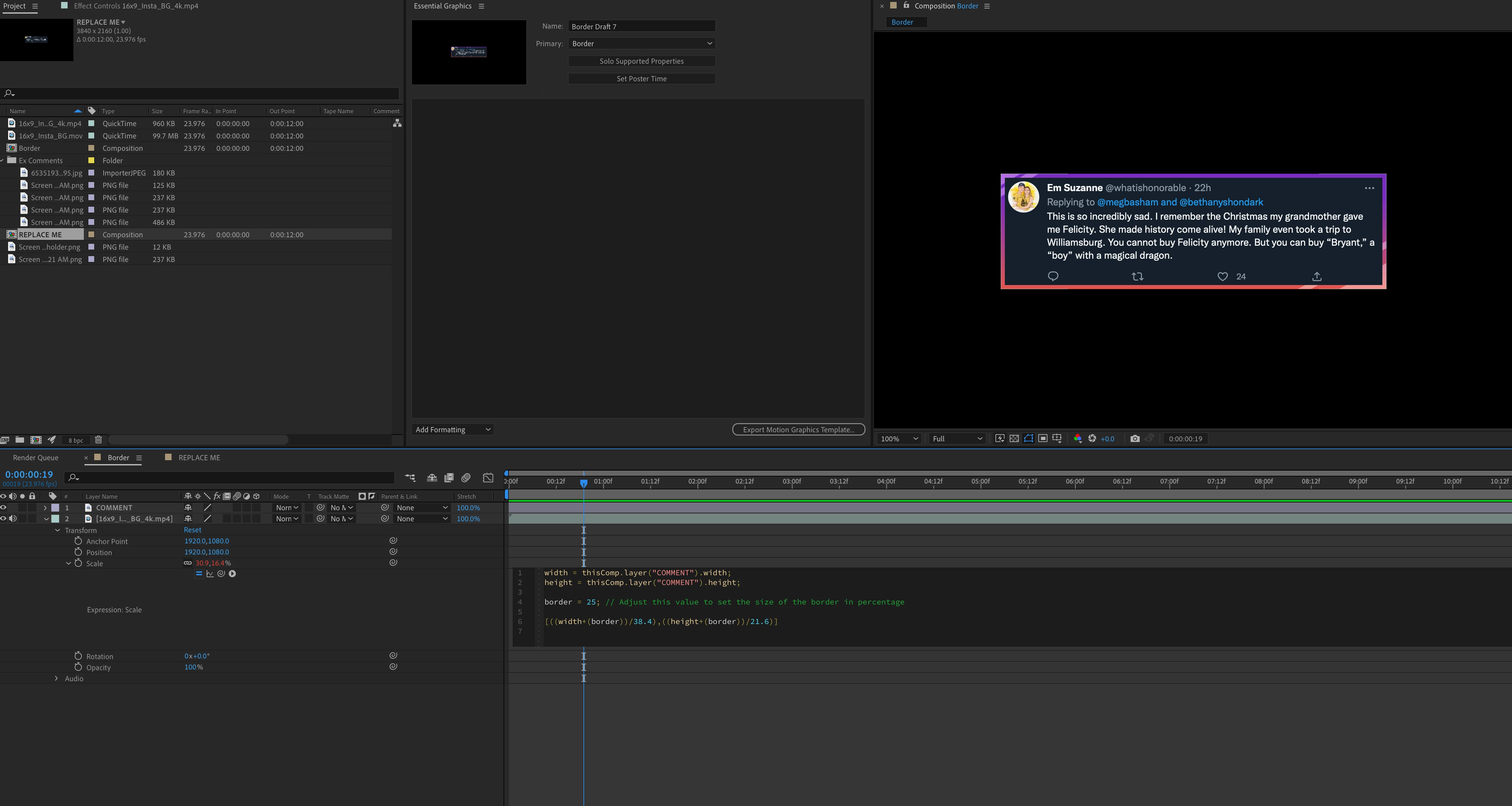
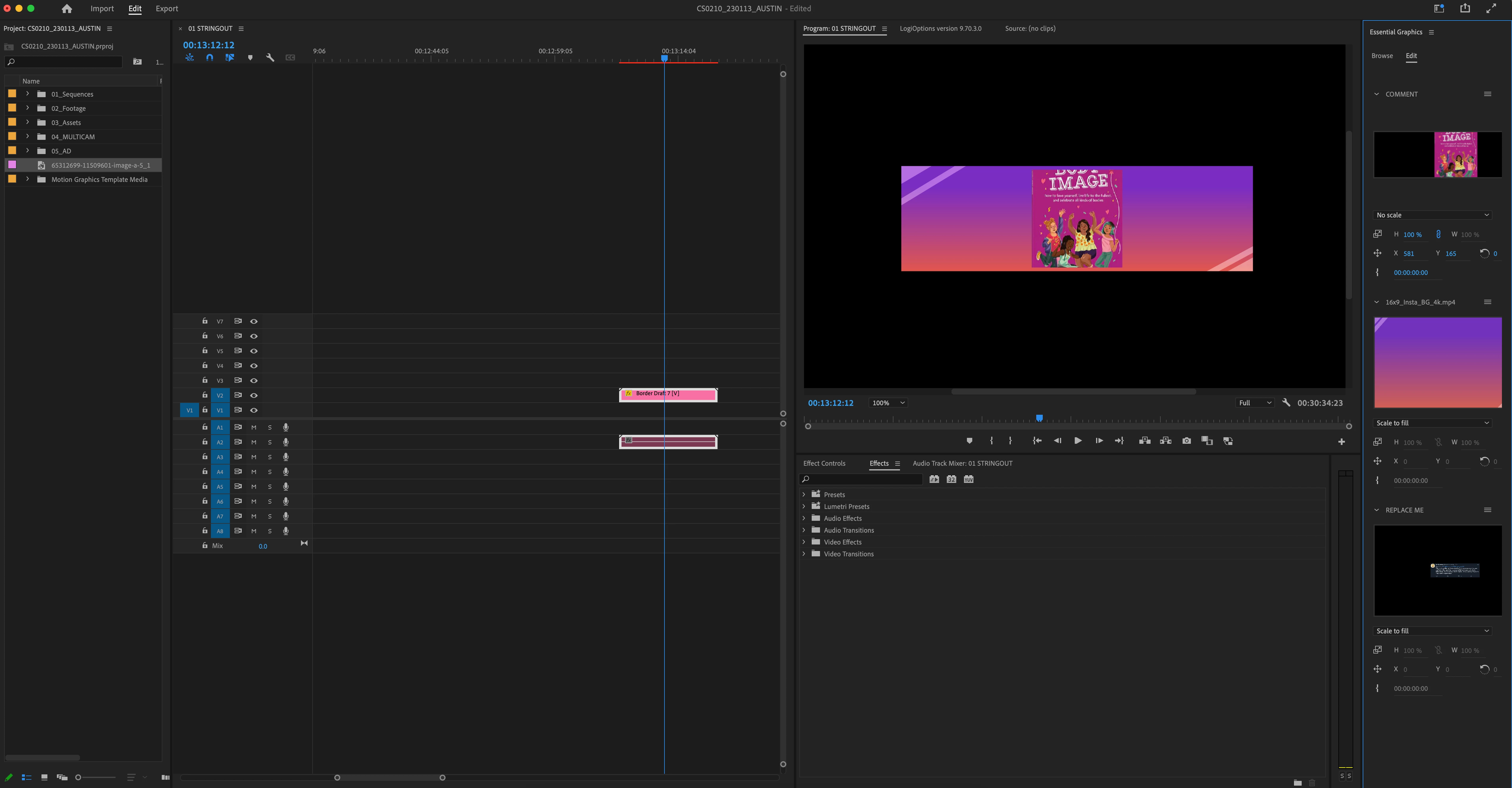
My issue is the expression of the BG layer isn't dynamic, and will not update whenever the TG layer is replaced in a Premiere Pro Mogrt. Is there a way that when I replace the TG inside of a Mogrt, the BG layer will automatically resize itself in the same manner? The picture below is currently what happens in the Mogrt when I use a graphic with a different resolution.


 AdChoices