
Morphing one shape into another - never takes the simplest route
I am trying to morph one shape into another in After Effects.
To do this, I have created a rectangle shape layer, converted it to bezier paths and added a keyframe where I want the morphing to begin.
Then I created a circle shape layer, converted it to bezier paths and added a keyframe. Then I copied the circle keyframe, and pasted it onto the path of the rectangle where I wanted the morphing to end.
This does achieve the desired shape morph but the path that the morph takes to get there is complicated. Instead of the rectangle's corners just becoming more rounded until it becomes the circle, the shape rotates and the anchor points move to further anchor points.
Is there any way to control the middle morphing method?
Here are a few screenshots of the white shape on a black background that I'm trying to morph. Note that in the middle, you can see how it is rotating.

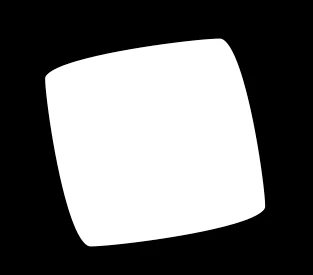

Thank you for any help you can provide!

 AdChoices