
January 7, 2026
Question

Motion Blur - Sampling precision

  • January 7, 2026
  • 1 reply
  • 145 views

Hello!
I'm working on my own motion blur tool, and I've hit a snag with what looks like a precision limitation within AE. 

In short, the plug-in is able to do up to 2048 samples. It even processes that amount. BUT, there is no visual difference from 512 samples and above, like in the attached image. It's a rectangle that flaps up-and-down 30 times a second, which renders identically between 512 and 2048 samples.
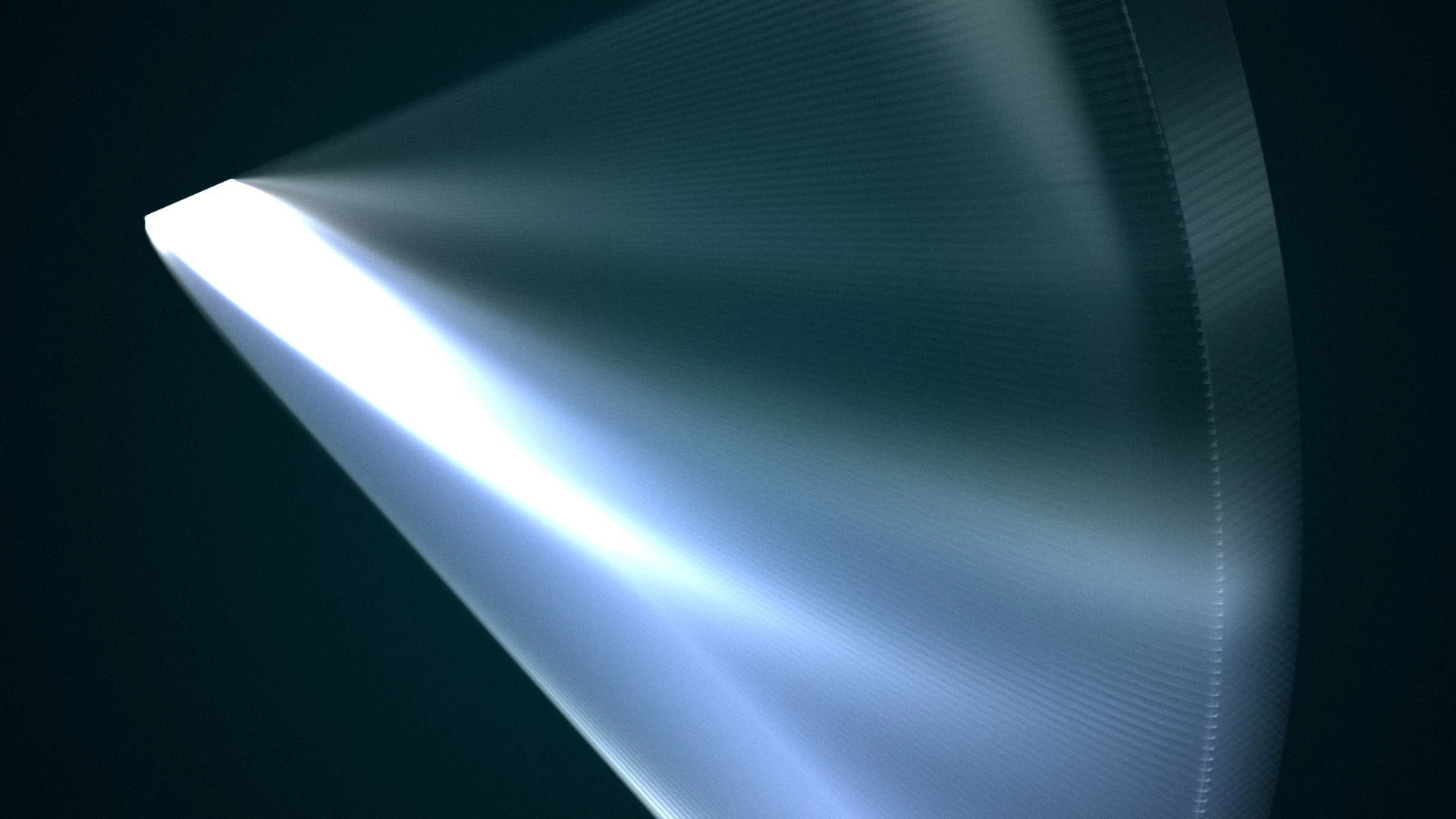
WING_TimeRemap_CLOSE_HSMB.jpg


I'm using "A_Time" to determine the temporal sampling, which should technically give me a microsecond of precision.

A_Time time_val;
PF_FpLong exact_time = (PF_FpLong)in_data->current_time / in_data->time_scale + sample_offset;
const A_long high_scale = 1000000;
time_val.value = (A_long)(exact_time * high_scale);
time_val.scale = high_scale;


And my debugger tells me that the desired amount of sub-frame positions are being calculated and rendered, but it seems that they're either discarded in the final render or snaps to their closest valid values.


Is this simply an inherent limitation of After Effects, where it quantizes positions above/below a certain value?

Thanks in advance
- Ø


1 reply

Community Expert
January 7, 2026

i remebered vaguely that there is a limit to the time resolution in AE at 1/32000, but coupldn't find it in the docs.
so i did a little experiment:
1. create a comp, set it's fps to 999 (any higher value will autmoatically be lowered to 999).
2. put a very small white solid in it.
3. create a position keyframe at frame 0 on the left side of the comp.
4. on frame 1, move the solid to right side of the comp.
5. turn on motion blur for the layer and comp, cranck the comp's motion blur setting to the max.

you'll see indivitual squares representing the motion blur samples. i counted exactly 32 squares.
now:
6. turn the comp's fps down to 500.
7.  move the end keyframe to frame 1, becuase now it's halfway between 0 and 1.
you'll see the amount of motion blur samples have doubled.

that means AE caps the time resolution at 1000 fps * 32 samples = 1/32000sec.
(at least that's what i gather from this experiment, and that correlates to what i vaguely remembered)

RambjoerAuthor
January 7, 2026

It seems you are correct!
Also just updated my debugger, and it shows that AE calls 513 frames internally when the plug-in is set to 1024 samples, at 180°. But it actually calls 1024 frames when it's set to 360°! 

I wonder if I could do a hacky workaround, where 1024- and 2048 samples can be derived from multiple 512 renders, with an offset that fills in the gaps in the base 512 sample render?

Community Expert
January 7, 2026

i think AE will only sample a comp's time at 1/32000sec quantized steps, so a time offset won't bypasss these quants.
the only lsution i could think of, is to create a temp compy of the source comp, double it's length, doublt each layer's stretch value and it's in/out points, so you can now effectively sample the temp comp at twice the time resolution compared to the first. (yes, that solution has an inherent problem of constantly creating temp comps...)