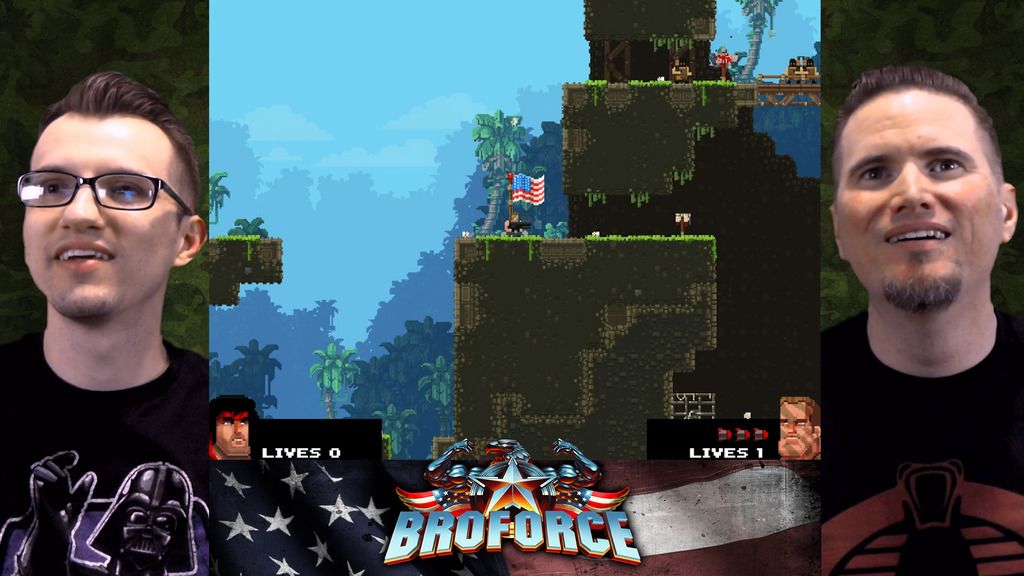
If both people are in the same shot you can:
- Duplicate the layer
- Change AE to the Motion Tracking workspace
- Select the top copy of the layer
- Select Stabilize Motion from the menu
- Adjust the tracking area so it covers a fair amount of something you don't want to move at all in the frame like the intersection of the neck and t-shirt of the guy on the right
- Stabilize the top copy to lock the neck in place (add stabilize rotation if there is a lot of movement)
- Set up a track matte to cut out the guy on the right
- Add a null to the comp
- Parent the track matte and the stabilized footage to the null and position the guy on the right
- Repeat for the guy on the left
That should do it. The most important part of the procedure is to pick the right spot to stabilize. If you stabilized the eyes it would probably look really weird, but if you stabilized the neck that would stabilize the head and keep the shots more natural.
If it looks too stiff you may be better off just key framing position but using as few keyframes as possible. It's impossible for me to tell which would be the best approach visually because I haven't looked at the actual shot you are trying to stabilize. The best technique for any FVX shot always depends entirely on the shot.
To learn about Stabilize Motion type "stabilize motion" in the search help field at the top right corner of AE so you can learn how to use the procedure properly. There are some great community resources and the help files are quite good on the subject.
If that doesn't do it we need more details about your production workflow.



 AdChoices