
.mov files changing the timing when imported into after effects project
I am working on an animation right now in adobe after effects, and I have the sketch, lineart, full animation, and audio all on separate layers.
The full animation is the sketch layer and lineart layer combined + recolored
The full animation layer's timing is perfect, matches the audio perfectly, and is exactly how it is meant to be
Though when I import the sketch and lineart on top of it, the timing is extremely off, being many frames ahead.
The sketch and lineart layers have the audio in their own files, and playing them in after effects by themselves still is highly off timing. Though when I play the movs alone on windows media player, the timing is perfect.
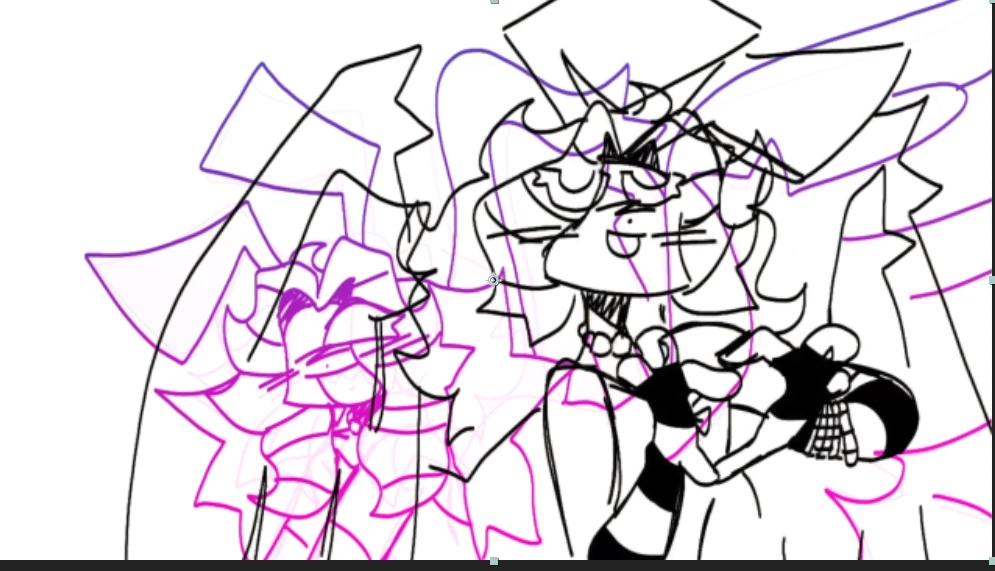

I've tried converting the sketch and lineart layers to 30 fps like the original animation, though I find they are still off from the original animation.
If any additional information is needed, I can provide it
 AdChoices