
Question
Move text without moving mask?
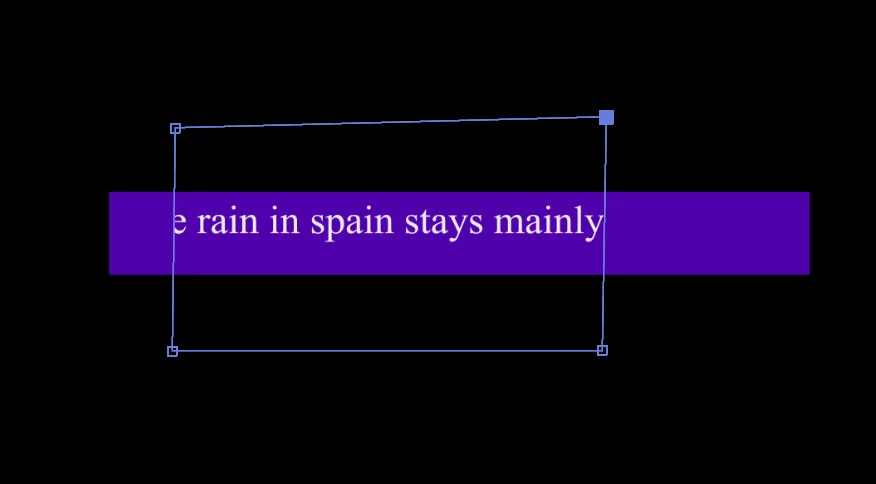
I created a text, a purple rectangle, and a mask.
The mask is on the text layer, the purple rectangle's position is pickwhipped to the text's position.
If I move the text with the selection tool, all 3 objects move.
If I change the anchor point x or y value of the text transform property, the text and the mask moves and the rectangle stays.
If I move the text with the pan behind tool, the text and the rectangle moves and the mask stays.
How do I move just the text, while the mask and the rectangle stay, either with a tool or by changing some number(s)?
I'm trying to create a text that scroll horizontally into the rectangle area. The mask will eventually be made same size and position as the rectangle.
 AdChoices