
Moving multiple masks on separate layers in sync
I'm trying to create a grid where I can control each square to create an animated tiled mosaic, almost like 8-bit pixel art. I need each square on the grid to be it's own pre-comped layer and masked from an existing image of tiles that cycle between different colours, but they also have individual textures so it can't just be replicated.
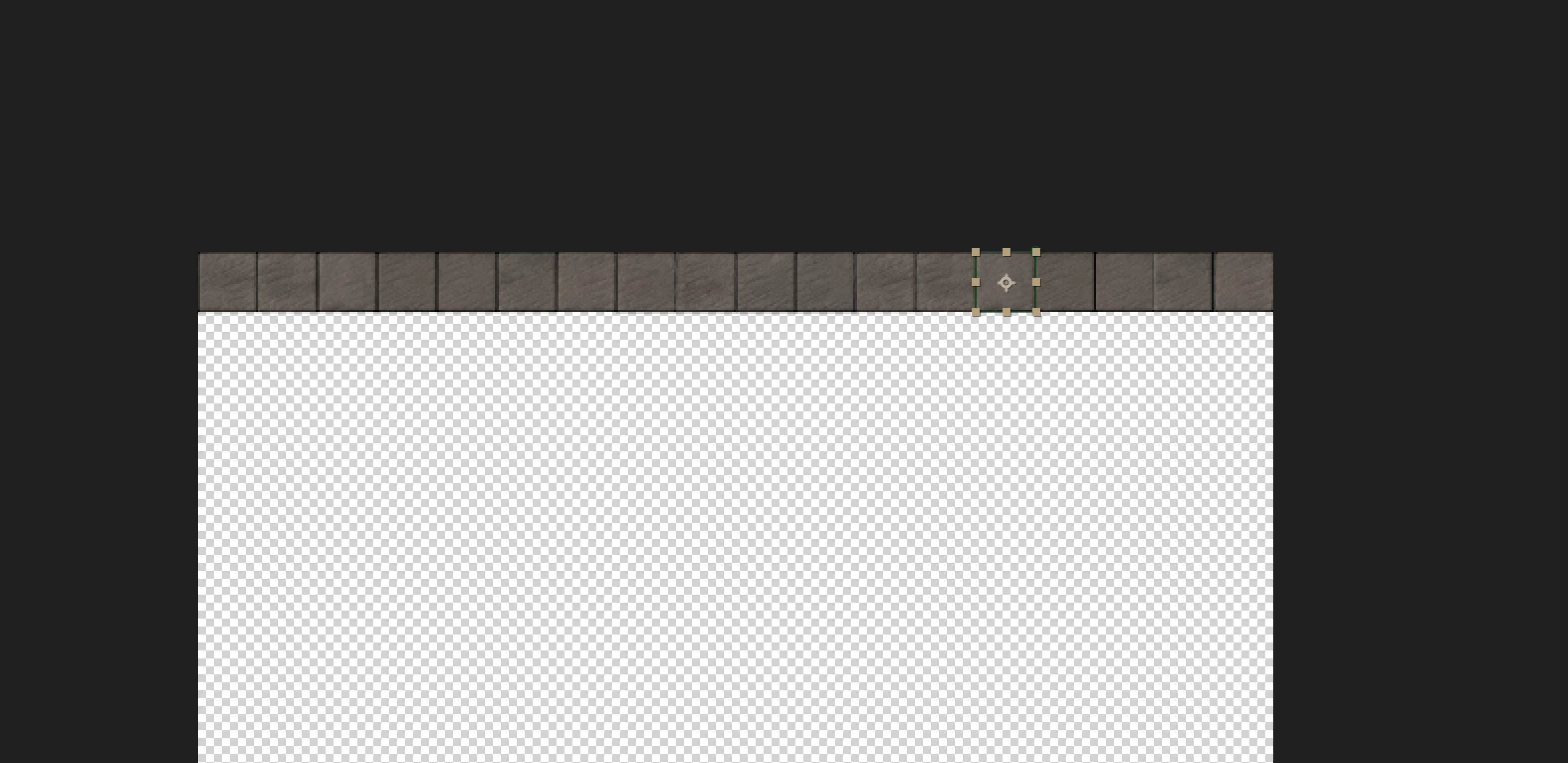
I've created a full row of squares, each on its own layer with its own mask. As I duplicate this row of layers, I want to avoid moving each mask individually to save time and be more precise. I want to select an entire row of masks on seperate layers and move them down together all at once, and then repeat until I get to the bottom of my grid. I thought I would do this with Track Mattes, as I could easily copy and paste the shape layers, select the whole row move them down together, but I realized I need to use masks so I can select each square and manipulate it later.
Is this possible or am I going to have to move every single mask in the grid individually?


 AdChoices