
Moving the (line) shape doesn't update it's path
Hey everyone, I'm pretty new to After Effects so it might be a basic question, but here it is: and I'm trying to make a shape follow a custom path. I managed to do it by creating the path (a line basically) with the Pen tool, copying the path and pasting it on the object's position property (and it works well).
The problem is: if I move the path, and I try to make another object (or the same one, doesn't matter) follow the same path (but now located at a different position), it keeps using the initial path's position instead of the new one.
So I end up in a situation like that:
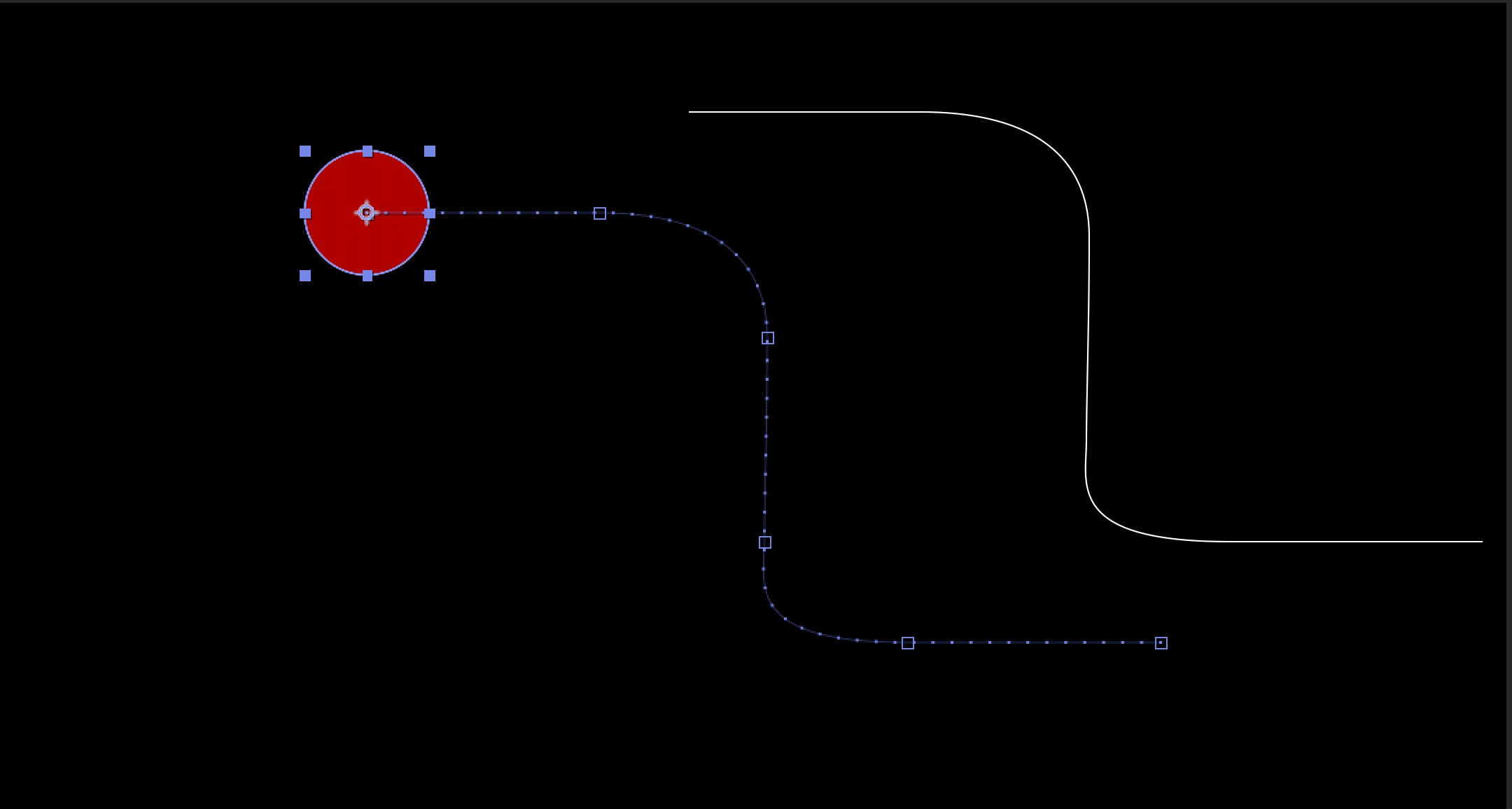
Is there a way to get the new path and apply it on the object's position property? I was expecting this to work out of the box, but maybe I'm missing something.
Thank you!
 AdChoices