
MP4 colour mismatch (only on Mac, in browser)
Hi folks,
Using After Effects Version 14.2.0.198, MacOS X Version 10.11.6
Been tearing my hair out trying to find a solution for this. I am building a website that has some video content on a single colour background and is supposed to integrate seamlessly with the rest of the site, which has the same BG colour (as if the video content were on a transparent background). The bg colour is #2B2B29.
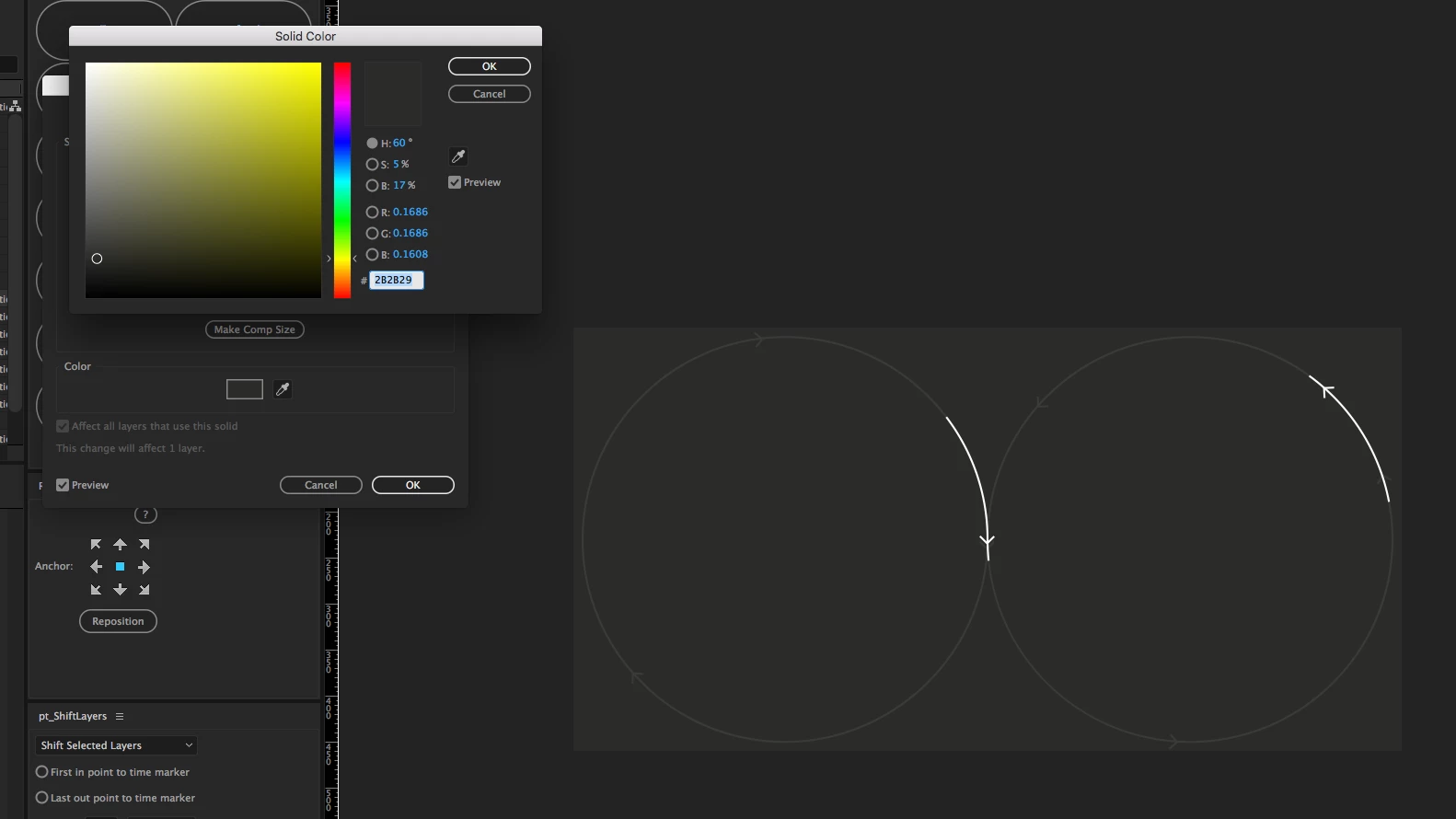
I have been rendering the videos lossless, and then re-encoding using Adobe Media Encoder. However, once encoded as an mp4 using h.264 (which is the only option for compatibility across all browsers, my development team tells me), the colour no longer matches the site.
I tried converting the image into an animated gif with a transparent bacgkround, but it was 6.5mb compared to the 100kb of the video, so that isn't an option either.
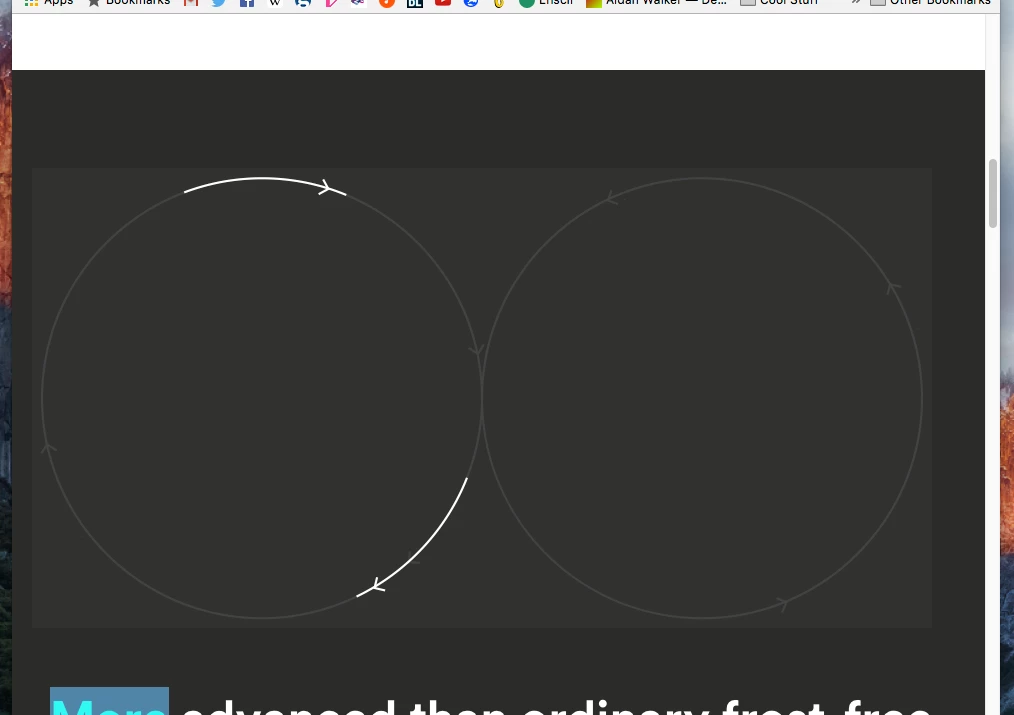
The bg colour of the video is now #31322f, whilst the site remains the correct colour. I am assuming this is a colour management issue.
However, I have tried rendering the videos with and without colour management, using 8 bit and 32 bit colour channels, encoding using 1 pass and 2 passes. The issue only occurs on Mac but it occurs across all browsers. On PC this isn't an issue at all. Also, weirdly, if I import the mp4 file into Photoshop or open it with Quicktime, it is still the correct background colour. It only happens when displaying in browser, but only on mac, regardless of browser.
Has anyone got any advice?
 AdChoices