
Question
mp4 error in AE
Have a problem when open AE project with mp4 video - it is shown with incorrect size (1088 x 1920 instead of 1080 x 1920). Also it looks 4 times smaller than it has to be and the rest of it's area filled with strange lines (on the screenshot). It happens on laptop Asus ROG Strix G18 laptop. On another Device (PC) where this AE project was created it is shown fine. I always have to convert MP4 files to MOV and then everything is ok. Need help.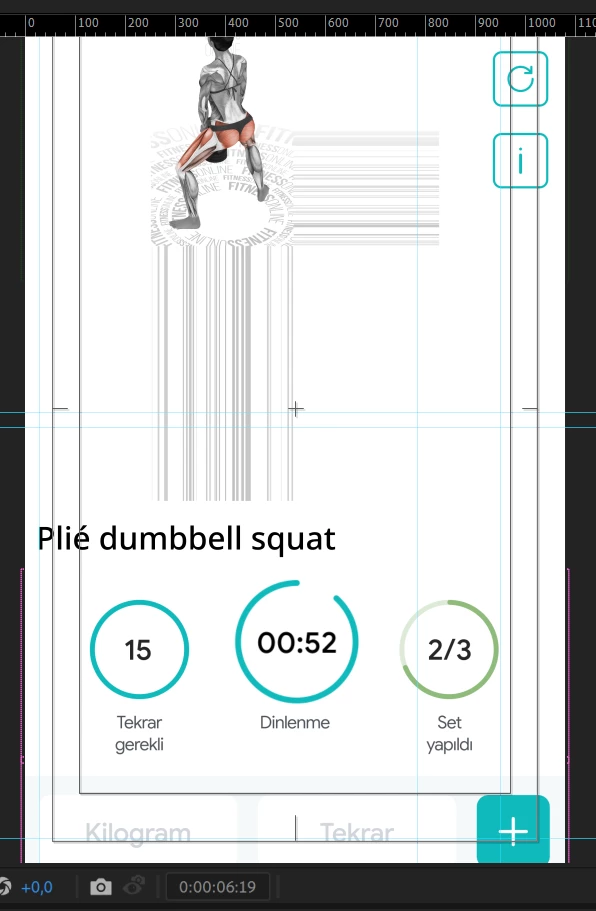


 AdChoices