Participating Frequently
February 26, 2024
Answered

Multiple line options template

  • February 26, 2024
  • 1 reply
  • 502 views

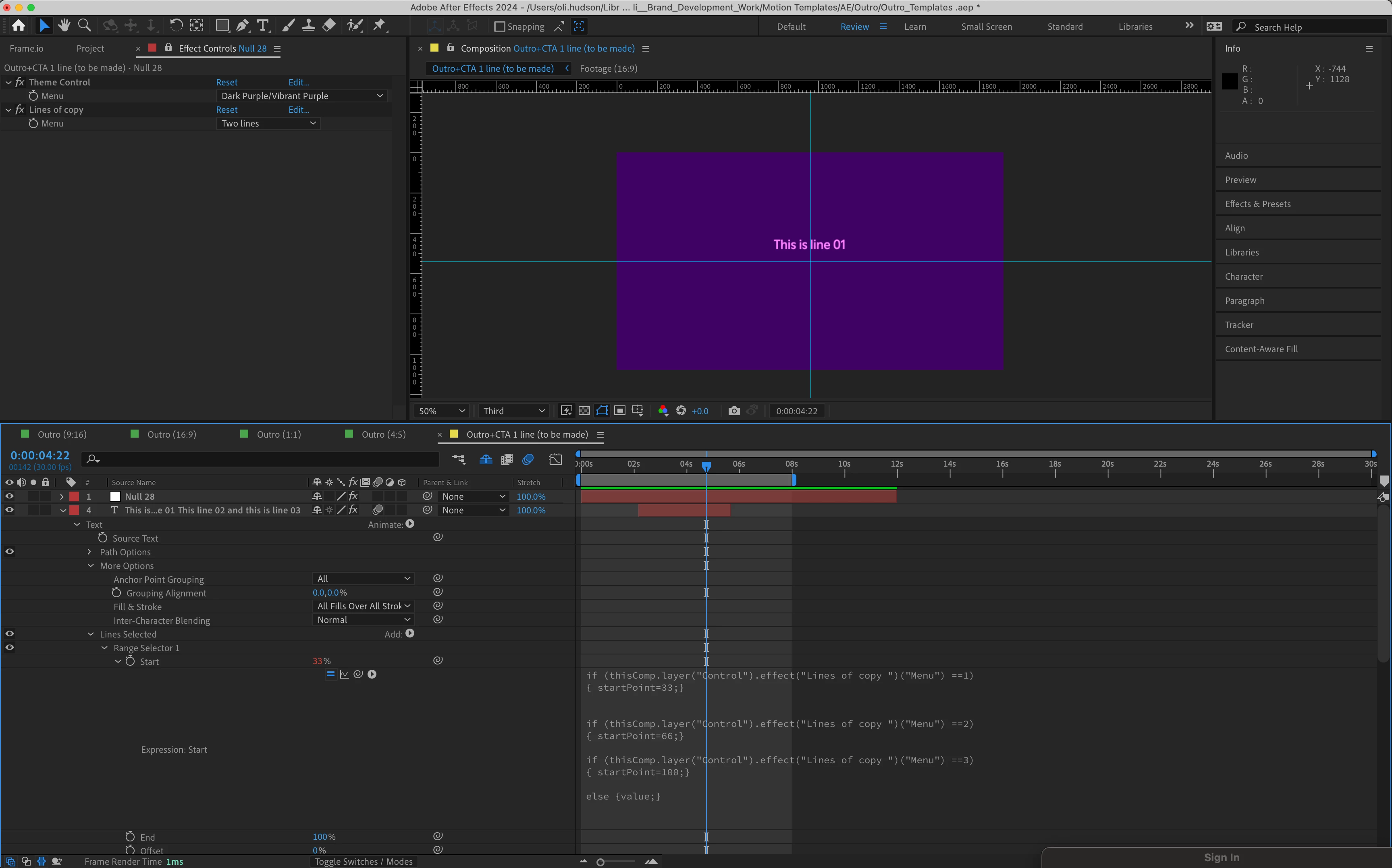
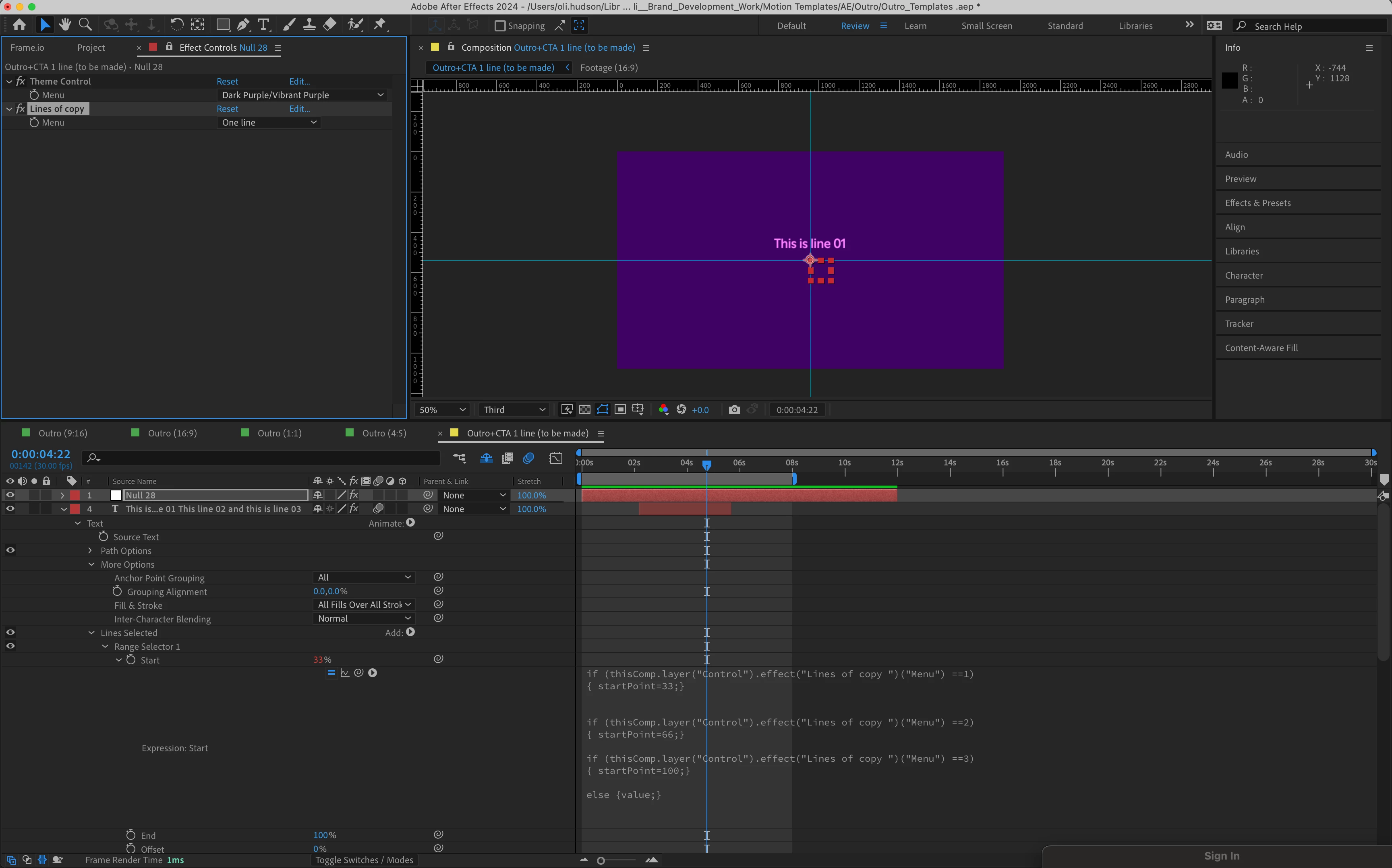
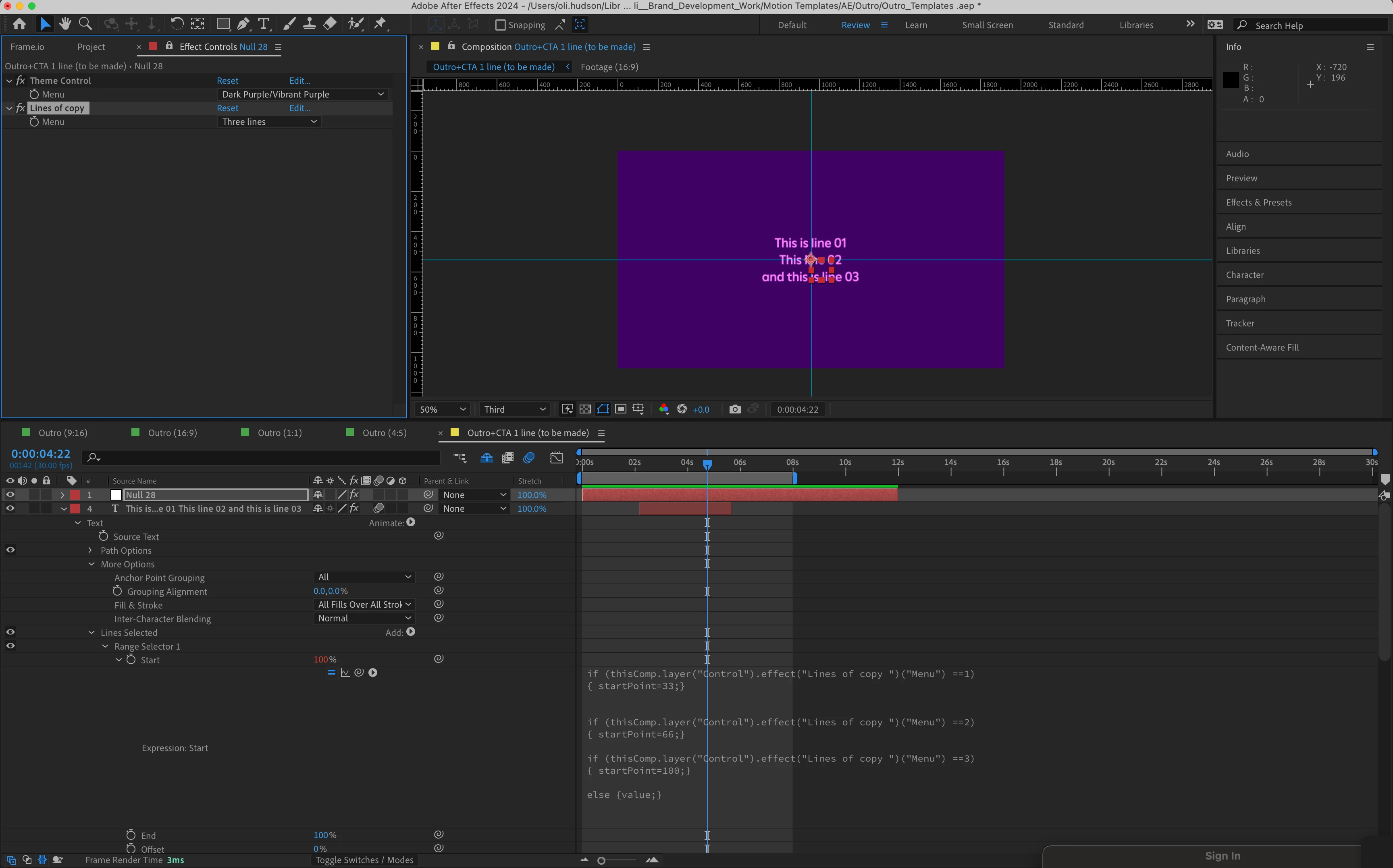
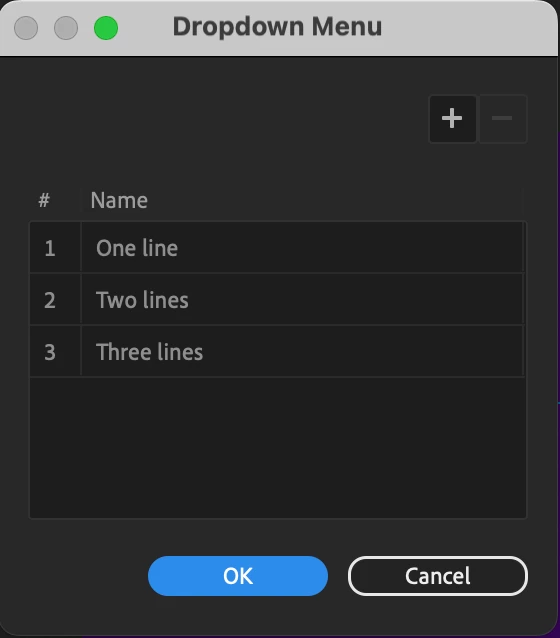
I'm trying to create a template for animated type where each line comes in from opposite direction and a drop down which gives the user the option for 1, 2 or 3 lines of type. 

I've used a drop down expression control along with range animators which should turn the opactiy off for lines not in use. 

However, it doesn't seem to be working. Three lines works ok, but for one and two lines it seems to not want to change via the drop down. 

Any help would be great and if anybody then knows the best way to make sure each option is always centred would be great. 

Thanks,

Oli 
This topic has been closed for replies.
Correct answer JohnColombo17100380

Hi John, yes that's the goal. As the type box changes based on the copy. I need the type to always be centred on screen. 


The simplest way would be to apply the "Lock Anchor Point" preset under the "Behaviors" category. It will apply expressions and controls to keep the Anchor Point in the middle of the layer (or top-right corner, top-center, etc).

1 reply

JohnColombo17100380
Community Manager
Community Manager
February 26, 2024

Hi @oliverh39700684,

You need to add `else` to the second and third `if` blocks, so they start with `else if`. Right now, only the last `if` statement and `else` are being run.


Cheers,

- John, After Effects Engineering Team 

Participating Frequently
February 26, 2024

Thank you, that works now. Lifesaver.
Do you know what the best way to move the anchor point for each dropdown option would be?


JohnColombo17100380
Community Manager
Community Manager
February 27, 2024

What is your goal for the anchor point behavior? E.g. are you wanting it to stay centered as the number of lines changes?