Participant
Jun 11, 2024 10:01 PM UTC
Answered

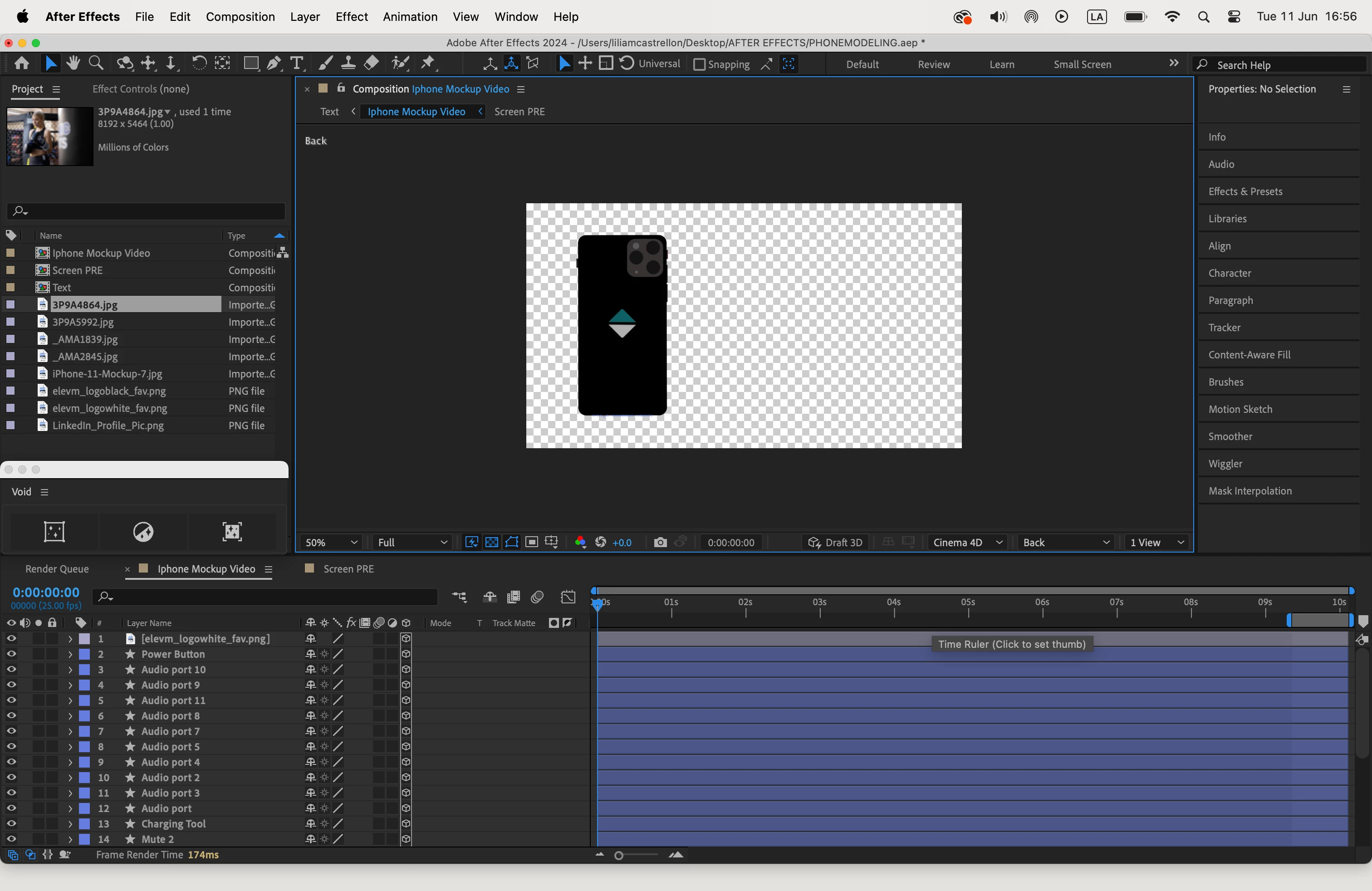
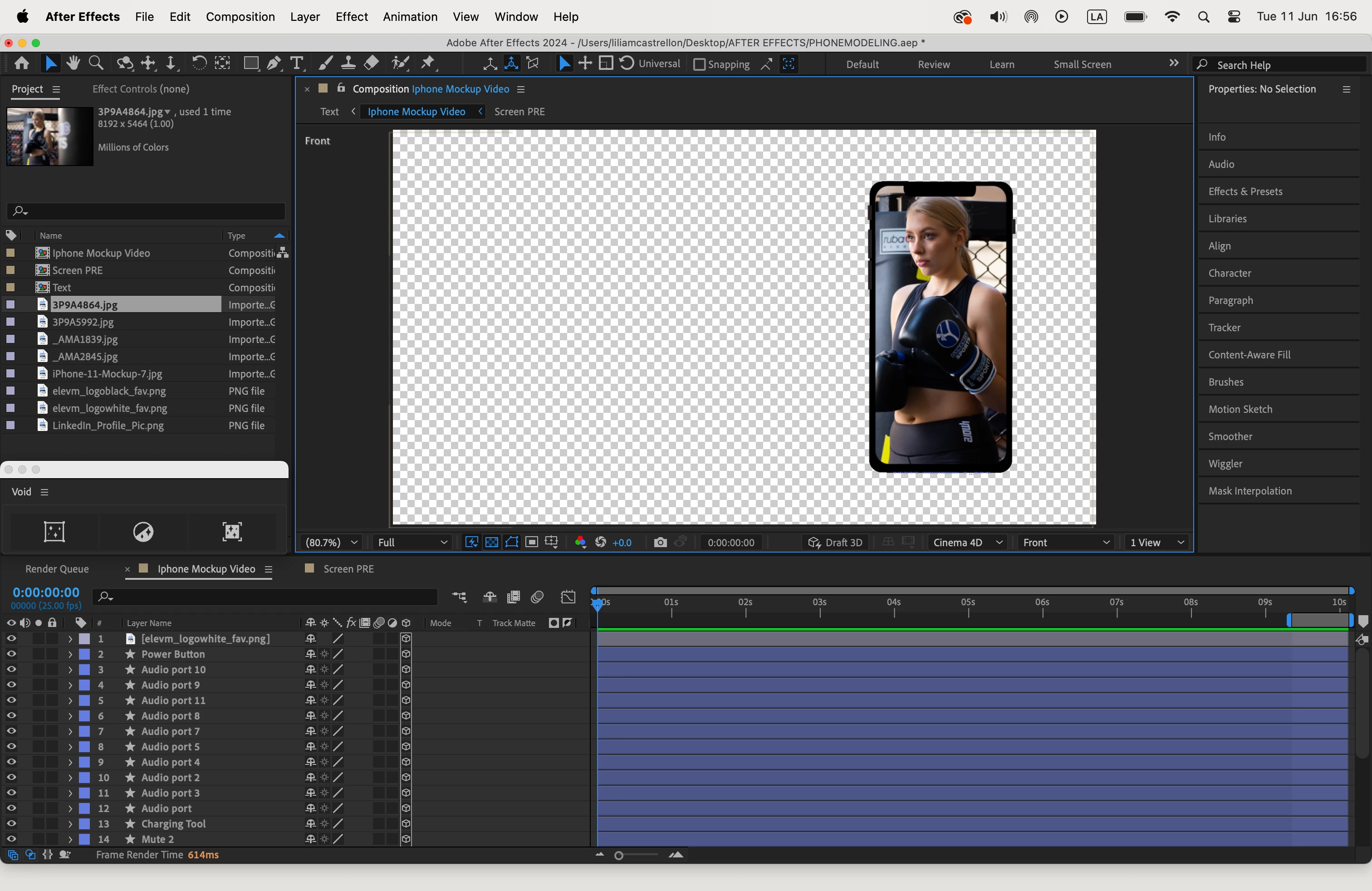
My layers moved when I changed the 3D Views

Hi! 

I am learning to make this animated mockup. I managed to create the phone and change the background but when I want to make the animation in a new composition the layers appear in the corner and I can not move them. I am really new, I appreciate your help and if I can do something to fix it 
This topic is closed to new replies. Start a new post to keep the conversation going.
Rick GerardCorrect answer
Community Expert
Jun 12, 2024 4:02 AM UTC

Only the Active Camera view will render. The other views are only for help lining up your 3D layers in 3D space.  


You have also pre-composed a layer with 3D layers inside and have not collapsed transformations. 


I suggest that you spend some time with the User Guide and familiarize yourself with the 3D workflow. 

2 replies

Rick GerardCommunity ExpertCorrect answer
Community Expert
Jun 12, 2024 4:02 AM UTC

Only the Active Camera view will render. The other views are only for help lining up your 3D layers in 3D space.  


You have also pre-composed a layer with 3D layers inside and have not collapsed transformations. 


I suggest that you spend some time with the User Guide and familiarize yourself with the 3D workflow. 

Translate
Participant
Jun 12, 2024 7:25 PM UTC

The collapsed transformation worked perfectly! Yeah I notice that was the mistake. I will check the guide. I am just having issues with the camera because the rotation is not for the same phone and I don't understand how to fix it. I just want the phone to rotate in his own center not in the whole screen. But it's been quite hard :c  any way to solve this? 

Translate