Question
My template is duplicating an image in two layers, but I want different images.
Hello,
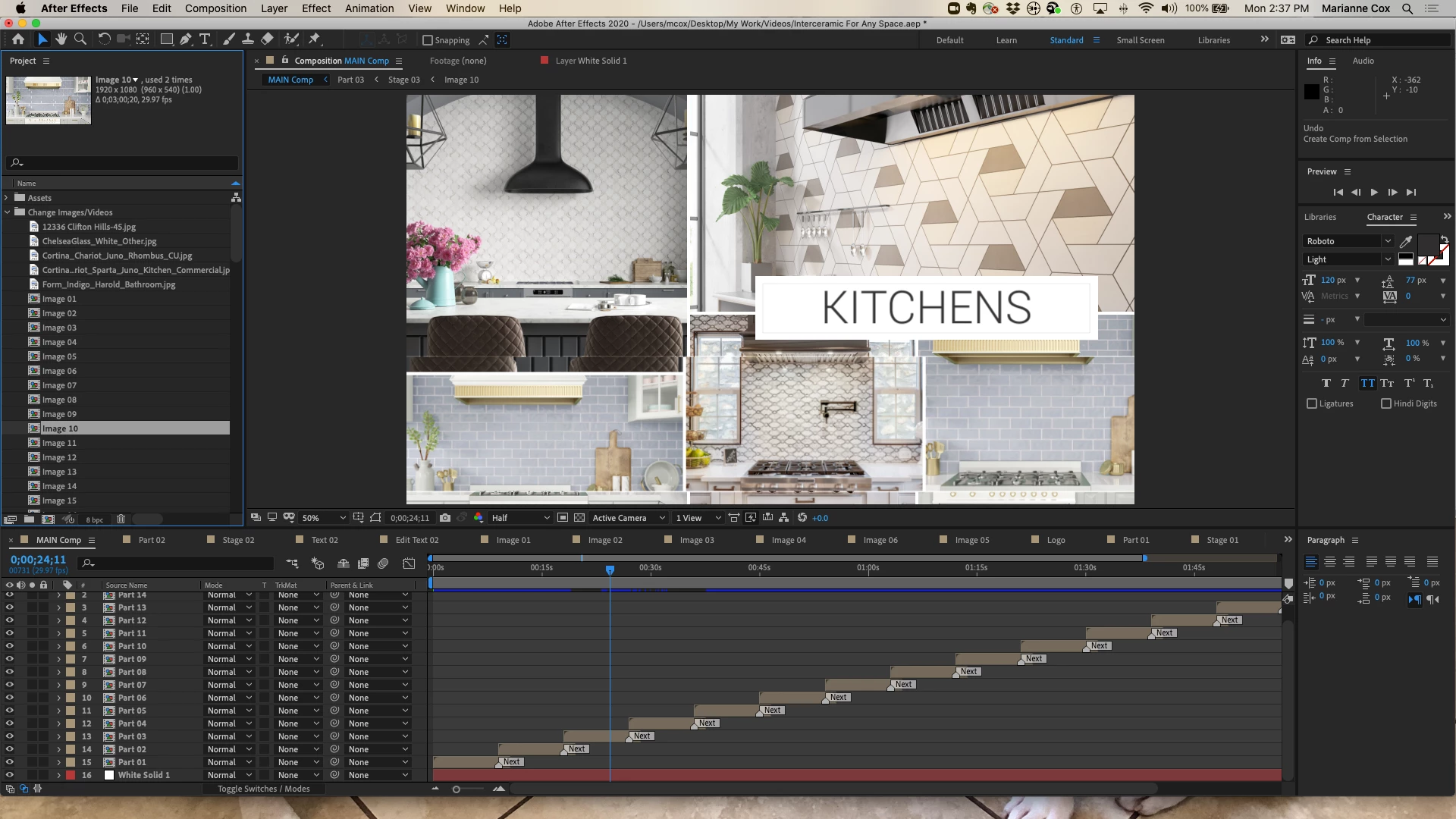
I am working in an AE template and the template is duplicating certain images over two layers, but I want a different image in both layers. Image 10 is used in Stage 03, layers 5 & 7.
I am very new to AE and learning as I go, hopefully someone can tell me how to replace the layer with a different image.
I've included a screenshot.
Thanks,
Marianne
 AdChoices