Participant
February 14, 2021
Question

Need help to make all the text layers visible

  • February 14, 2021
  • 2 replies
  • 130 views

I have a few text layers in my composition, and one of them will only be visible when I bring it to the top. 

I need help to make all the layers to be visible.


Thanks in advance!
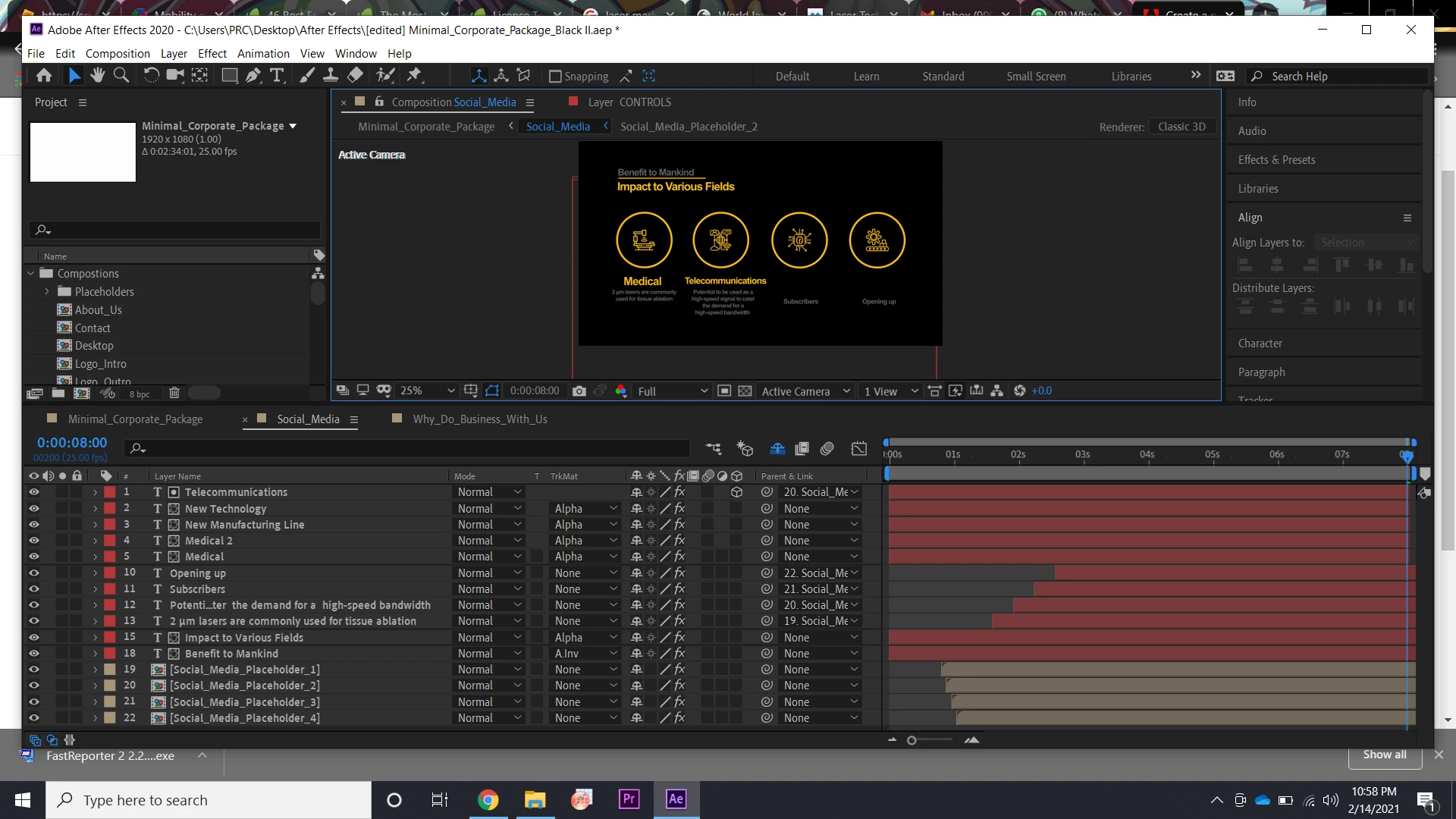


When I brought the "telecommunications" layer to the top, it was visible but the other two do not.
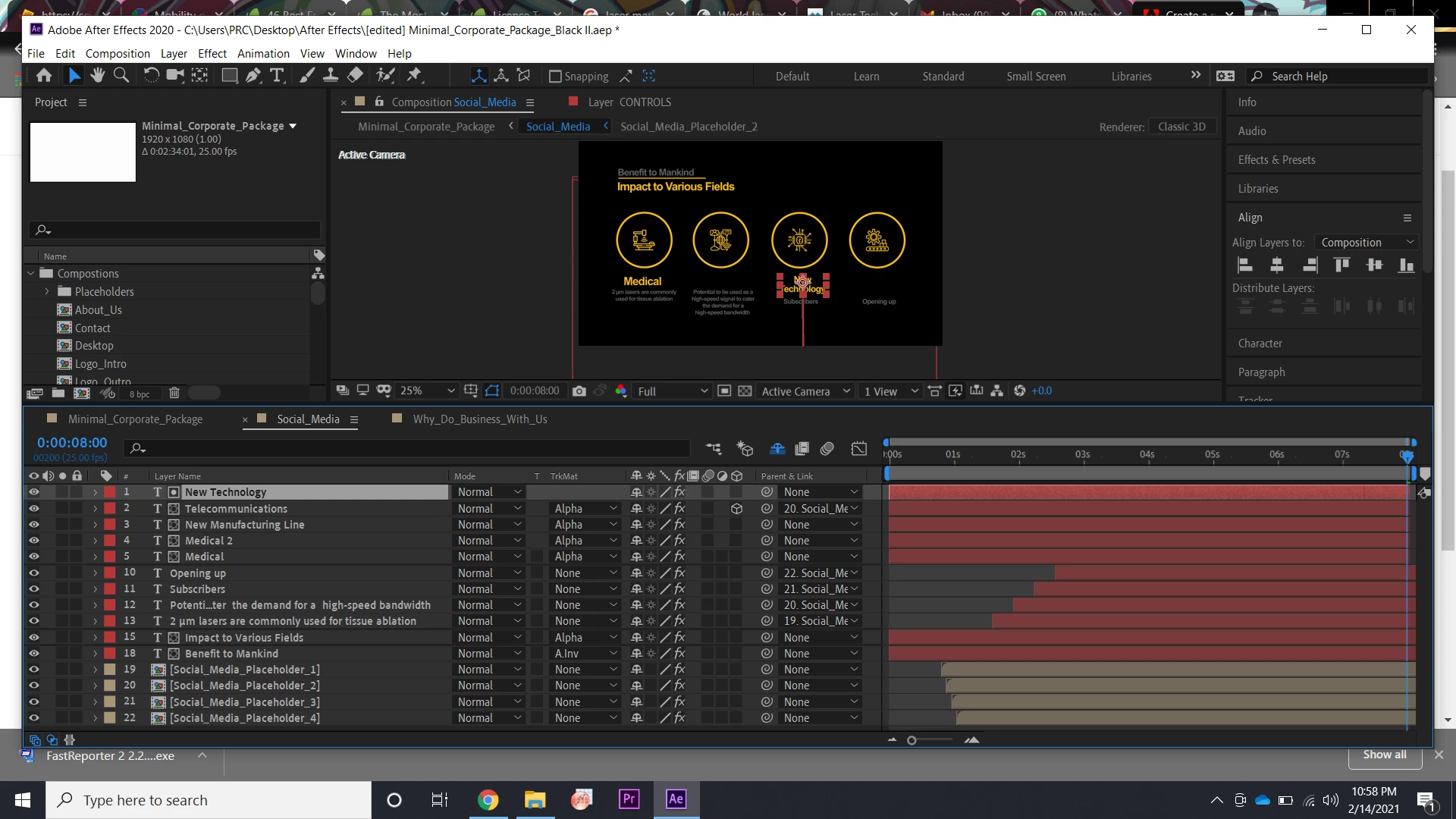
 

The same thing happened for the "New technology" layer.

This topic has been closed for replies.

2 replies

Kyle Hamrick
Community Expert
Community Expert
February 14, 2021

Mylenium is spot-on. I'm guessing you set up one layer and duplicated it, but didn't notice that you were also duplicating the Track Matte settings. 

Each of these layers is technically using the one above it as a matte, so it'll only be visible within the alpha channel of the layer above it. Notice the little icon next to the layer names? 


Set your Track Matte dropdowns on these layers back to None, or if the matte is necessary, you'll need to create duplicates and place them above each of these layers individually.


Mylenium
Legend
February 14, 2021

You need to brush up on how track mattes work. Each layer needs its own track matte. You cannot expect one layer to mask out for other layers. I would suggest you re-read the respective online help sections.


Mylenium