
NO EFFECT, STABILIZE MOTION IN AFTER EFFECTS BROKEN?
I have been using the "stabilize motion, not warp stabilizer" effect in both Premier and After Effects for years. Some will suggest using warp stabilizer, but it only works in a slow-moving scene. I digitize antique celluloid films. The film tends to shrink and warp with time, and it will jig and jag as you digitize it. I use stabilize motion by targeting one of the capture sprocket holes for a registration point and then click analyze forward. The aforementioned effect has most always fixed the problem to a great extent until recently. It seems the effect has absolutely no effect. It is not a problem with the install as it is happening on two different machines. Has something changed? Is there some new setting I am unaware of or did some update break “stabilize motion” in after effects?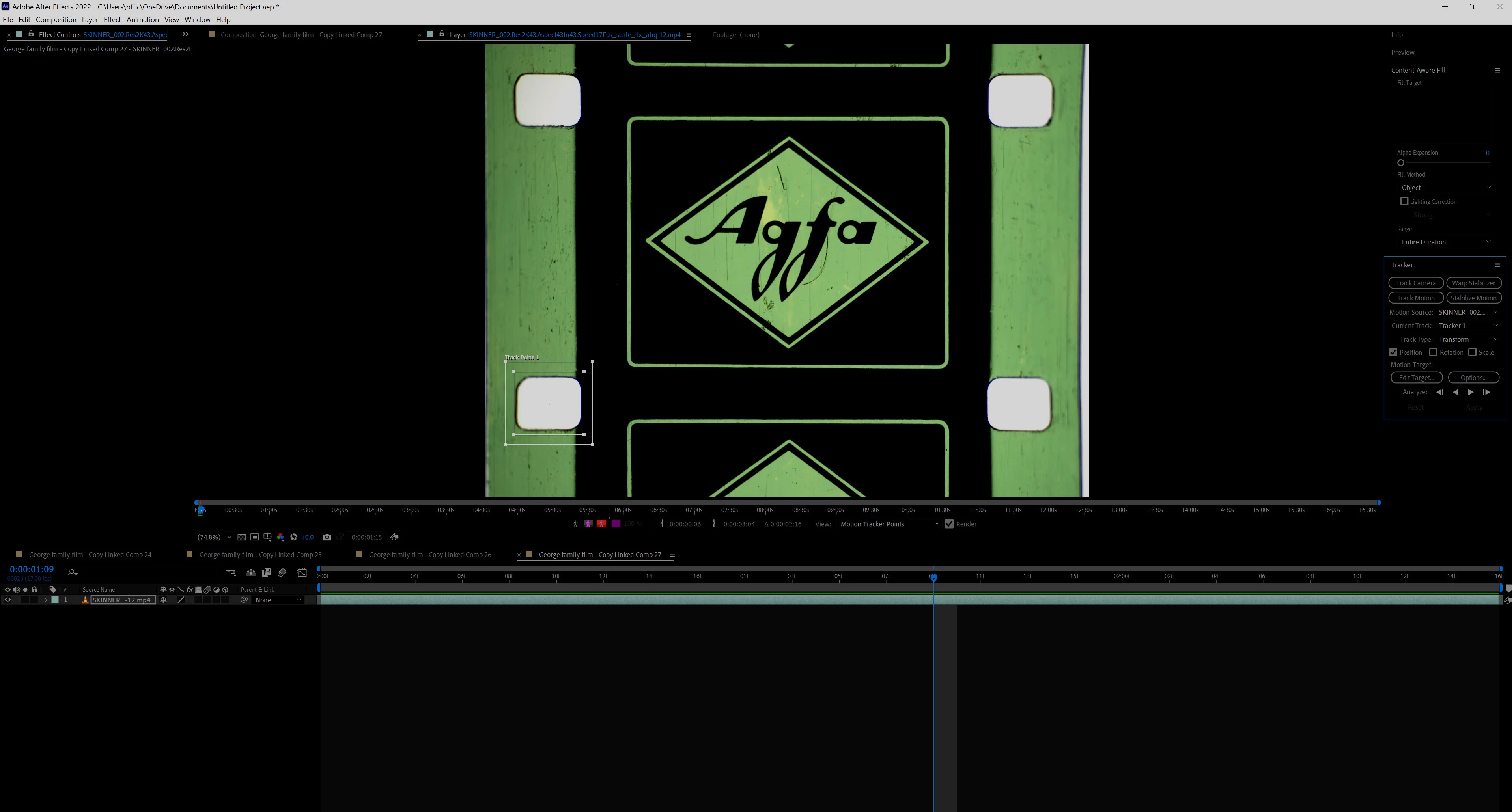
 AdChoices