Participant
May 14, 2017
Answered

No font substitution

  • May 14, 2017
  • 1 reply
  • 663 views

Hi, I am using an Intel i7-6700 CPU 64 bit system with Windows 10. I installed After Effects 14.2.0.198. After I loaded my project I got a warning message to say that I am using fonts that are not installed on my system (which is true) and that they will be substituted.  If I click OK and try to change the font in the text layer I get an error message. See below.
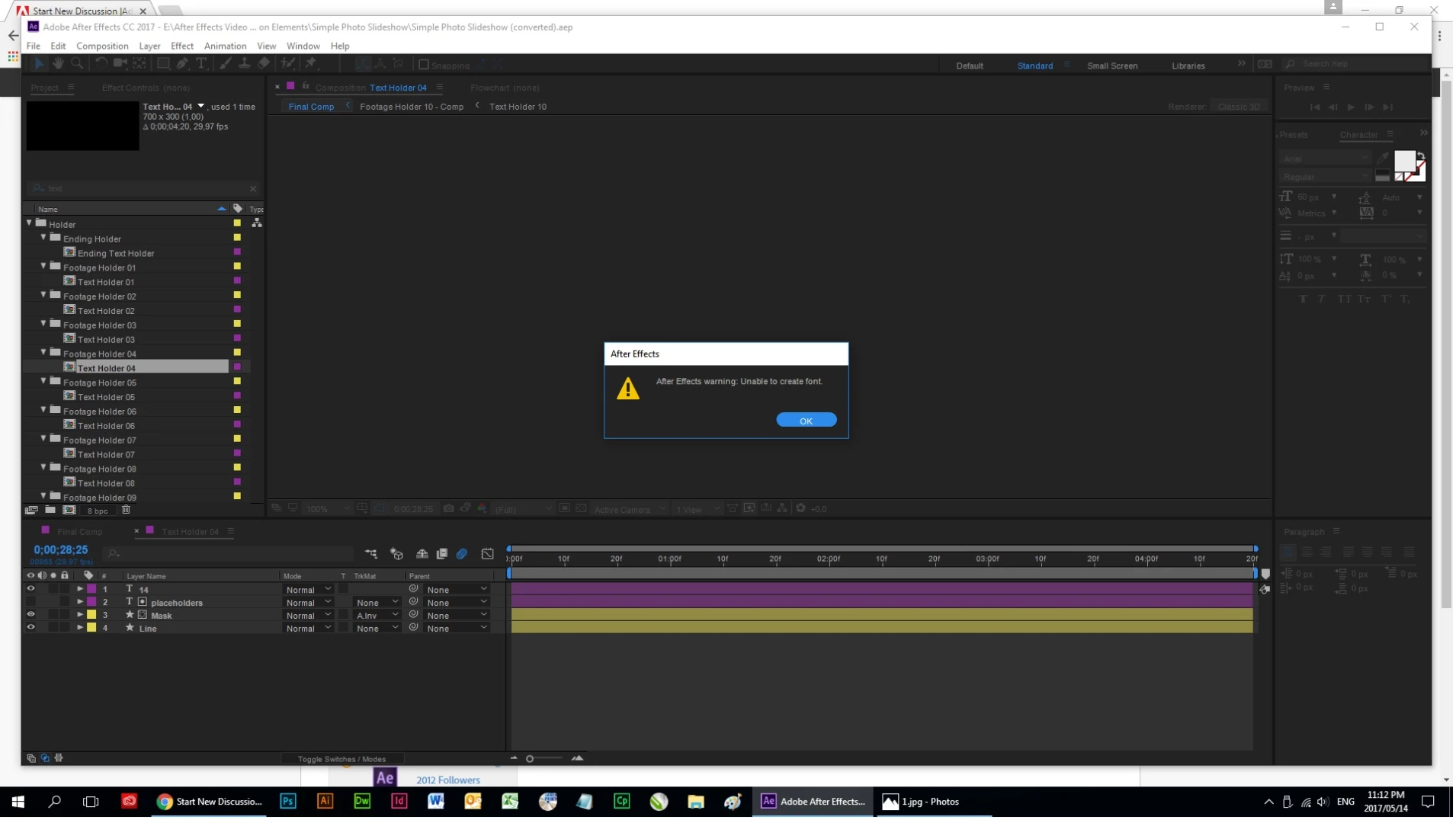
If I click OK and try to use a new font (no substitution was done) I get a final message. See below.
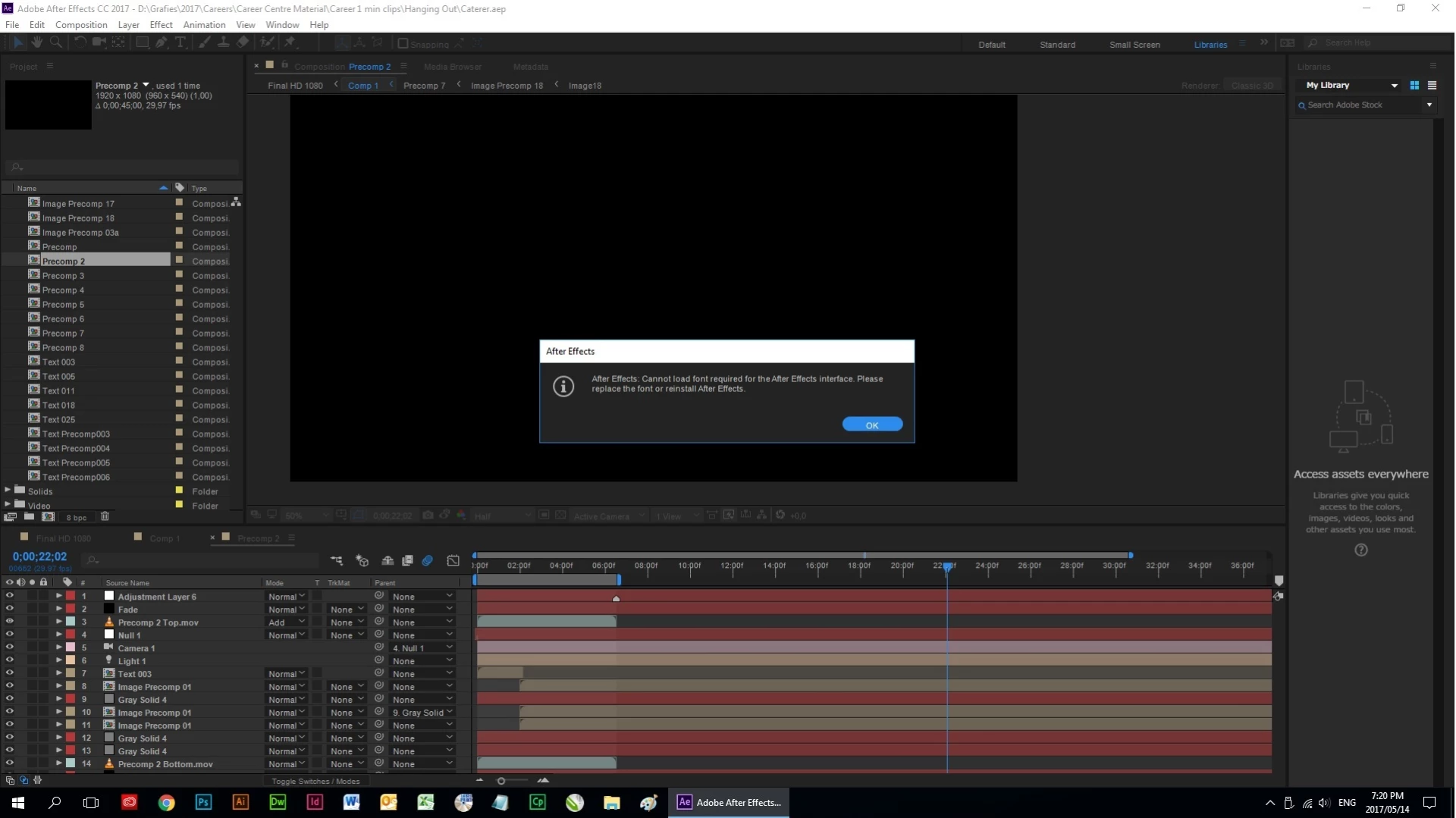
If I then click OK After Effects crashes.

Why is the font not substituted? Why won't the program allow me the change the font?

    This topic has been closed for replies.
    Correct answer Roei Tzoref

    this message is not about fonts that are in your project, but fonts that After Effects needs for the interface. this could be a bug also. have you deleted any default fonts from your system? check that you have:

    • Myriad Pro
    • Tahoma
    • Verdana

    if this isn't it, I would try to re-install and if that does not work, I'd go to customer service and ask an agent to help me via remote desktop. some OS functions, setting or installing is probably required here:contact-bumper

    1 reply

    Roei Tzoref
    Roei TzorefCorrect answer
    Legend
    May 14, 2017

    this message is not about fonts that are in your project, but fonts that After Effects needs for the interface. this could be a bug also. have you deleted any default fonts from your system? check that you have:

    • Myriad Pro
    • Tahoma
    • Verdana

    if this isn't it, I would try to re-install and if that does not work, I'd go to customer service and ask an agent to help me via remote desktop. some OS functions, setting or installing is probably required here:contact-bumper

    TheagrobAuthor
    Participant
    May 15, 2017

    Thank you I didn't have Tahoma installed. I installed it and it seems to have done the trick.