
No motion blur when animating shape path on 3D shape layer
Hello,
I have a rectangle. And I have animated the "Size" property under "Rectangle Path 1", very basic. You can see it in the pictures. I also have enabled motion blur which works all fine but just as long as the layer is a 2D layer. As soon as I click the 3D icon on the layer the motion blur is gone. I do nothing except changing the layer from 2D to 3D.
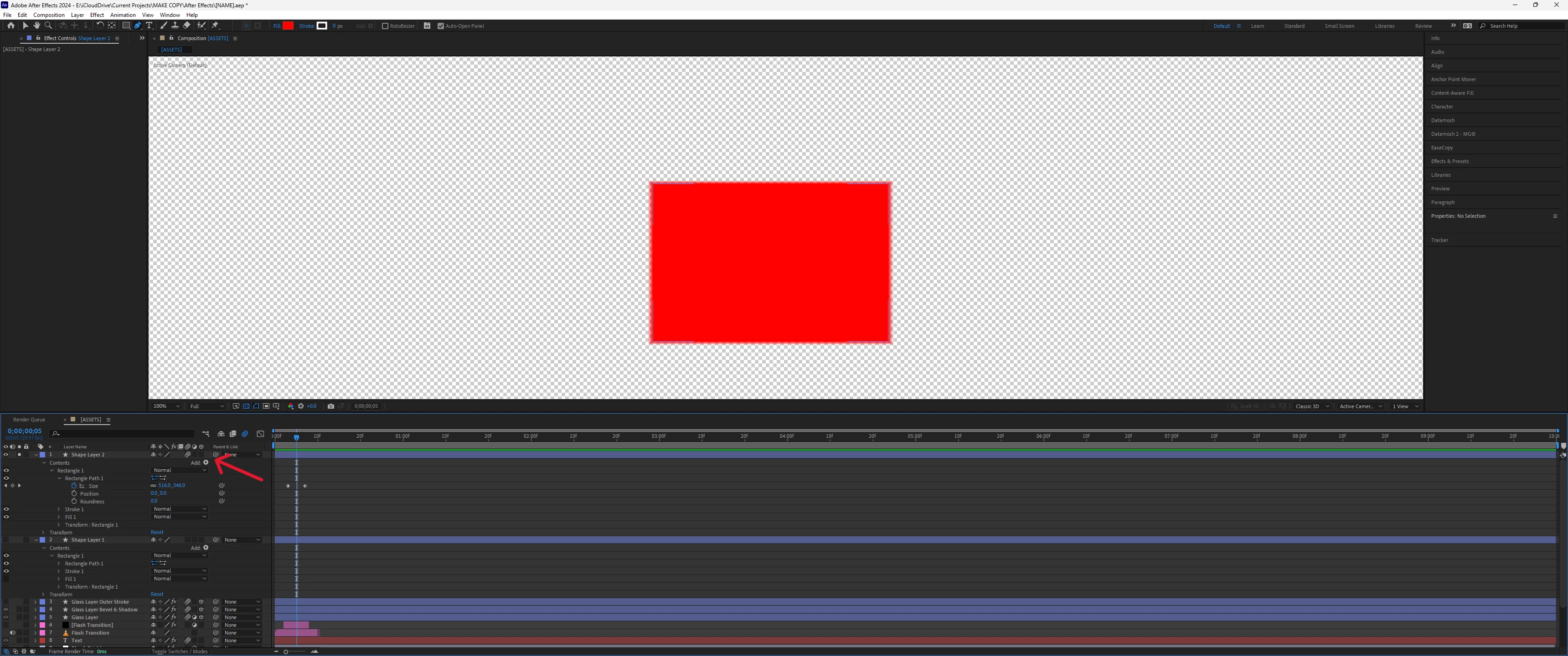
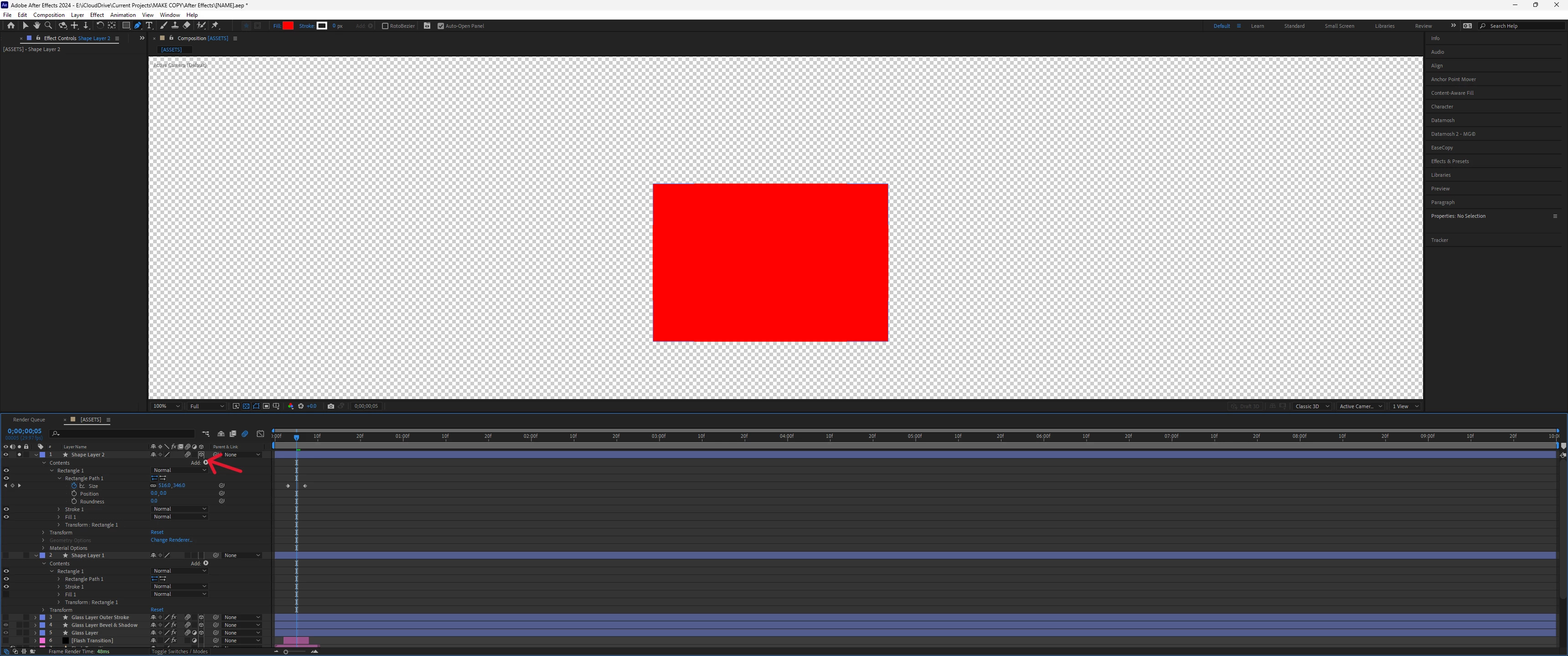
I tested the same with the "Scale" property under "Transform". There I get the motion blur both with the layer being 2D as well as 3D.
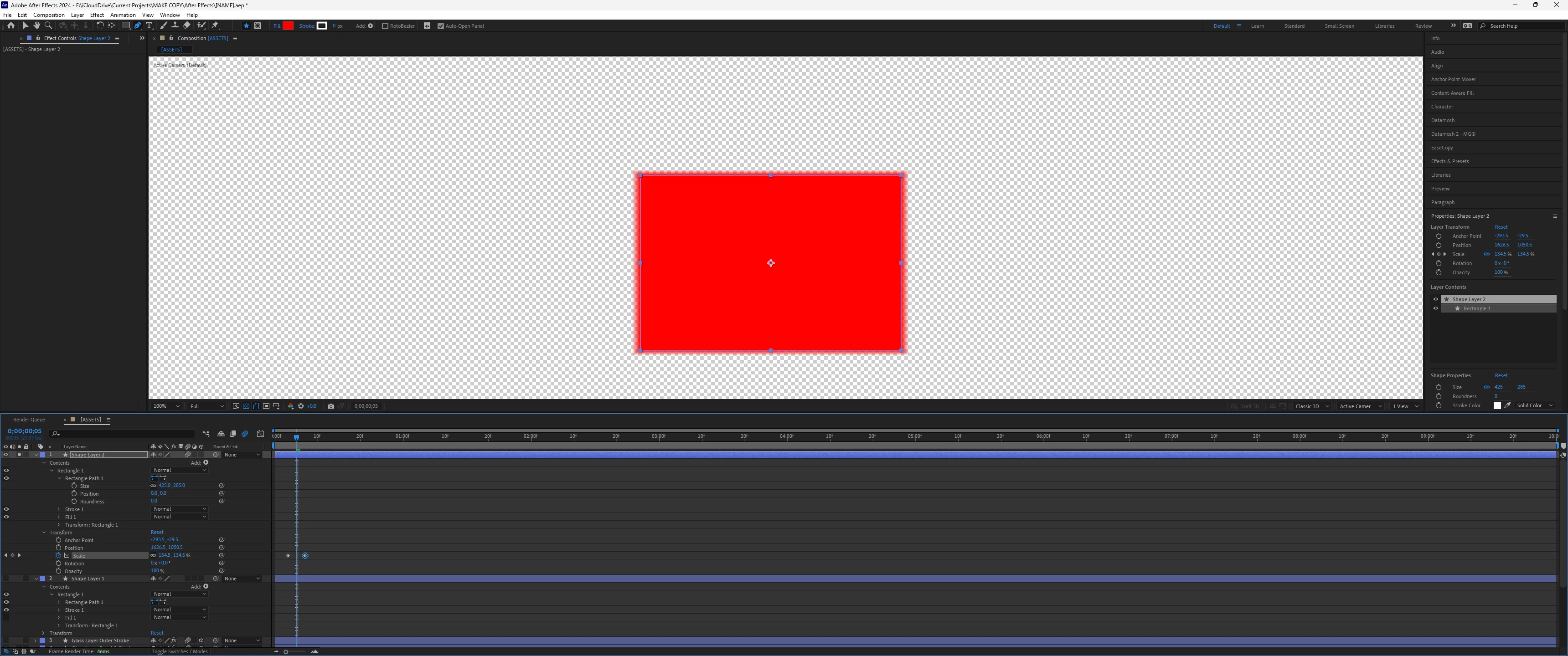
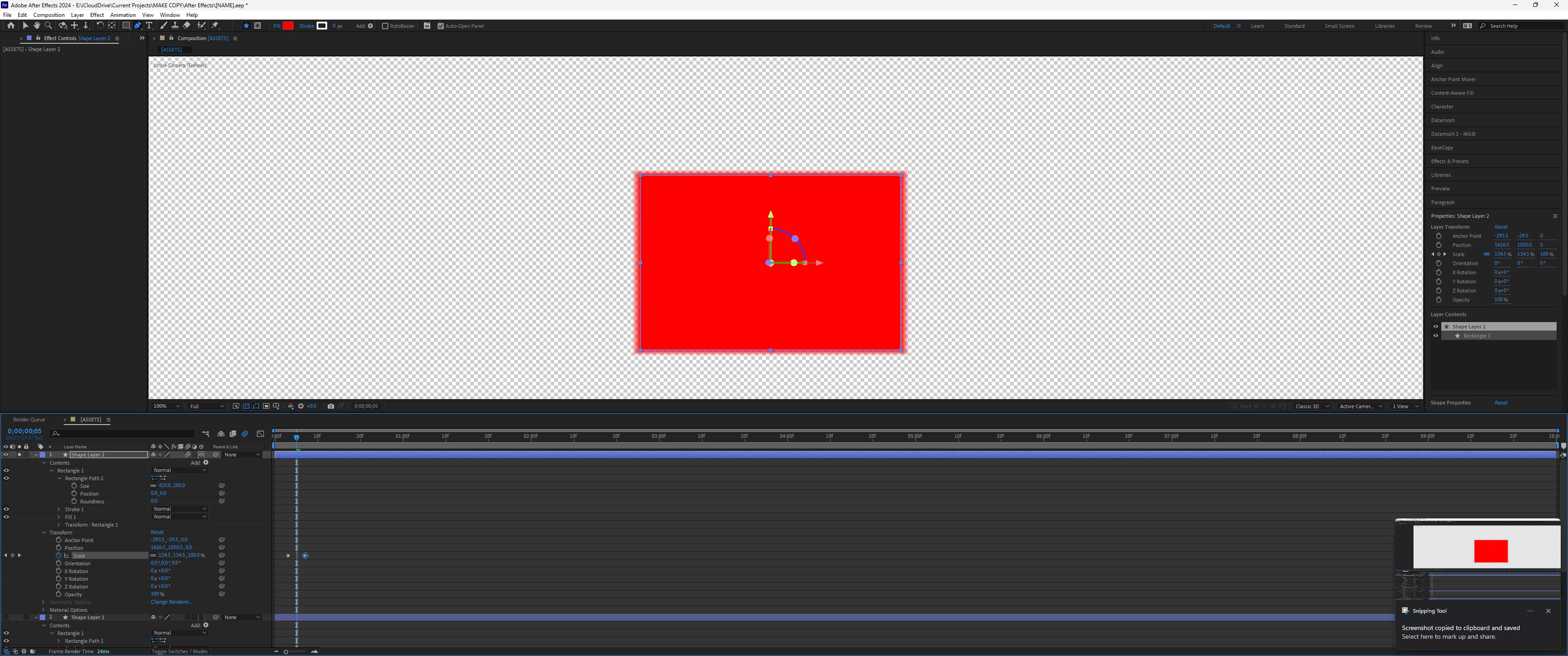
But because I want to add rounded corners to the rectangle I have to animate it with the "Size" property to not distort the round corners.
How to solve this?
Edit: I want to make the animated 3D shape layer an adjustment layer in the end. That means I can't use CC Force Motion Blur because that would affect not the shape layer but everything beneath it.
AE version: 24.2.1
OS: Windows 11


 AdChoices