Inspiring
October 4, 2017
Answered

No preview in the composition window.

  • October 4, 2017
  • 6 replies
  • 20030 views

In my other laptop it was working fine.

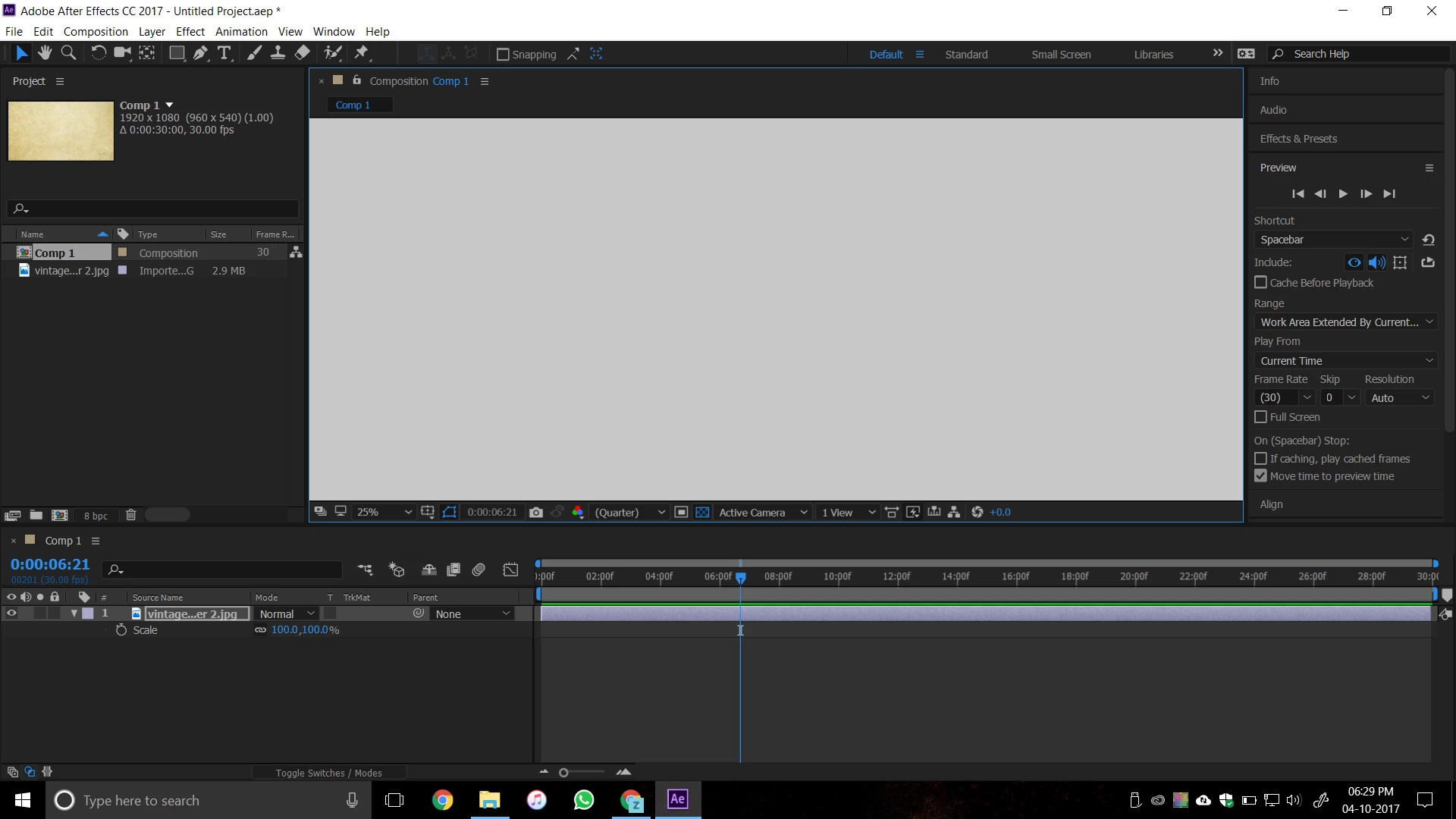
This is my new laptop with a NVIDIA 1050Ti. When I am making a new composition, no preview is shown. There is nothing even when I am adding an image.

I tried reinstalling it. I fiddled with some settings. CAPS lock is off. I also tried porting the settings from old laptop.

Still not working.
This topic has been closed for replies.
Correct answer Diyanko_Bhowmik

Hi,  Did you try updating the Nvidia drivers manually, if not please download the drivers from here - NVIDIA DRIVERS GeForce Game Ready Driver WHQL following driver was updated on 2017.9.21.

If this does not solve your problem can you provide Remote desktop using RDP or Team viewer. If yes than you can send me a message with details.


Okay, I had updated all drivers.

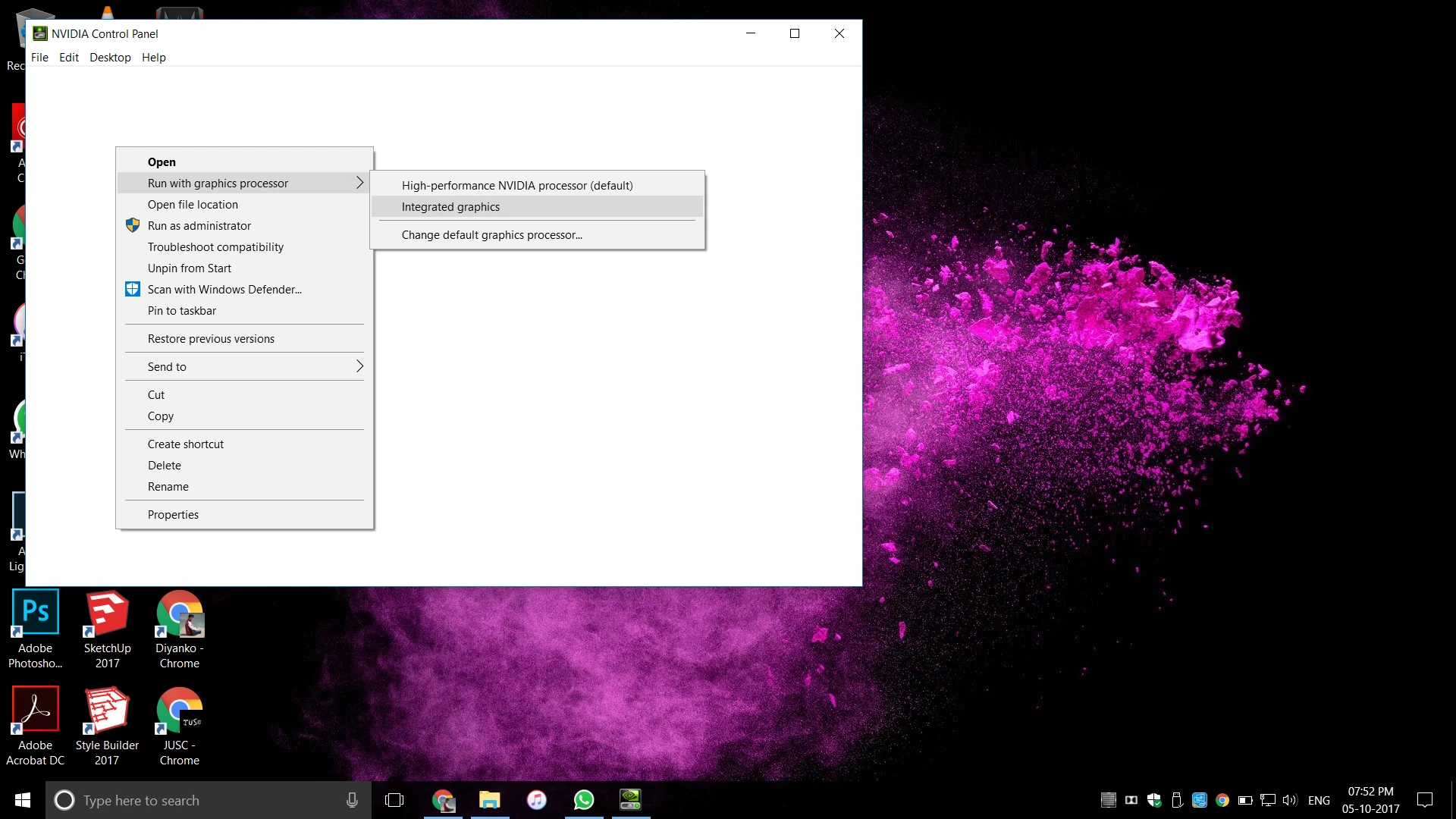
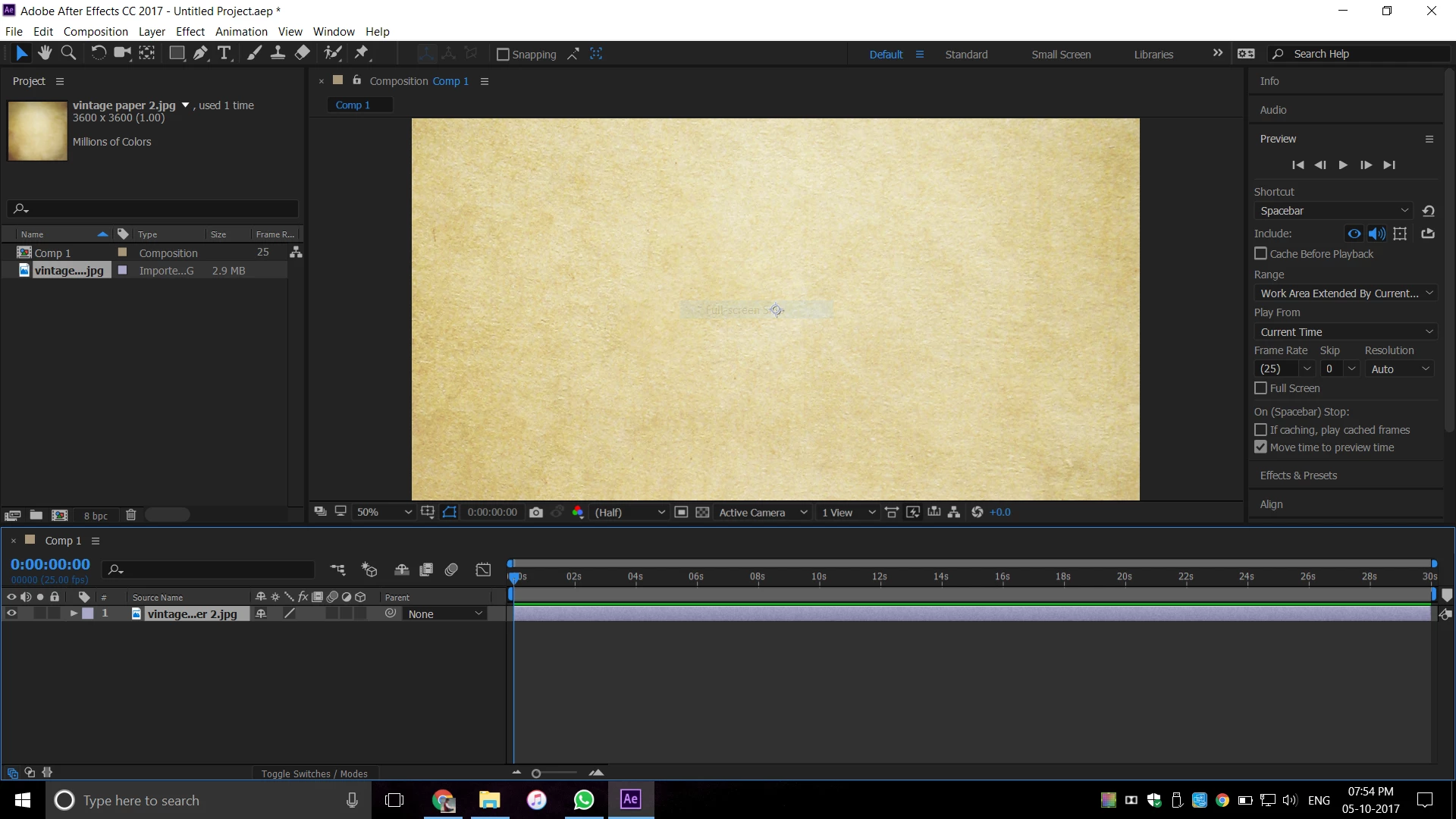
Now, the problem was solved in a very funny manner. Manually tried opening it with integrated CPU. It worked.

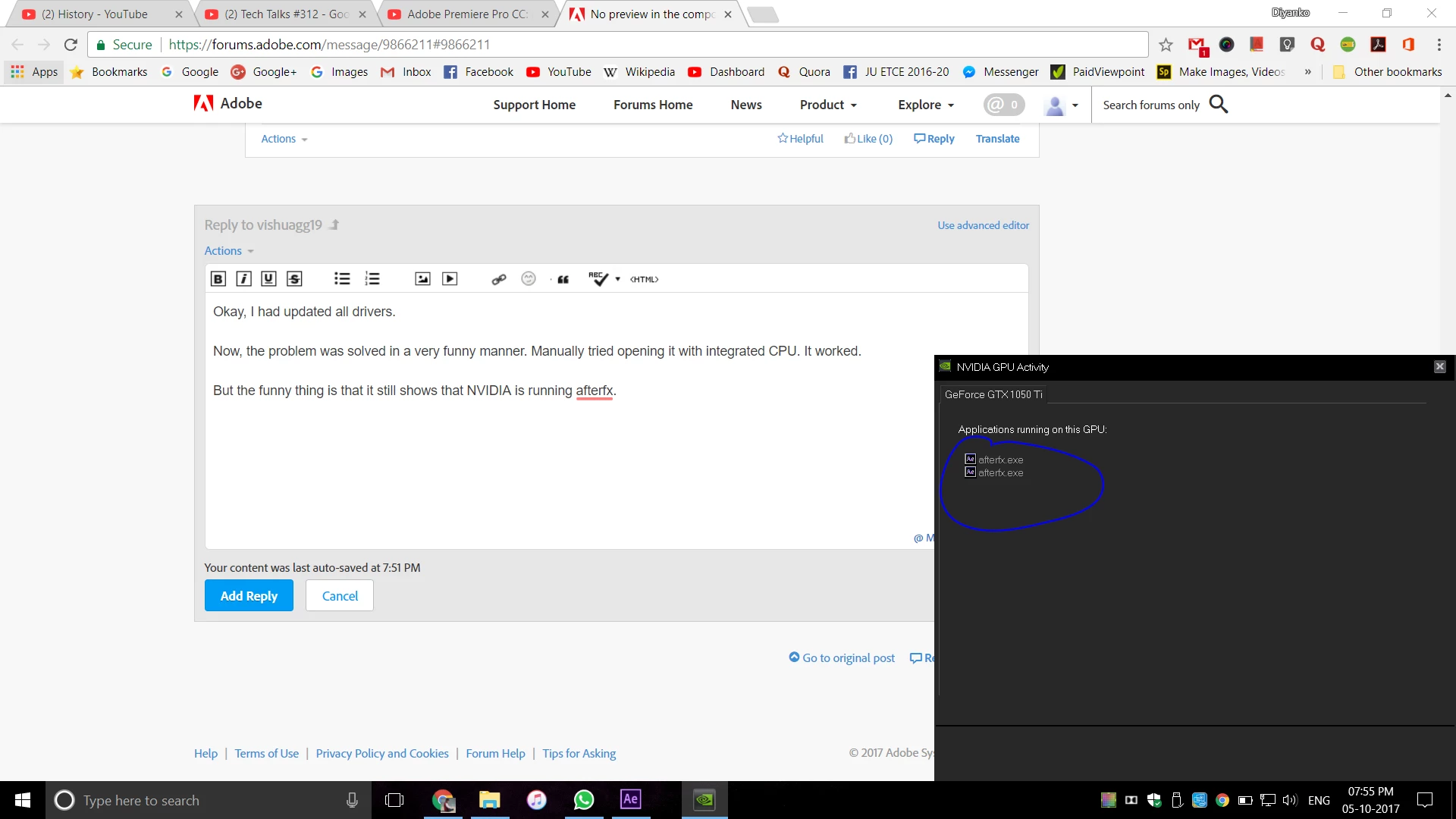
But the funny thing is that it still shows that NVIDIA is running afterfx.

I want to thank everyone who answered to my question for your time. Thankfully, it is okay now. I was becoming very depressed.

6 replies

leroacha
Known Participant
October 13, 2024

This is kinda late to the party but, how did you manage to fix it? I'm in the same predicament as you last time but how did you manually opened it with the integrated CPU?

Participating Frequently
November 27, 2020

[abuse removed by moderator]

kirkeric
Inspiring
October 4, 2017

As an additional note, I see a panel to the right showing extended range and the viewing area size shows 25% yet seems to fill the entire area.  Have you looked in to those settings?

Eric

Inspiring
October 4, 2017

Yes, I tried zooming in and out. Still remains the same.

Vishu_Aggarwal
Participating Frequently
October 4, 2017

I am curious to know does it show preview for shape, text or solid layers and what GPU information AE display in preferences > Preview  -

Vishu AggarwalAdobe Certified Instructor, Professional and Expert
Inspiring
October 4, 2017

kirkeric
Inspiring
October 4, 2017

Is the preview you are expecting to see the one shown in the thumbnail in top left?  Have you tried removing the image, replacing it, closing and reopening AE?

I'd give those a things a try as well as re-importing the image.  Since it appears you've not really done any work yet, worth a try.

Eric

Inspiring
October 4, 2017

Yes, that is the thing I want. I have tried replacing the image many times. I have restarted AE and my laptop.

One thing I realised that the picture is actually invisible because when I double click on the blank part, the image opens in a new tab as shown.

I want the preview in the composition window. It was happening perfectly on my old laptop which did not have a dedicated GPU.

kirkeric
Inspiring
October 4, 2017

Was this screen shot after you double-clicked from the same PC?

I noticed the first one said JPG on the timeline and "imported g..." (cut off) on the type in upper left, yet this one says PNG on both the timeline and the type in upper left.

Eric

Vishu_Aggarwal
Participating Frequently
October 4, 2017

Did you try updating the NVIDIA 1050Ti drivers & After Effects to the latest version.

Also try resetting the preferences - Setting preferences in After Effects

Vishu AggarwalAdobe Certified Instructor, Professional and Expert
Inspiring
October 4, 2017

I have updated drivers to the latest version and so for AfterEffects.

The laptop is 5 days old, so everything is up-to-date.

I did try resetting preferences.

Still the same.